Console Controllers
The history of video game console and arcade controllers is quite fascinating and has evolved significantly over the years. Let's take a detailed journey through their development:

Early Days of Arcades (1970s - 1980s):
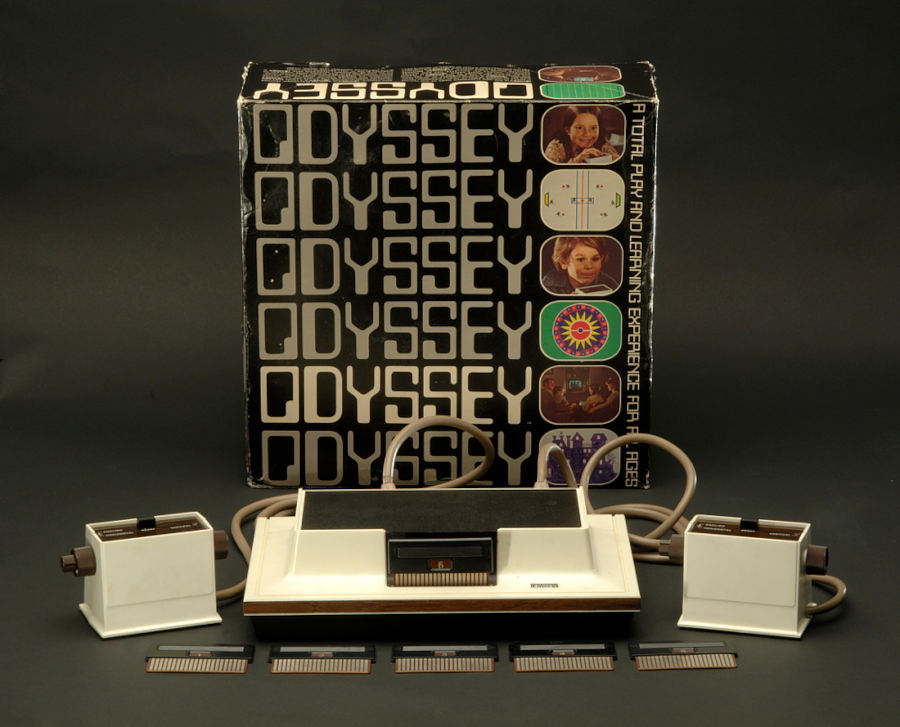
Magnavox Odyssey (1972):
 One of the earliest gaming systems, the Magnavox Odyssey
, featured analog controllers in the form of dials and switches. These controllers were simple and allowed players to interact with simple on-screen games like Pong.
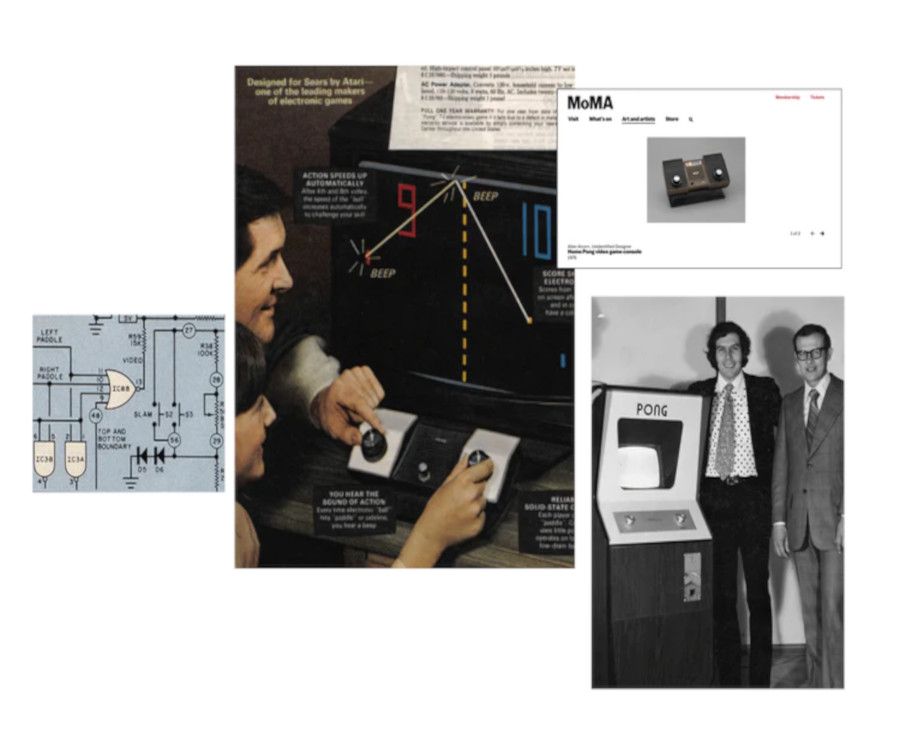
Atari Pong (1972):
One of the earliest gaming systems, the Magnavox Odyssey
, featured analog controllers in the form of dials and switches. These controllers were simple and allowed players to interact with simple on-screen games like Pong.
Atari Pong (1972):
 The original Pong arcade
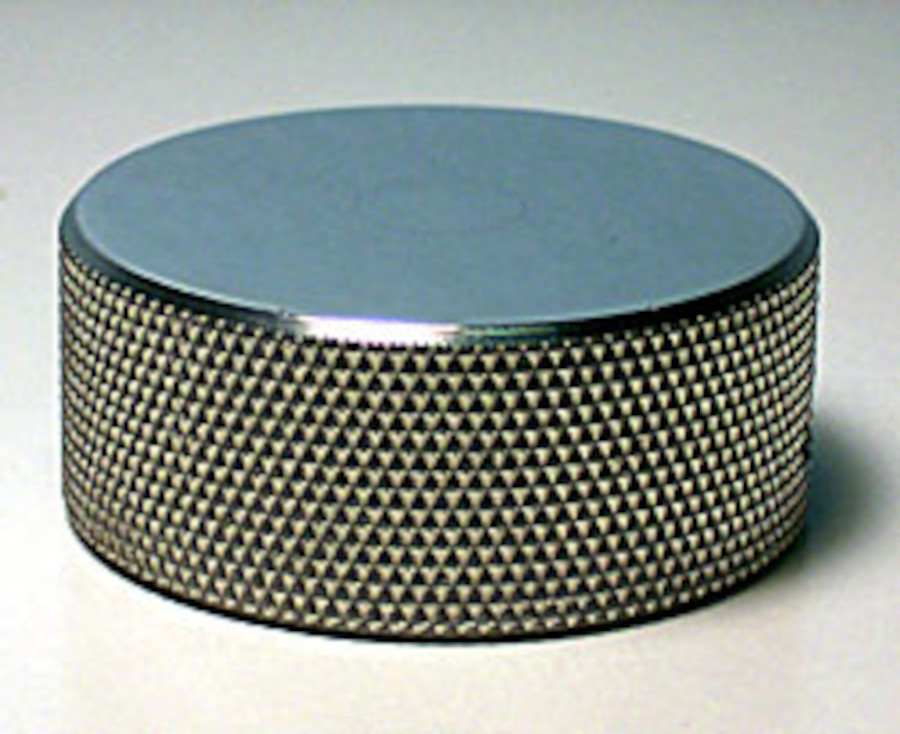
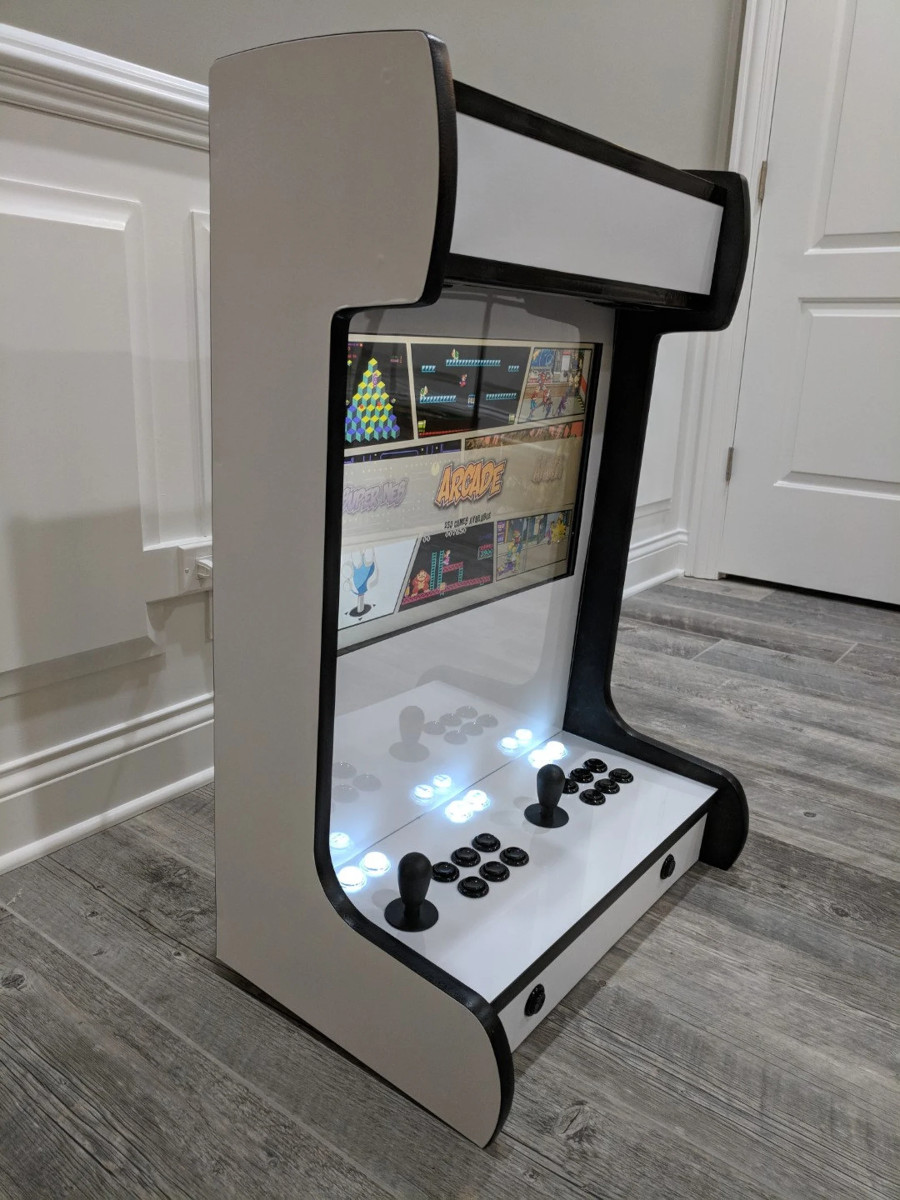
game utilized a simple control scheme with rotary knobs that players turned to control the paddles. This marked the beginning of arcade gaming and introduced the concept of interactive control.
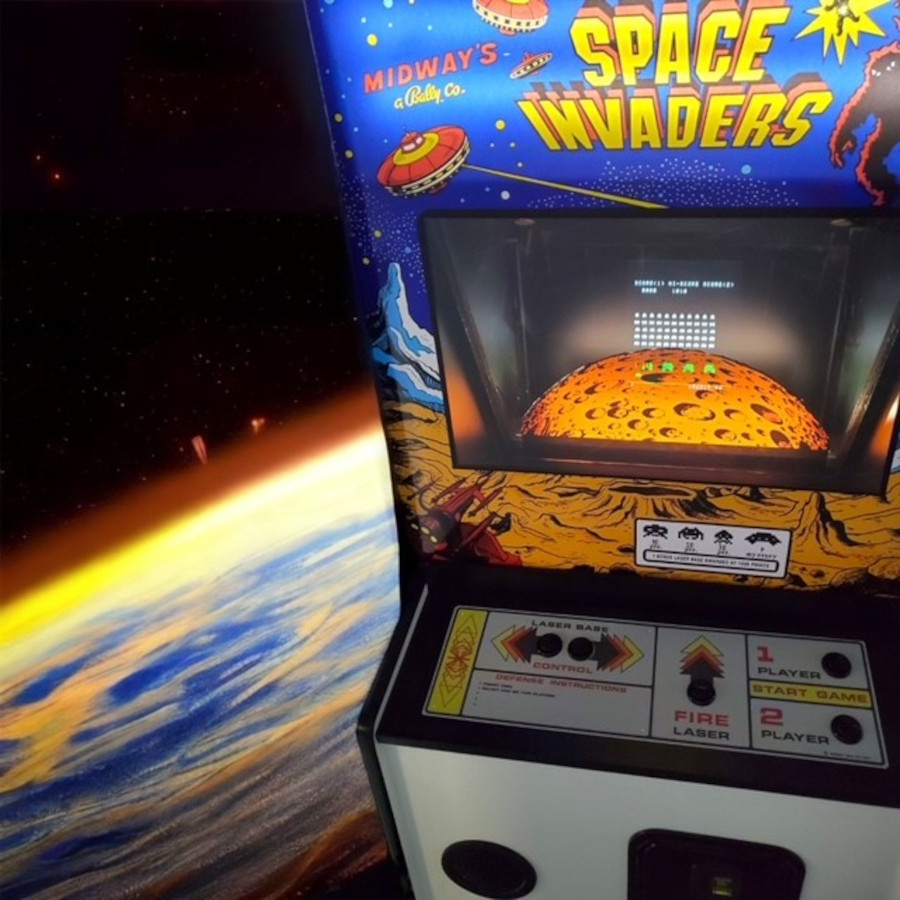
Space Invaders (1978):
The original Pong arcade
game utilized a simple control scheme with rotary knobs that players turned to control the paddles. This marked the beginning of arcade gaming and introduced the concept of interactive control.
Space Invaders (1978):
 The iconic Space Invaders arcade
game featured a two-way joystick for horizontal movement and a fire button for shooting. This marked the introduction of joystick-based controls.
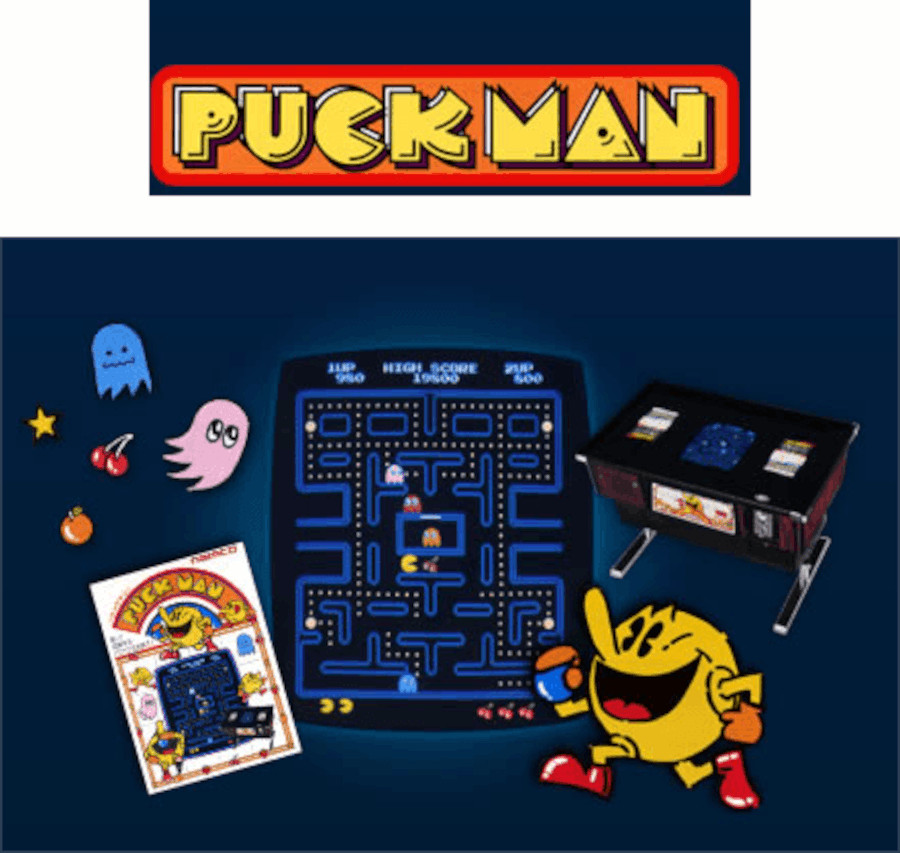
Pac-Man (1980):
The iconic Space Invaders arcade
game featured a two-way joystick for horizontal movement and a fire button for shooting. This marked the introduction of joystick-based controls.
Pac-Man (1980):
 Pac-Man introduced the four-way joystick, which allowed players to control the titular character's movement through mazes. It became a standard input method for many arcade games.
Golden Age of Arcade Games
(1980s - early 1990s):
Street Fighter (1987):
 Street Fighter popularized the use of six-button layouts, allowing players to perform various attacks with different combinations of buttons. This layout later became a staple in many fighting games.
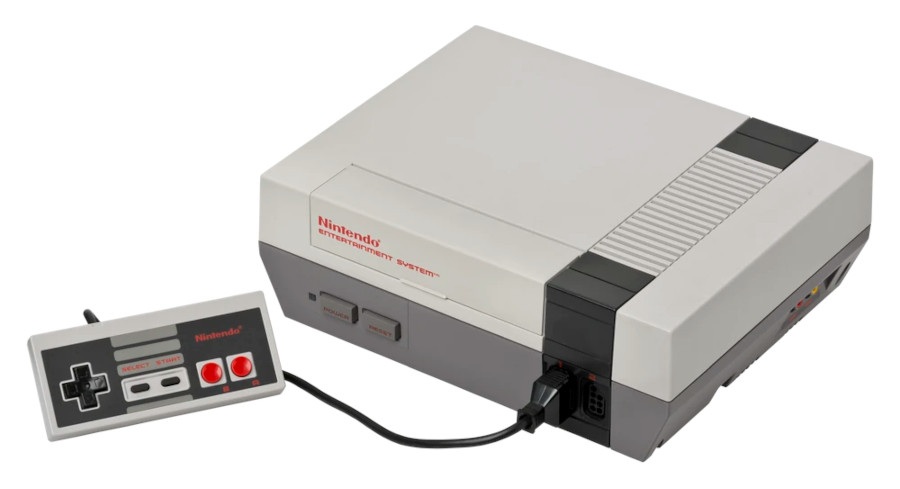
Nintendo Entertainment System (NES) (1985):
Street Fighter popularized the use of six-button layouts, allowing players to perform various attacks with different combinations of buttons. This layout later became a staple in many fighting games.
Nintendo Entertainment System (NES) (1985):
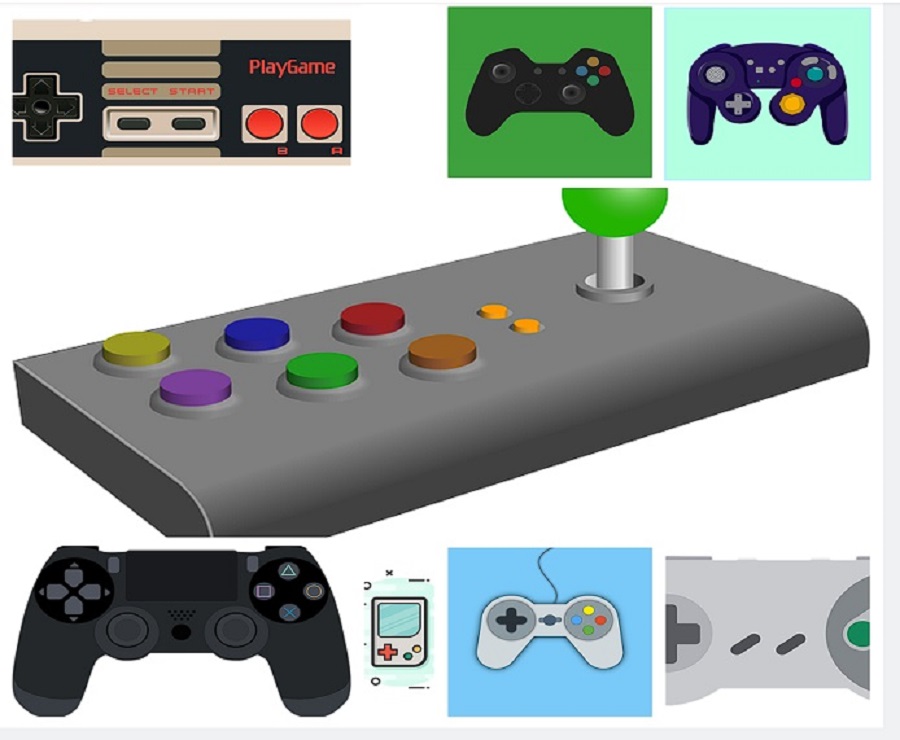
 The NES
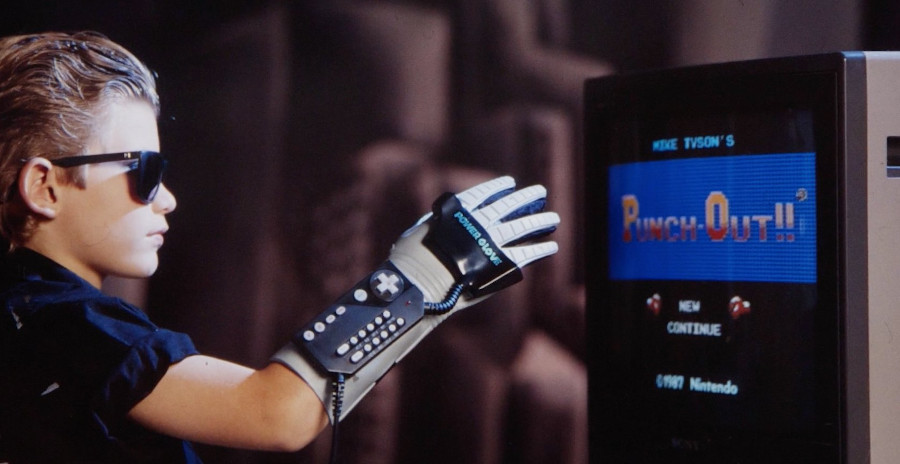
introduced the classic D-pad (Directional Pad), which was a cross-shaped control pad that enabled more precise movement in games. The NES controller
also included the A and B buttons, setting the foundation for future console controllers.
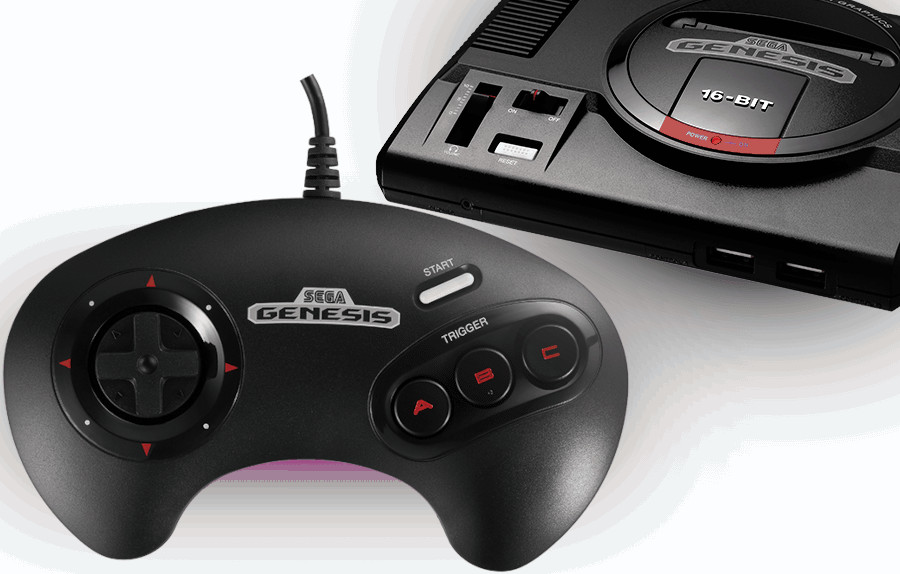
Sega Genesis (1989):
The NES
introduced the classic D-pad (Directional Pad), which was a cross-shaped control pad that enabled more precise movement in games. The NES controller
also included the A and B buttons, setting the foundation for future console controllers.
Sega Genesis (1989):
 The Sega Genesis controller
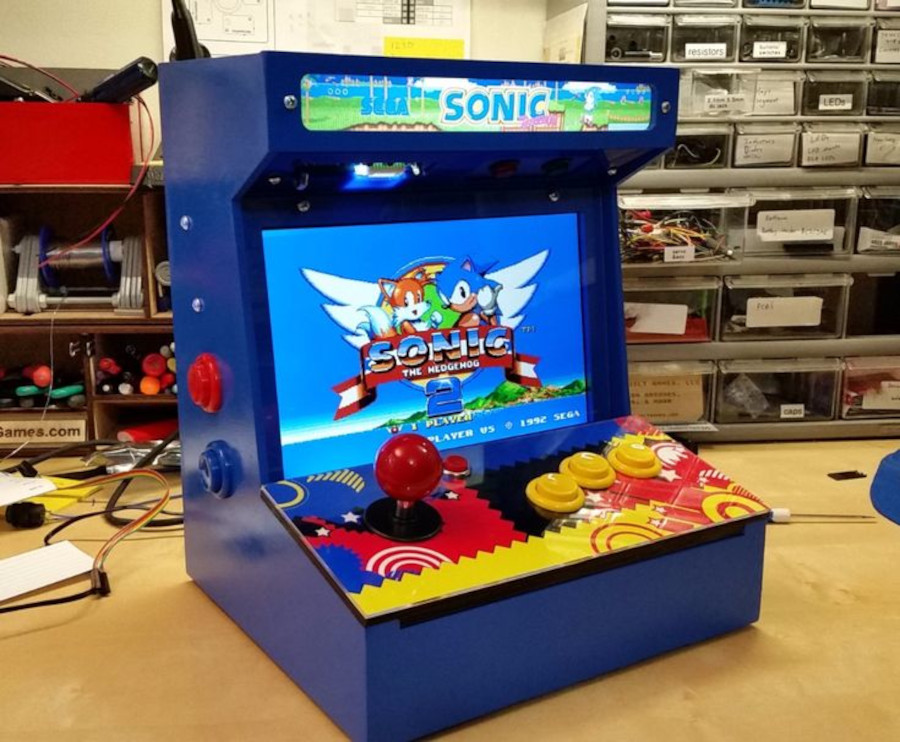
featured a three-button layout, which became standard for many games on the system. It also introduced the concept of shoulder buttons.
The Sega Genesis controller
featured a three-button layout, which became standard for many games on the system. It also introduced the concept of shoulder buttons.
Transition to 3D Gaming
(mid-1990s - early 2000s):
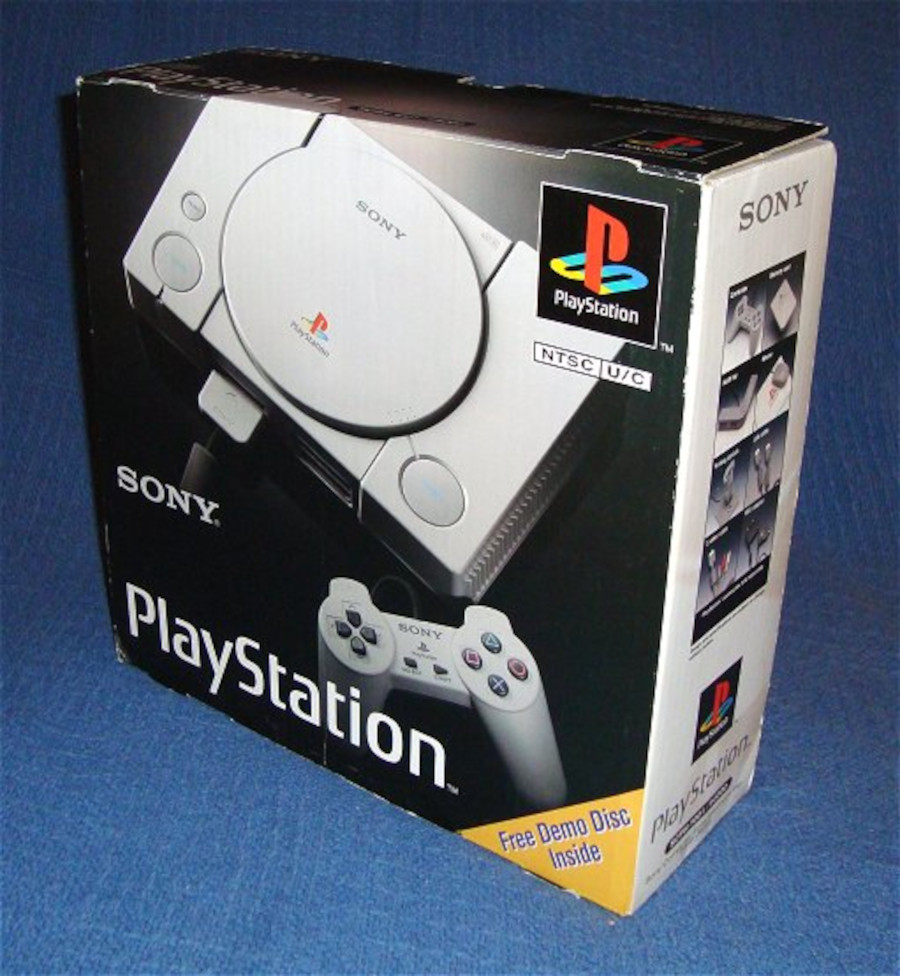
Sony PlayStation (1994):
 The PlayStation controller
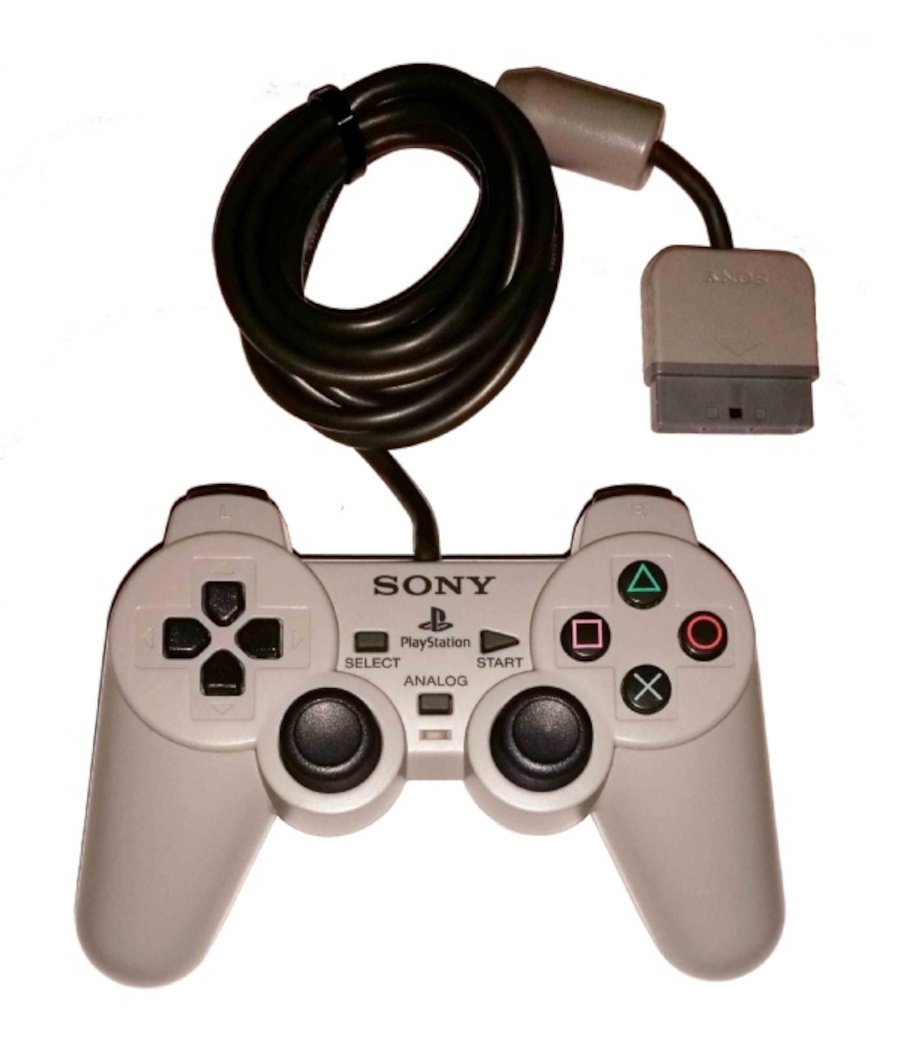
introduced the Dual Analog Controller, which had two analog sticks. This allowed for more precise 3D movement in games. Subsequent iterations added features like rumble functionality and more buttons.
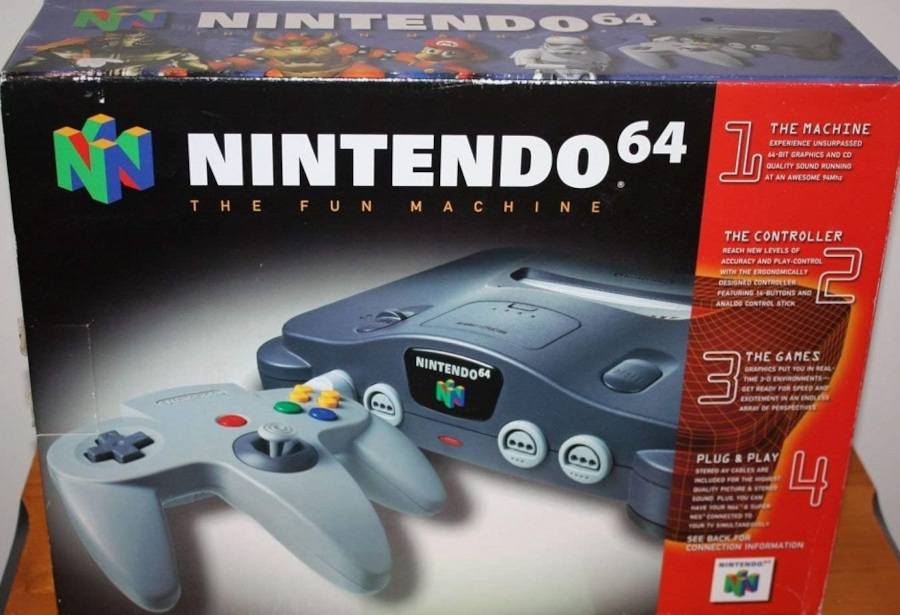
Nintendo 64 (1996):
The PlayStation controller
introduced the Dual Analog Controller, which had two analog sticks. This allowed for more precise 3D movement in games. Subsequent iterations added features like rumble functionality and more buttons.
Nintendo 64 (1996):
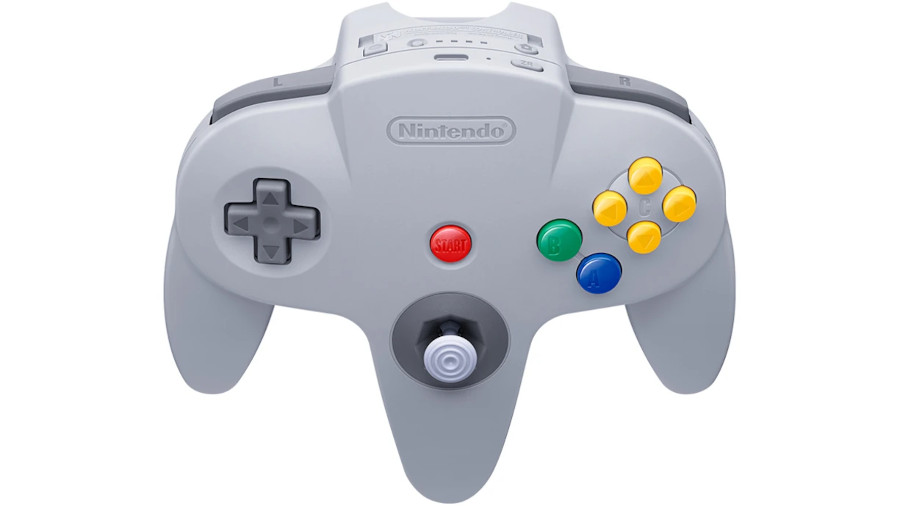
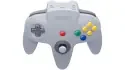
 The N64 controller is notable for introducing the analog stick and the concept of force feedback (rumble) via the Rumble Pak accessory. It also featured a unique three-pronged design.
Sega Dreamcast (1999):
The N64 controller is notable for introducing the analog stick and the concept of force feedback (rumble) via the Rumble Pak accessory. It also featured a unique three-pronged design.
Sega Dreamcast (1999):
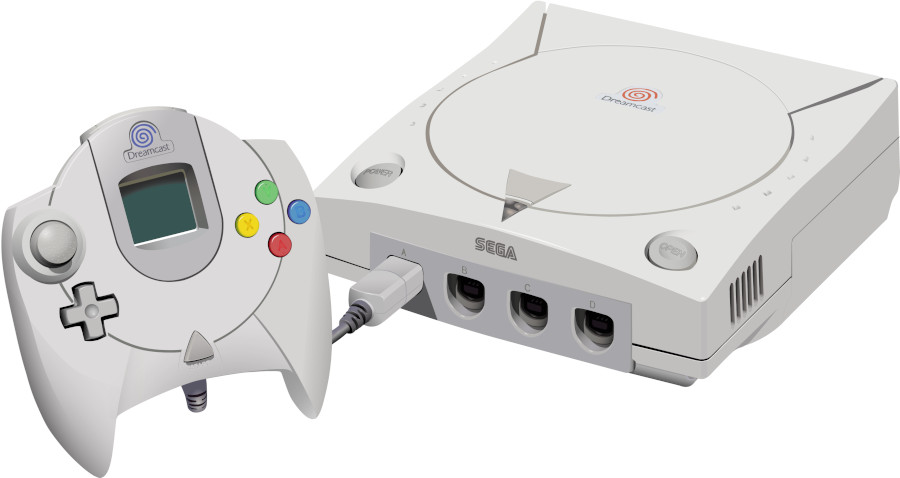
 The Dreamcast controller had a built-in LCD screen called the Visual Memory Unit (VMU), which could display game-related information. This was an early attempt at integrating a screen into a controller.
Modern Era and Innovation
(2000s
- present):
Sony PlayStation 2 (2000):
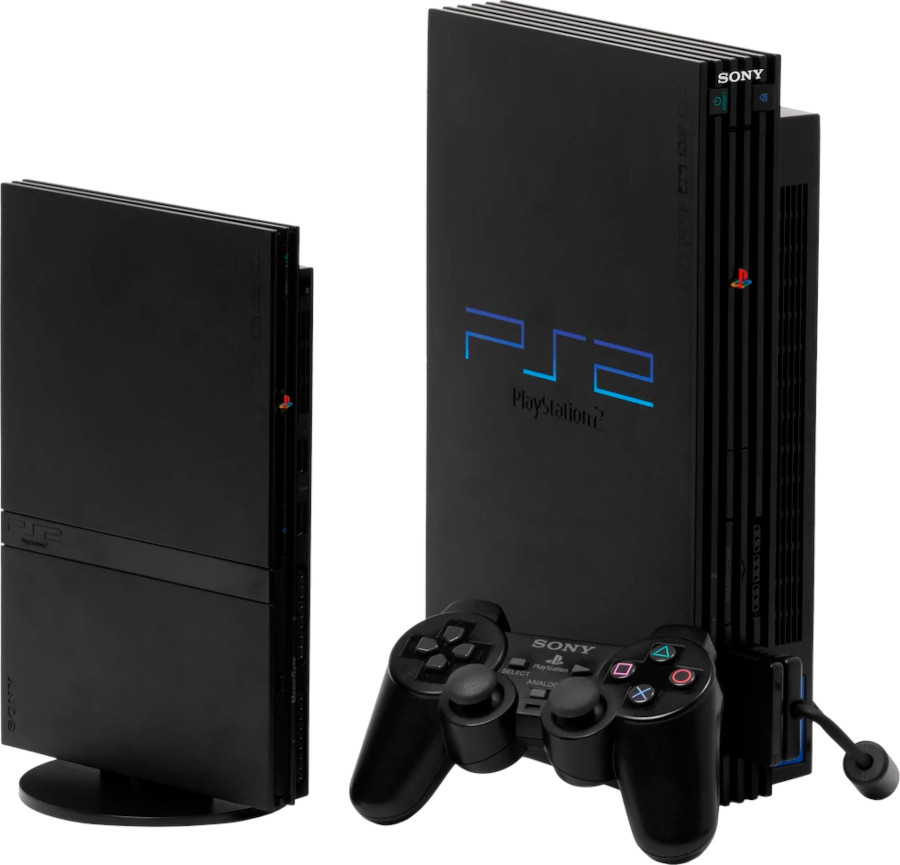
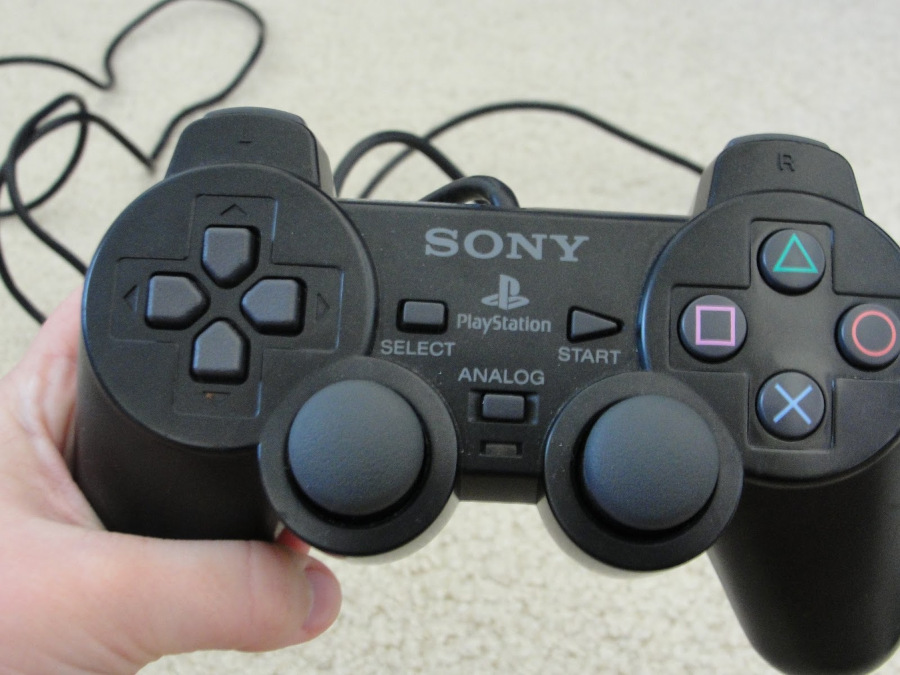
 The DualShock 2 controller refined the design of the original DualShock, adding pressure-sensitive buttons and improved analog sticks.
Microsoft Xbox (2001):
The DualShock 2 controller refined the design of the original DualShock, adding pressure-sensitive buttons and improved analog sticks.
Microsoft Xbox (2001):
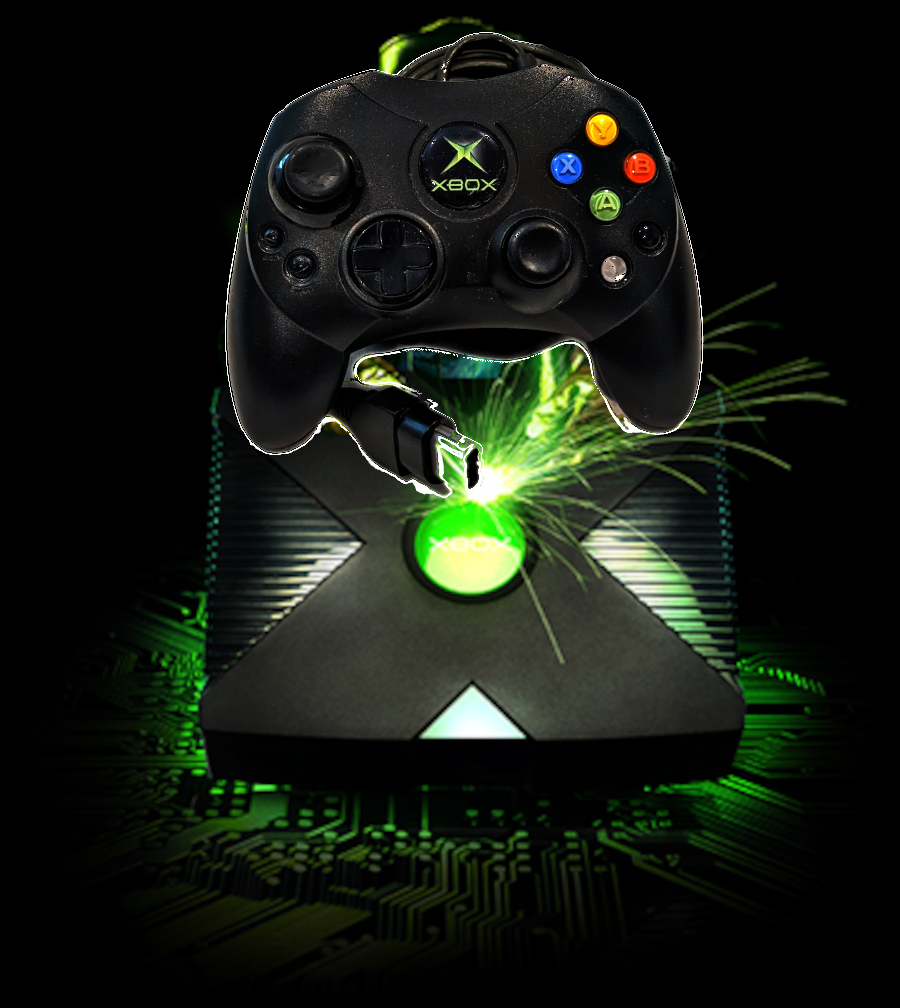
 The Xbox controller introduced the concept of an ergonomic controller with large, comfortable grips. It also had a breakaway cable to prevent console damage if the controller was pulled.
Nintendo GameCube (2001):
The Xbox controller introduced the concept of an ergonomic controller with large, comfortable grips. It also had a breakaway cable to prevent console damage if the controller was pulled.
Nintendo GameCube (2001):
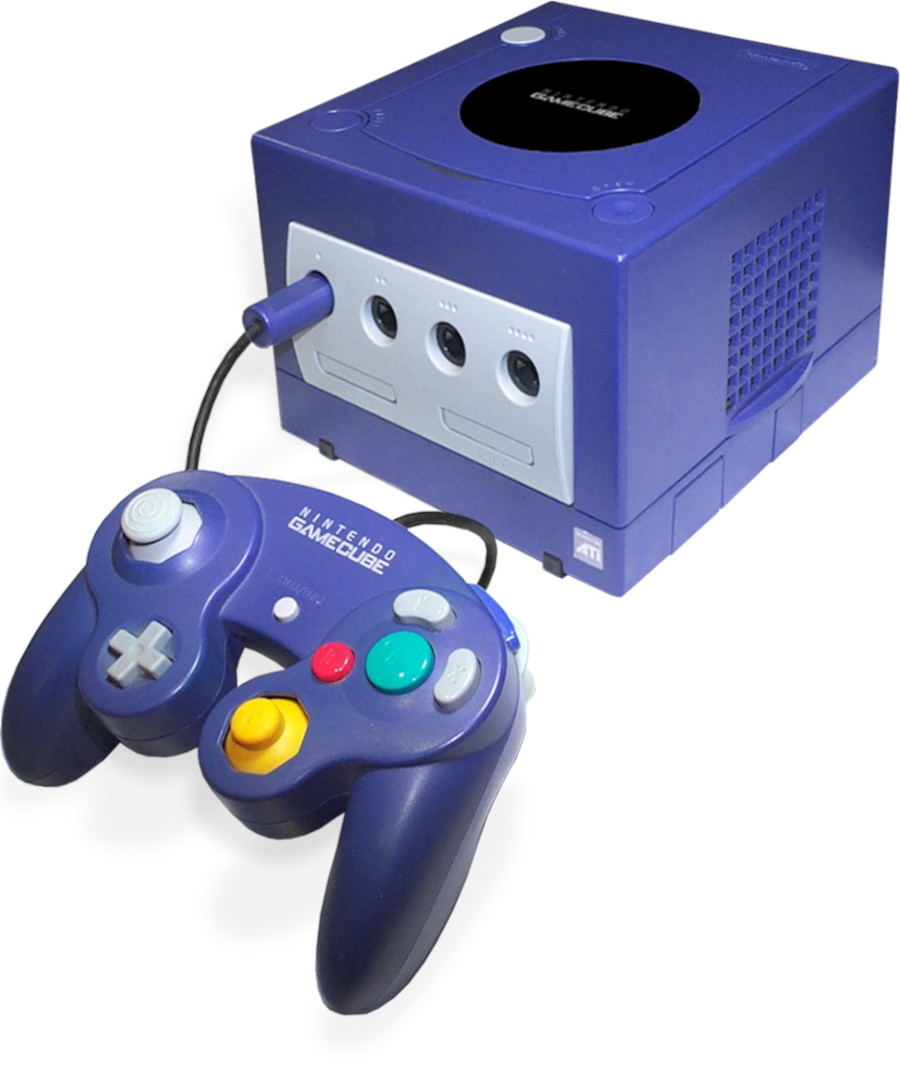
 The GameCube controller featured a unique button layout and introduced the concept of a "C-stick" for camera control. It's notably still popular among Super Smash Bros. players.
Wii Remote (2006):
The GameCube controller featured a unique button layout and introduced the concept of a "C-stick" for camera control. It's notably still popular among Super Smash Bros. players.
Wii Remote (2006):
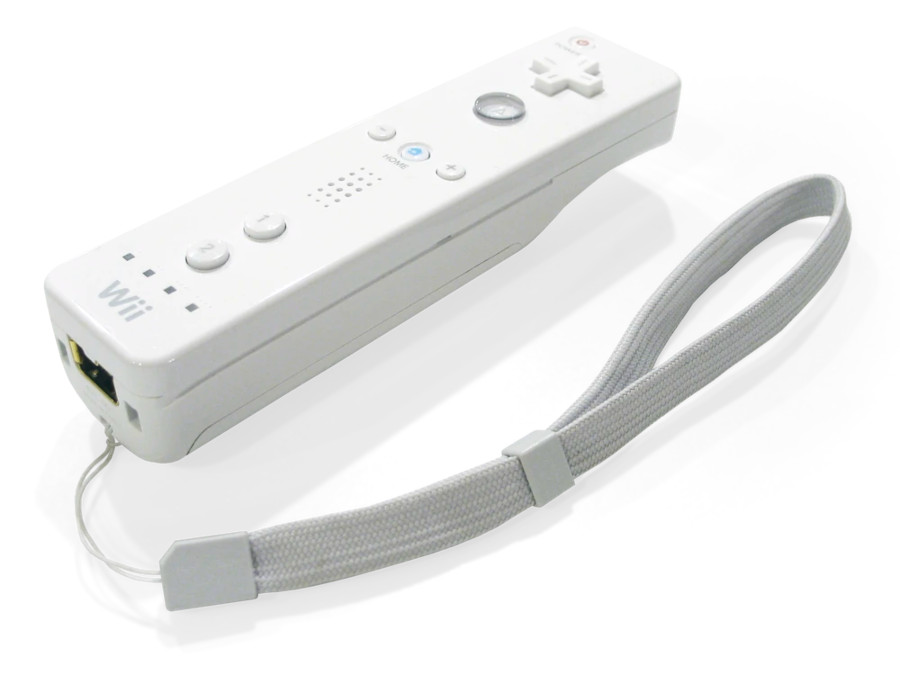
 The Nintendo Wii brought motion controls to the forefront with the Wii Remote (Wiimote) and Nunchuk, enabling intuitive and physical interactions with games.
Sony PlayStation 3 (2006):
The Nintendo Wii brought motion controls to the forefront with the Wii Remote (Wiimote) and Nunchuk, enabling intuitive and physical interactions with games.
Sony PlayStation 3 (2006):
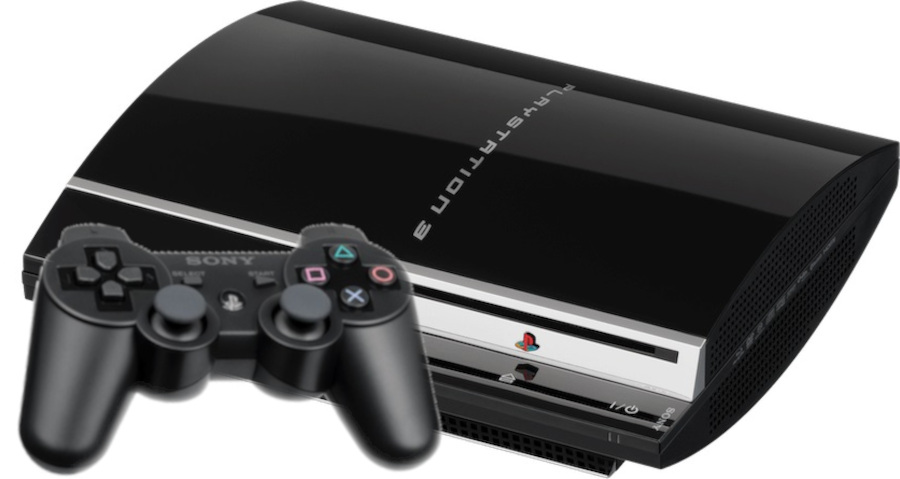
 The DualShock 3 controller combined the features of the DualShock 2 with wireless capabilities and added Six axis motion sensing.
Microsoft Xbox 360 (2005)
and Xbox One (2013):
The DualShock 3 controller combined the features of the DualShock 2 with wireless capabilities and added Six axis motion sensing.
Microsoft Xbox 360 (2005)
and Xbox One (2013):
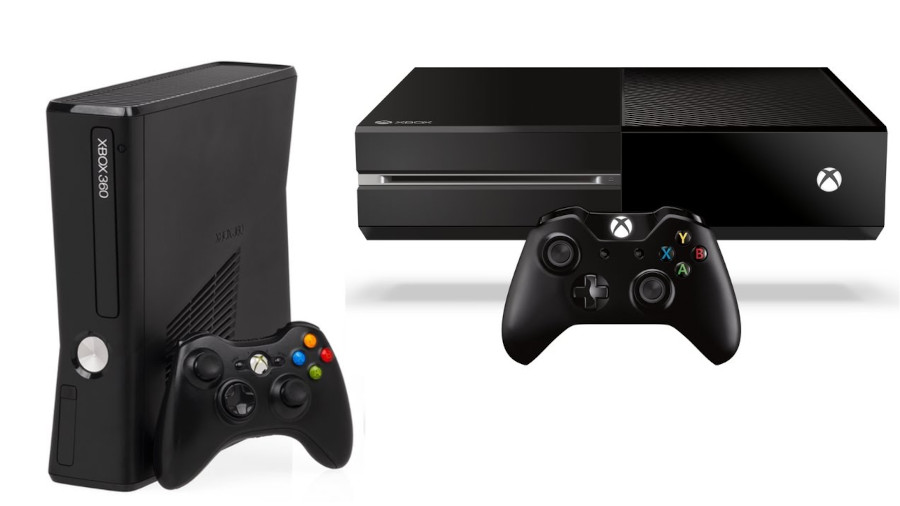
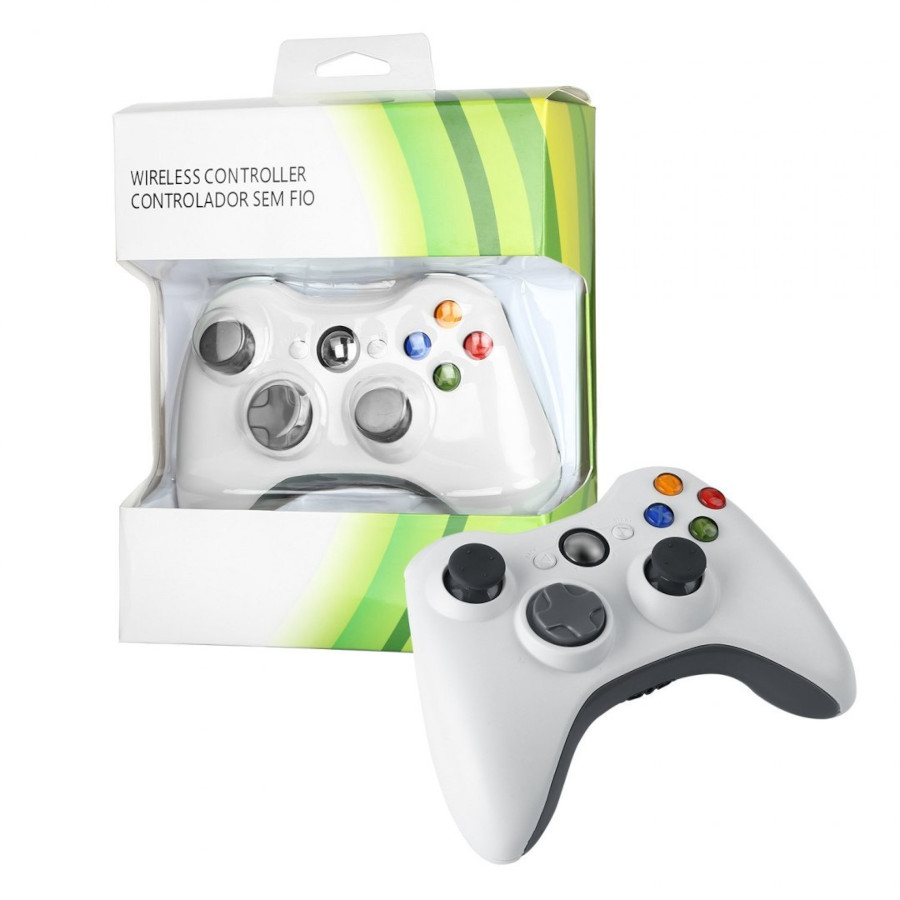
 These controllers refined the Xbox design, introducing features like wireless connectivity, improved triggers, and enhanced ergonomics.
Nintendo Switch (2017):
These controllers refined the Xbox design, introducing features like wireless connectivity, improved triggers, and enhanced ergonomics.
Nintendo Switch (2017):
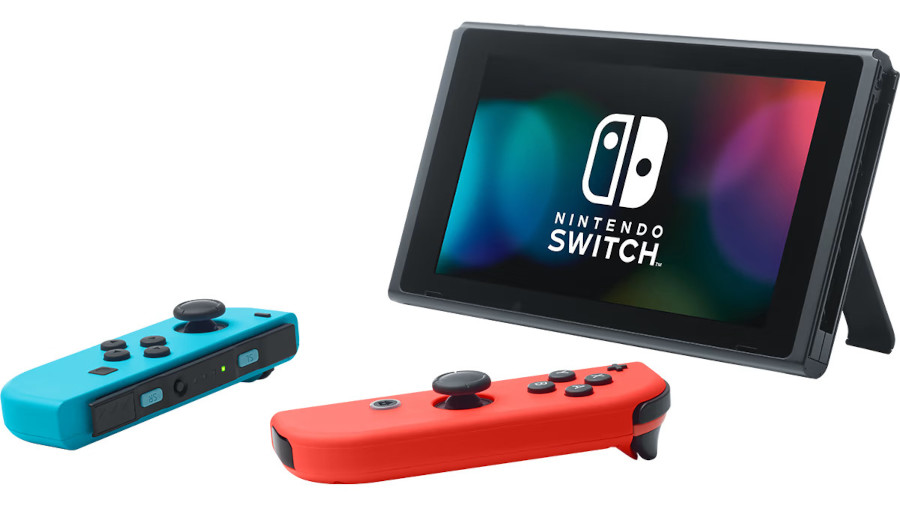
 The Joy-Con controllers for the Nintendo Switch are modular and can be used both attached to the console and as separate mini-controllers. They also feature motion controls and IR sensors.
Sony PlayStation 4 (2013):
The Joy-Con controllers for the Nintendo Switch are modular and can be used both attached to the console and as separate mini-controllers. They also feature motion controls and IR sensors.
Sony PlayStation 4 (2013):
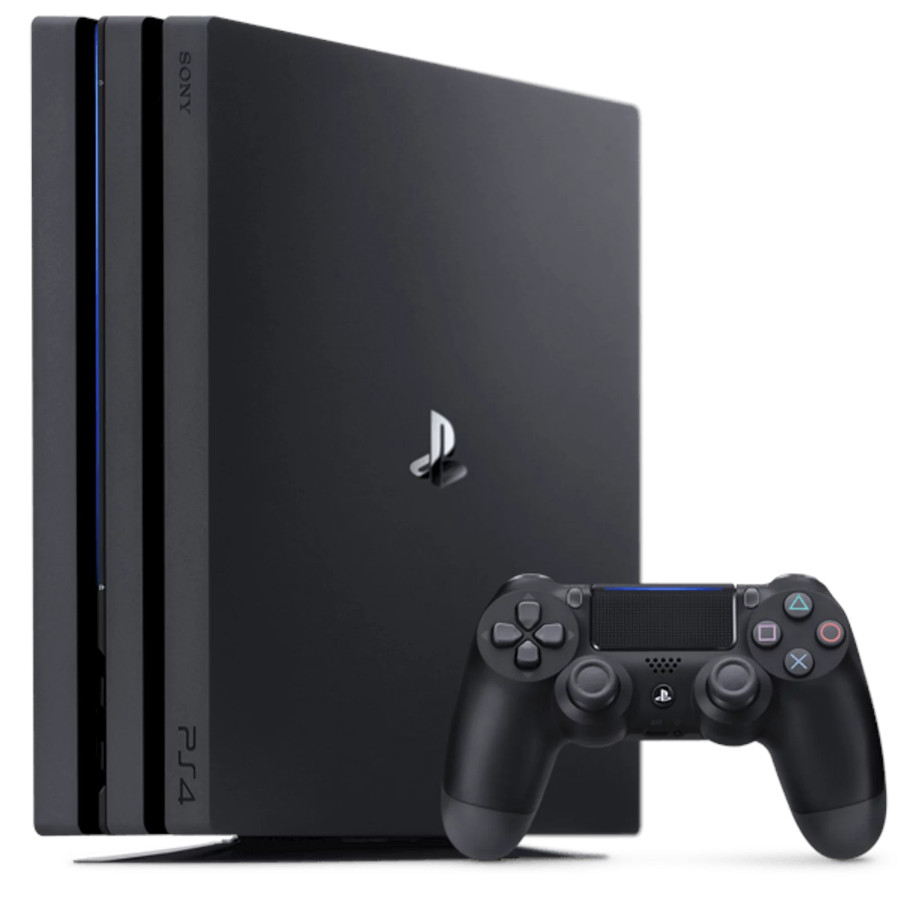
 The DualShock 4 controller introduces a touch pad, refined analog sticks and triggers, a light bar, and a built-in speaker. It also includes a stereo headset jack and motion sensors.
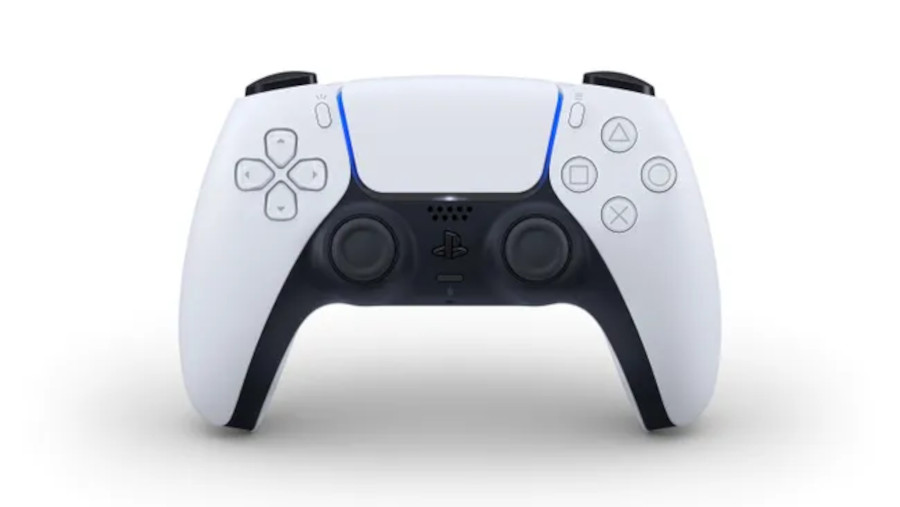
Sony PlayStation 5 (2020):
The DualShock 4 controller introduces a touch pad, refined analog sticks and triggers, a light bar, and a built-in speaker. It also includes a stereo headset jack and motion sensors.
Sony PlayStation 5 (2020):
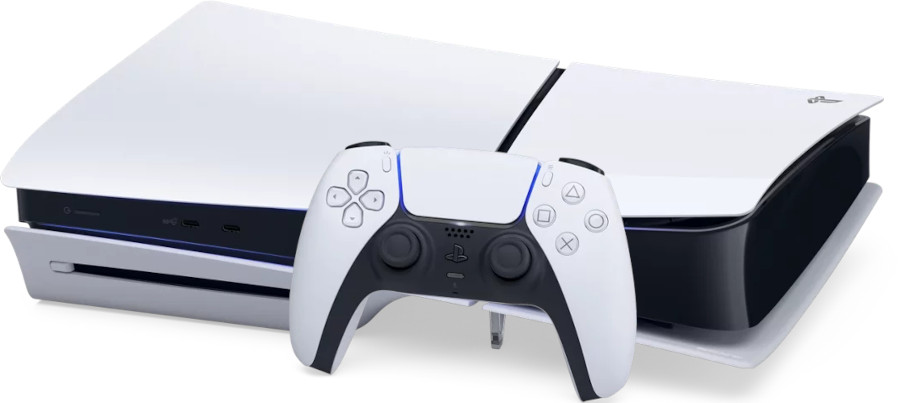
 The DualSense controller offers immersive haptic feedback, dynamic adaptive triggers, a built-in microphone, and an evolved two-tone design. It can be charged via the DualSense charging station and pairs with compatible Apple devices.
Microsoft Xbox Series X (2020):
The DualSense controller offers immersive haptic feedback, dynamic adaptive triggers, a built-in microphone, and an evolved two-tone design. It can be charged via the DualSense charging station and pairs with compatible Apple devices.
Microsoft Xbox Series X (2020):
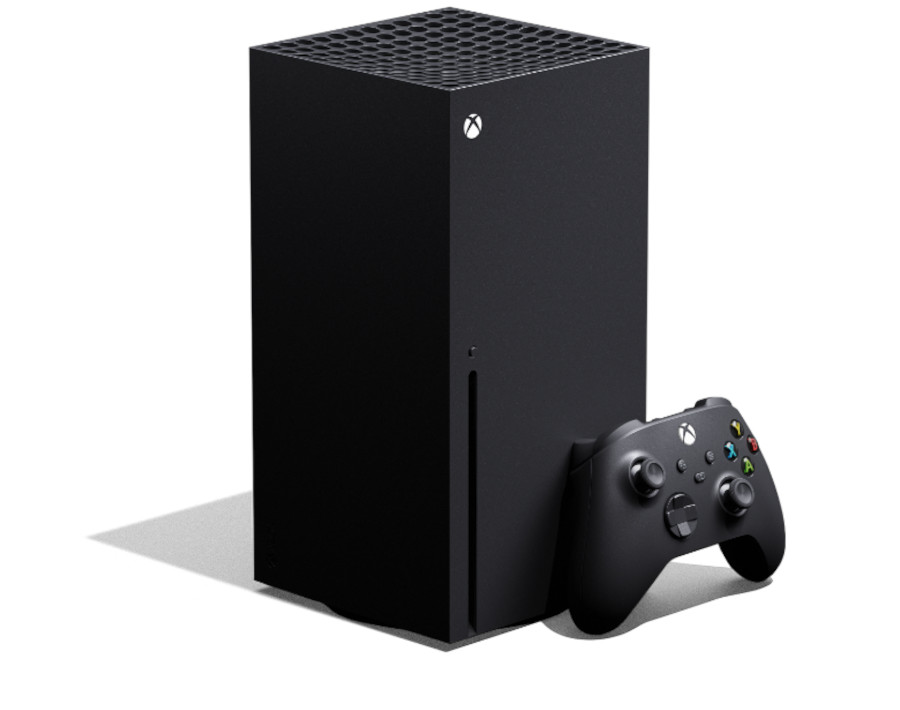
 The Xbox Wireless Controller features an improved D-pad, Share button, refined ergonomics, and a USB-C port. It supports Bluetooth 5.2, direct cloud connection, and has VCA haptics and gyro controls.
Joysticks and Buttons:
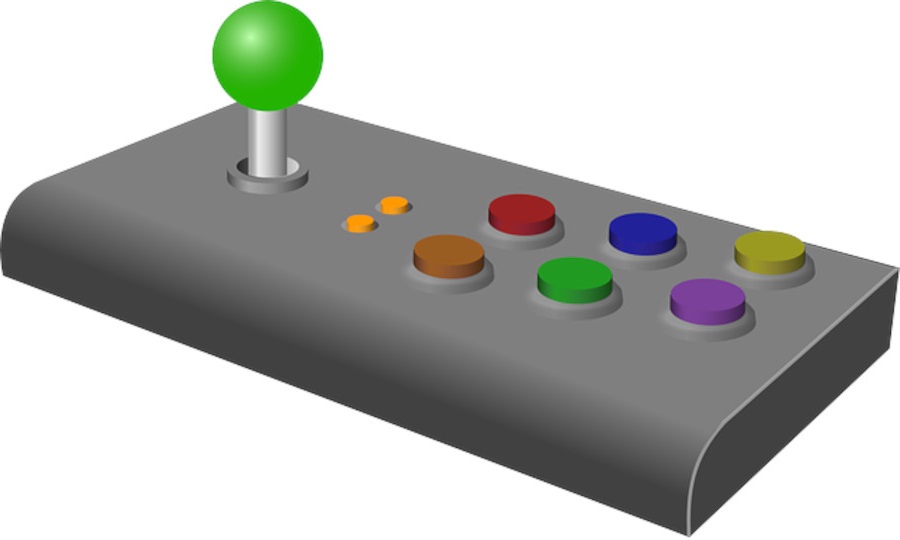
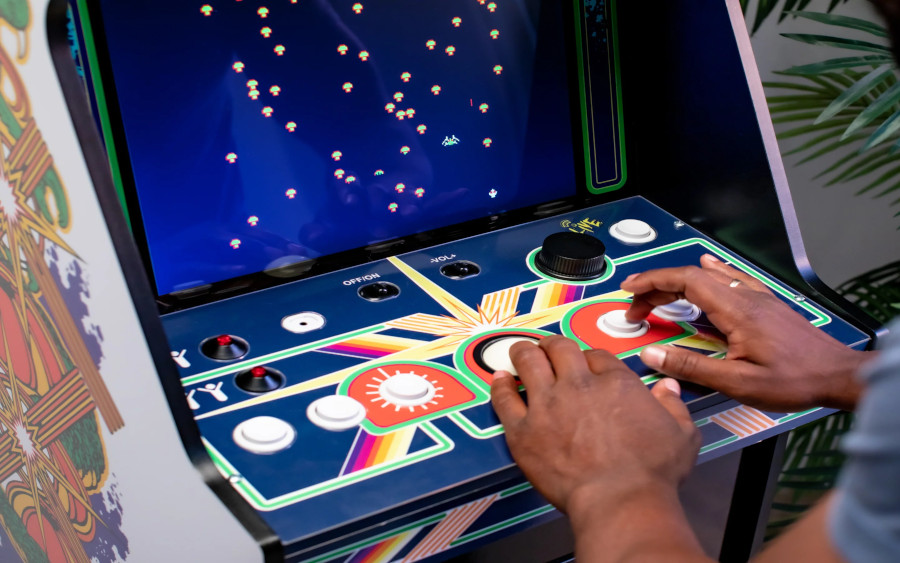
 Throughout arcade history, joysticks and buttons
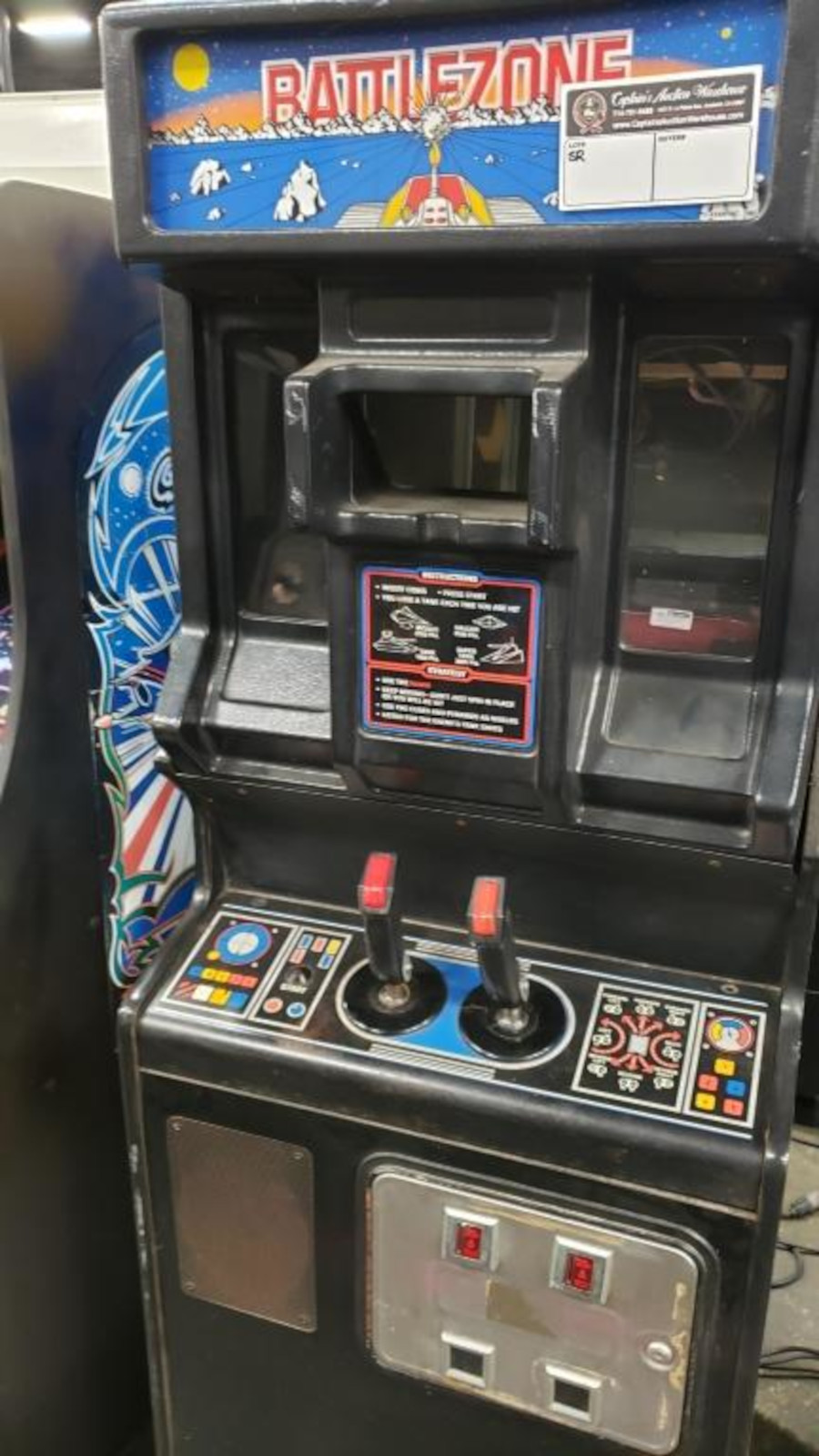
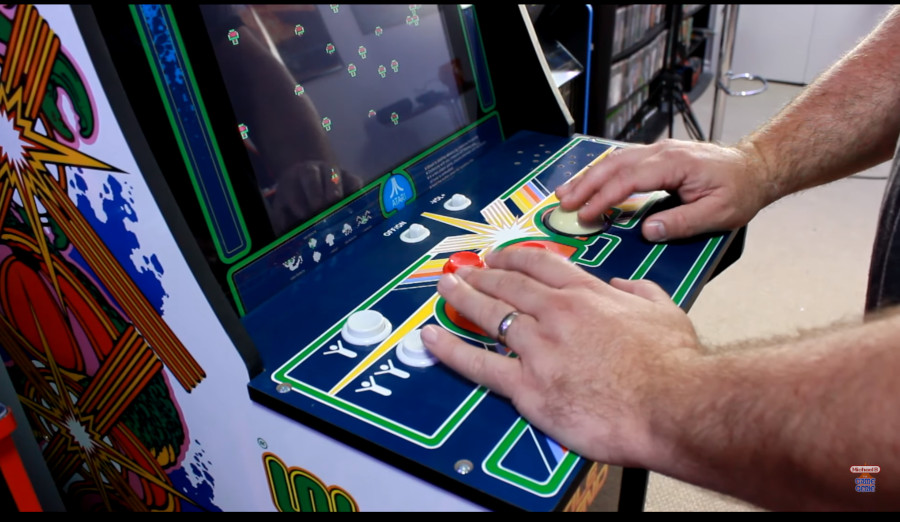
have been central to the control schemes of many games. Arcade joysticks often use microswitches for precise input detection.
Fighter Sticks:
Throughout arcade history, joysticks and buttons
have been central to the control schemes of many games. Arcade joysticks often use microswitches for precise input detection.
Fighter Sticks:
 Games like Street Fighter popularized the use of specialized "fighting sticks" featuring a larger joystick and additional buttons optimized for combo moves.
Light Guns:
Games like Street Fighter popularized the use of specialized "fighting sticks" featuring a larger joystick and additional buttons optimized for combo moves.
Light Guns:
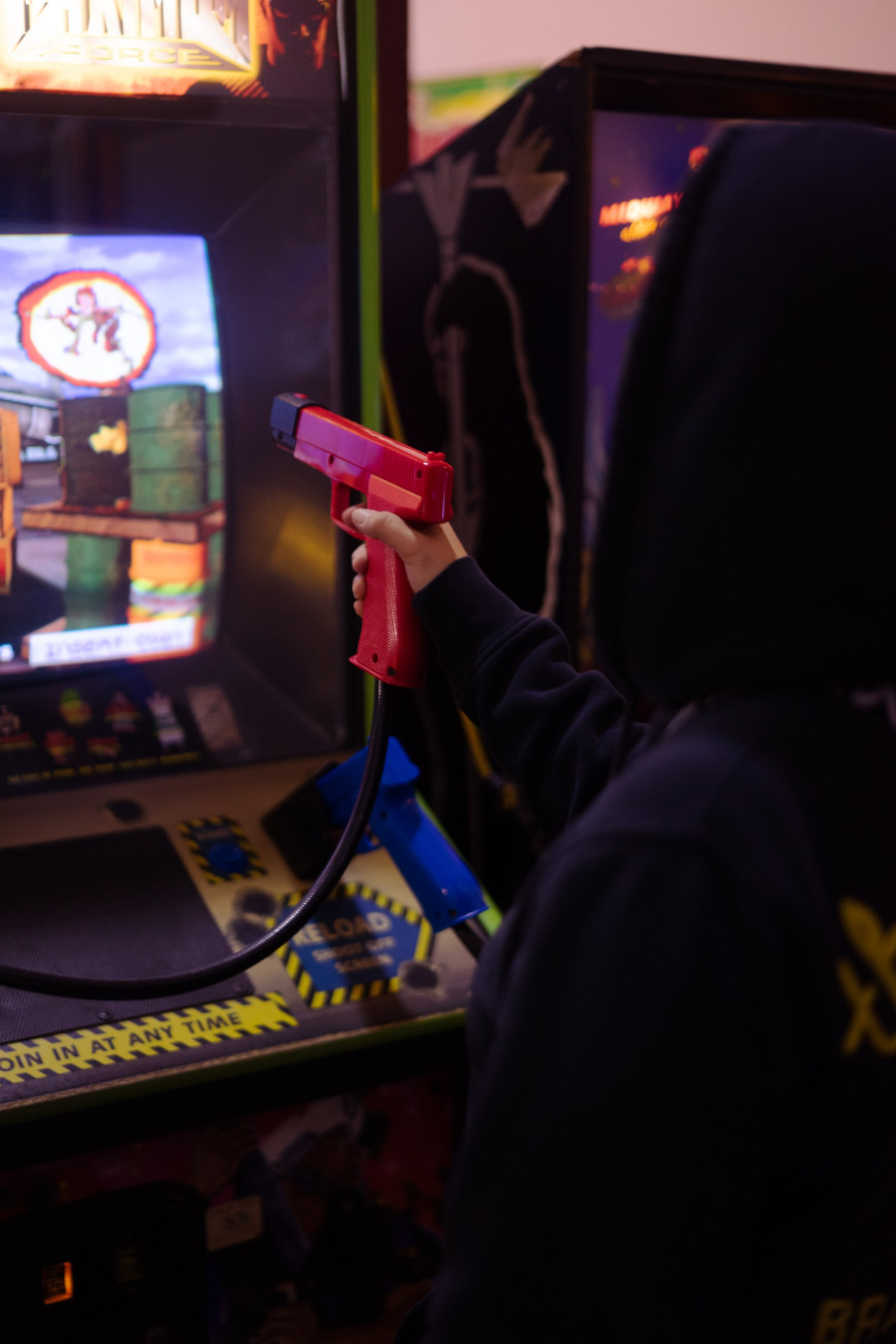
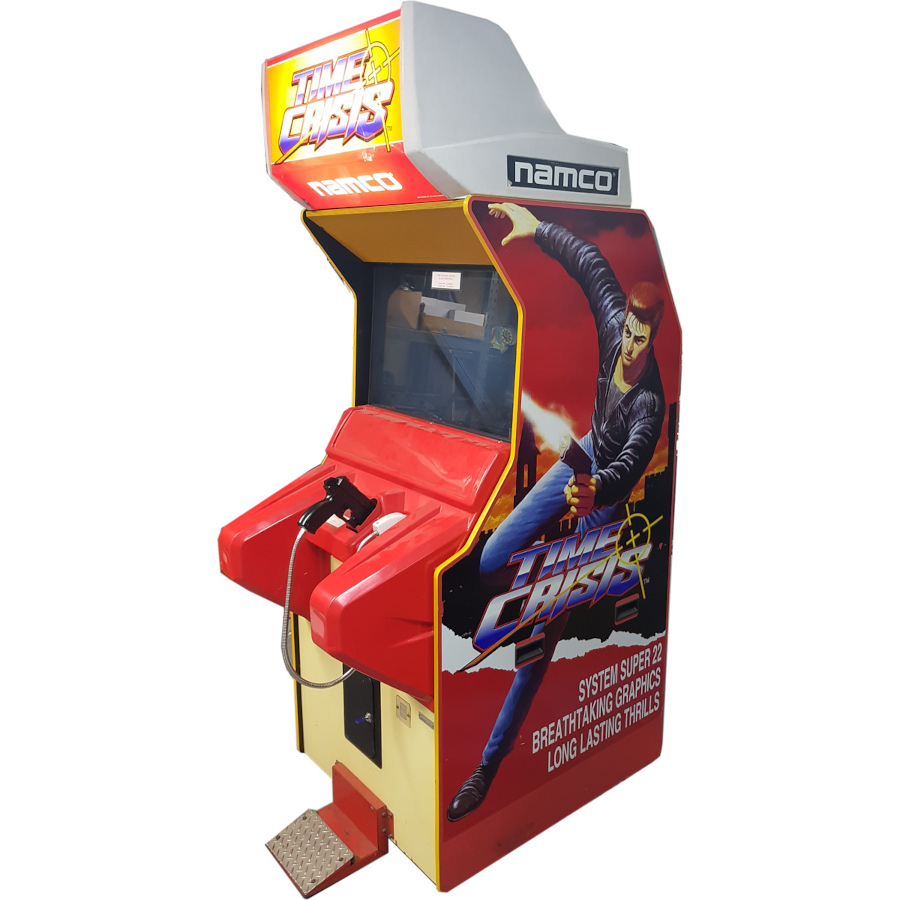
 Games like Duck Hunt used light guns for aiming and shooting at on-screen targets. They worked by detecting the flashes of light from the screen.
Dance Pads:
Games like Duck Hunt used light guns for aiming and shooting at on-screen targets. They worked by detecting the flashes of light from the screen.
Dance Pads:
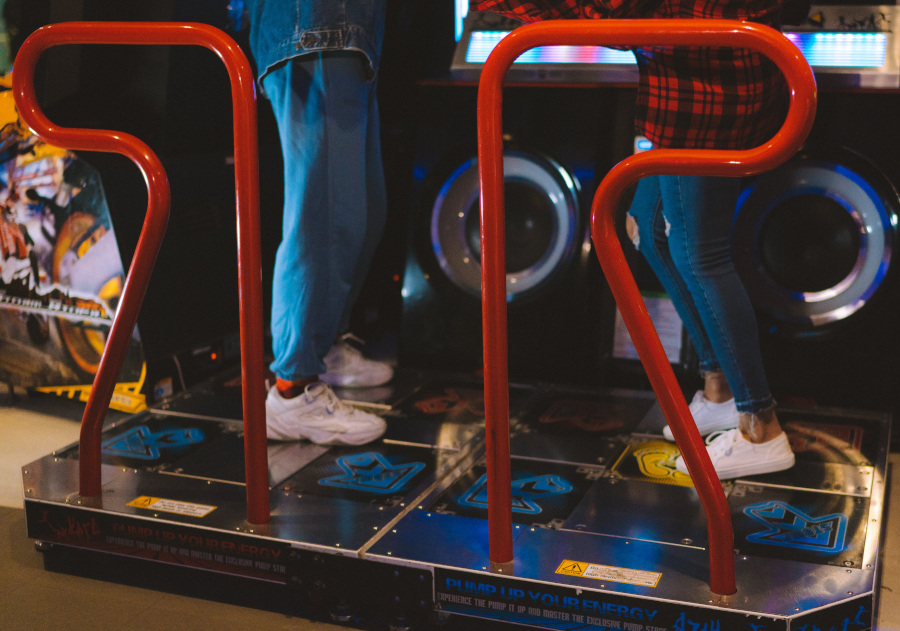
 Dance Dance Revolution and similar games introduced dance pads with directional arrows, requiring players to step on the corresponding arrows in time with the music.
Racing Wheels:
Dance Dance Revolution and similar games introduced dance pads with directional arrows, requiring players to step on the corresponding arrows in time with the music.
Racing Wheels:
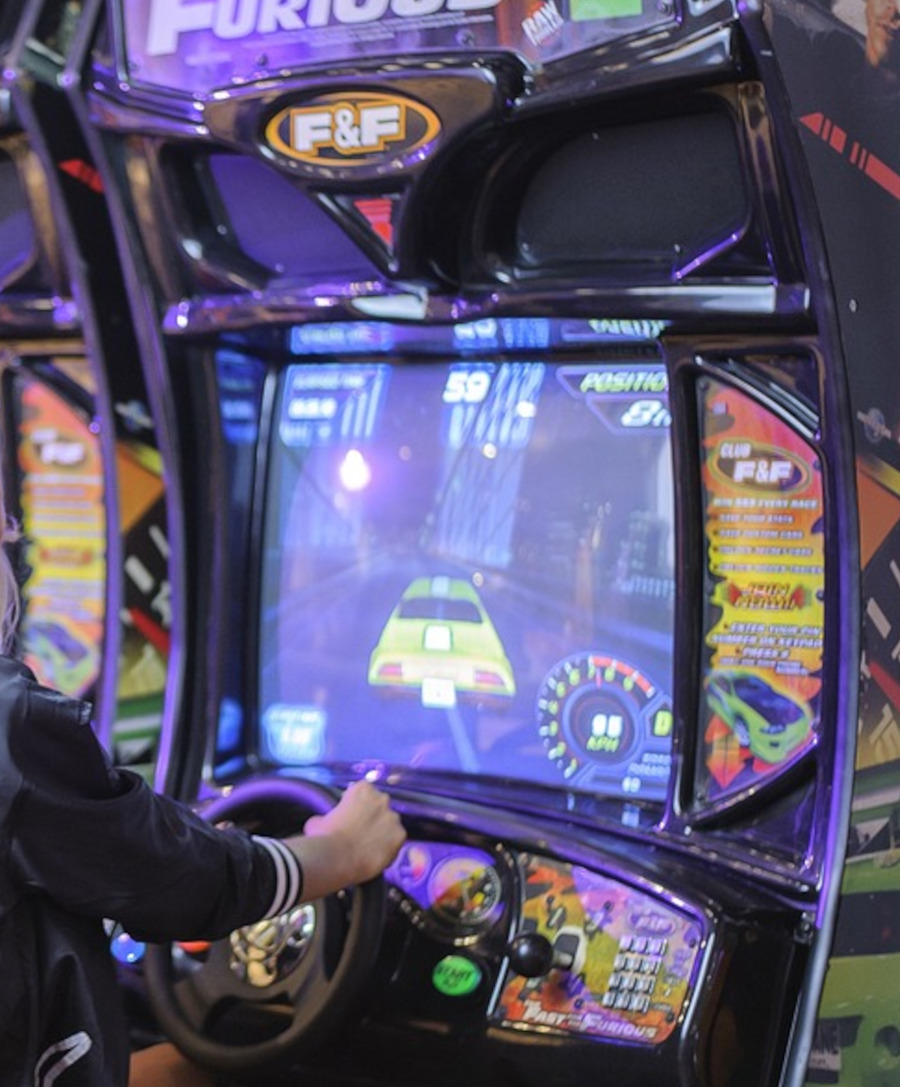
 Arcade racing games often featured steering wheels and pedals, providing a more immersive driving experience.
Multiplayer Cabinets:
Arcade racing games often featured steering wheels and pedals, providing a more immersive driving experience.
Multiplayer Cabinets:
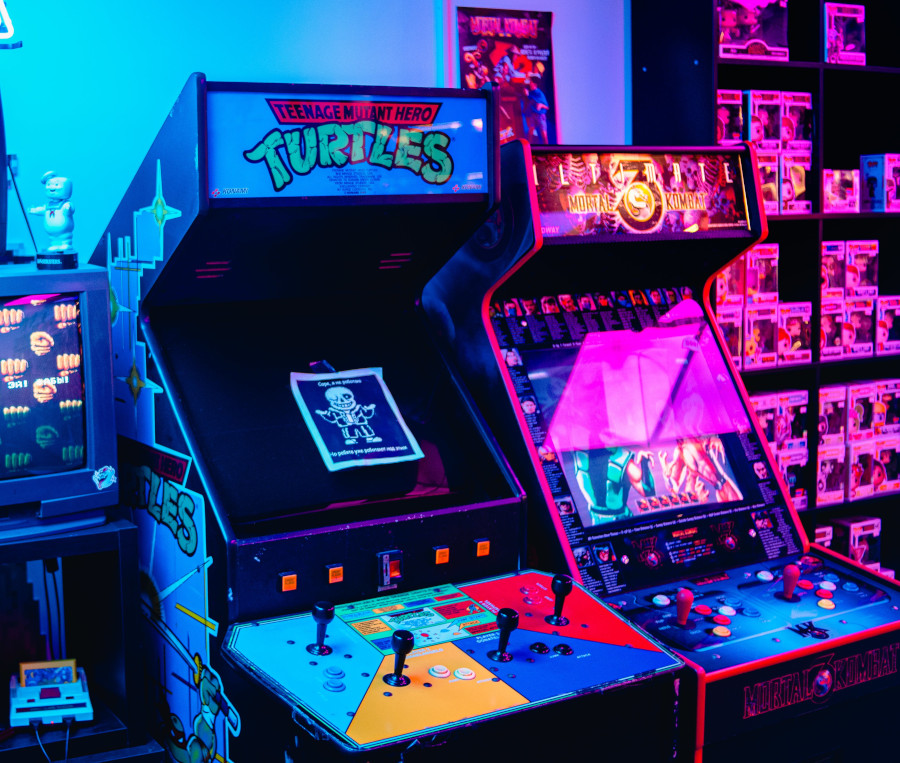
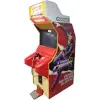
 Some arcade cabinets, like those for Gauntlet or Teenage Mutant Ninja Turtles, featured multiple sets of controls to accommodate multiple players.
Joysticks and Buttons:
Fighter Sticks:
Light Guns:
Dance Pads:
Racing Wheels:

Multiplayer Cabinets:









 Sony is known for its










 Scuf Gaming is known for its
 Astro Gaming focuses on
 Nacon produces
 8BitDo specializes in creating
 PowerA produces a wide range of controllers with various features, catering to different gaming preferences and price points. They offer
 Mad Catz is known for producing a variety of gaming peripherals, including controllers. While their reputation has varied over the years, they have offered
 PDP manufactures a range of controllers that often include licensed designs based on popular gaming franchises. They offer a
 SteelSeries is known for its gaming peripherals, including
 Beboncool is a brand that produces budget-friendly controllers and accessories, particularly for the
 While primarily known for their racing wheels and flight simulation products, Thrustmaster also produces game controllers that cater to
 Hyperkin specializes in producing
 Gioteck offers a range of gaming peripherals, including
 GameSir specializes in creating
 Snakebyte produces a variety of gaming peripherals, including controllers for consoles and PC gaming. Their
 Nyko offers a range of