Cooling Devices
:Fans: :Liquid Coolers: :Solid State Coolers: :TECS: :Phase Change:

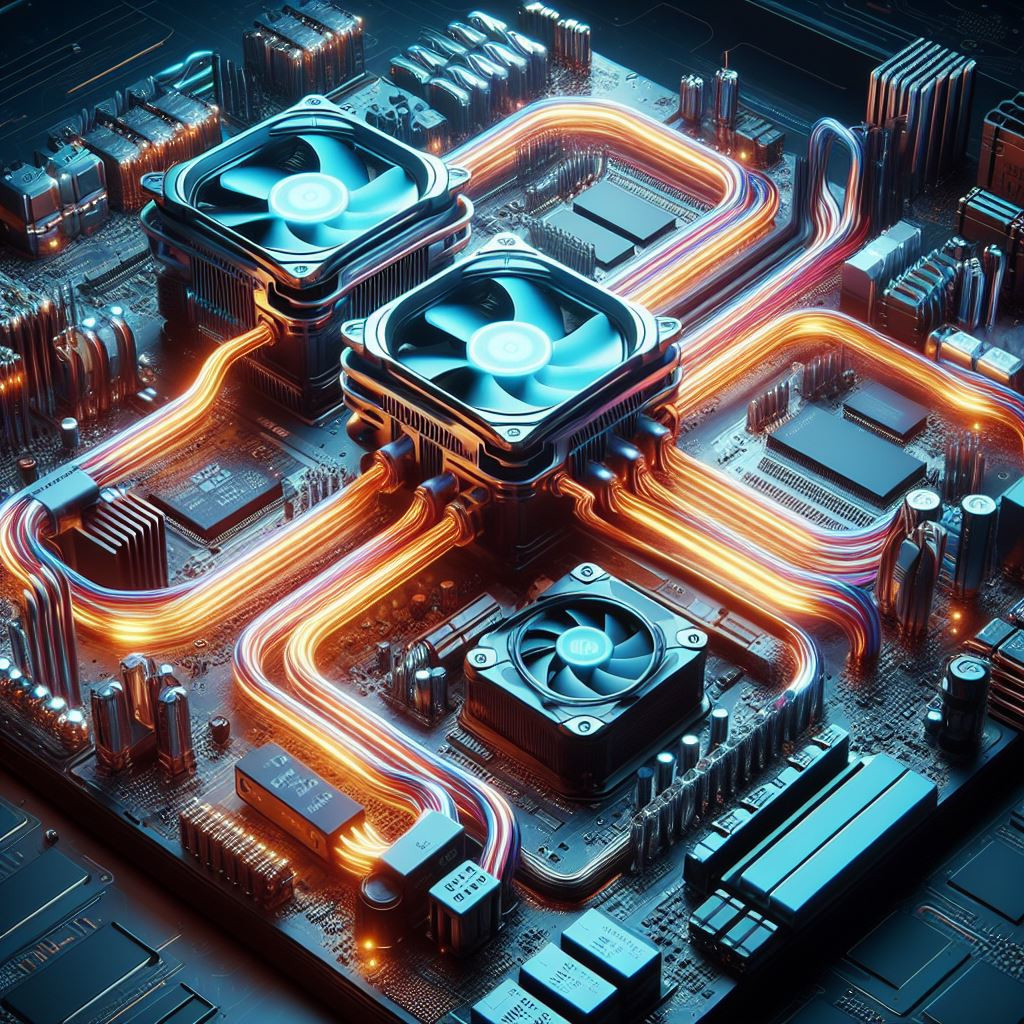
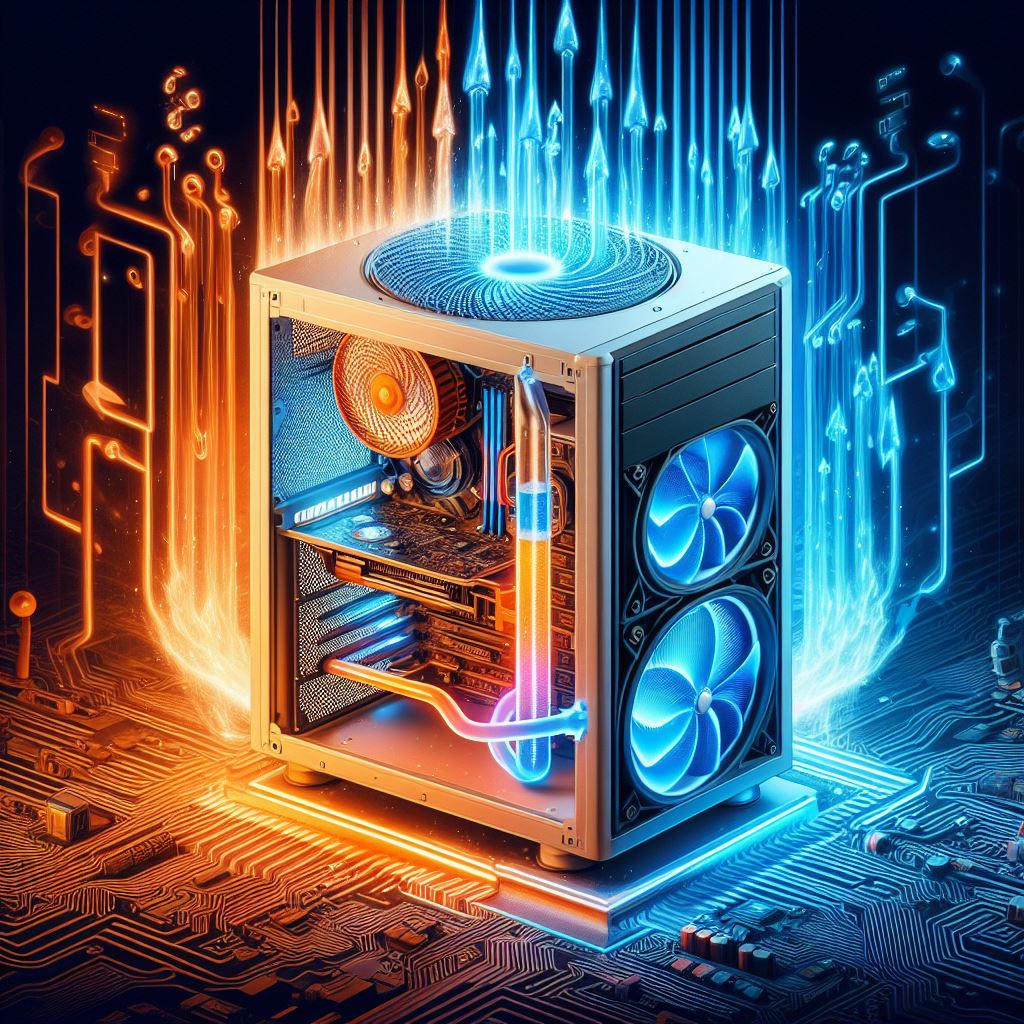
There are two types of computer coolers: passive and active cooling. Passive cooling systems use natural convection or airflow to remove heat from the computer. Passive cooling systems are typically made up of heat sinks or radiators that absorb heat from the CPU and other components and disperse it through a series of fins or pipes.
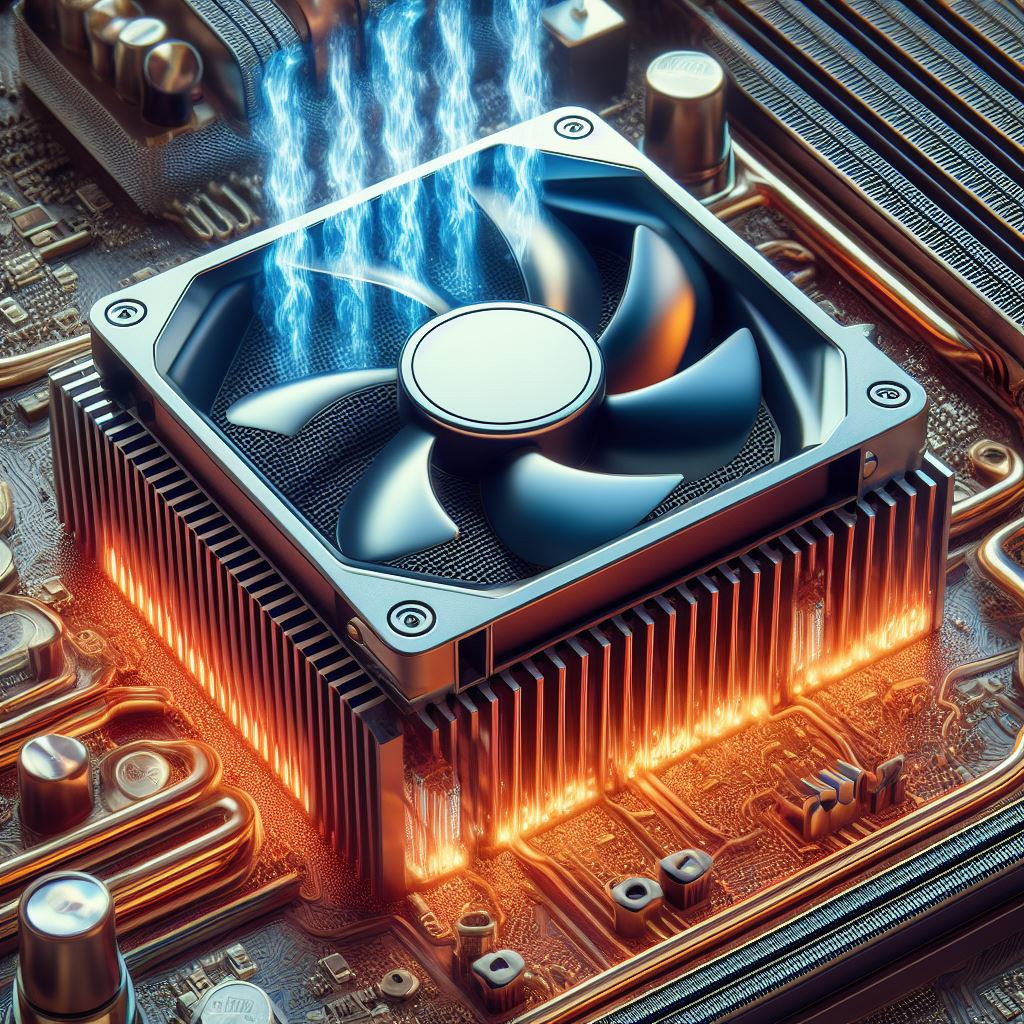
On the other hand, active cooling uses a fan or pump to create forced airflow or liquid circulation to remove heat from the computer. Active cooling is typically more effective than passive cooling because it can move air or liquid at a higher velocity, thus removing heat more efficiently.
There are several types of active cooling systems, including air-cooled, liquid-cooled, and thermoelectric coolers.
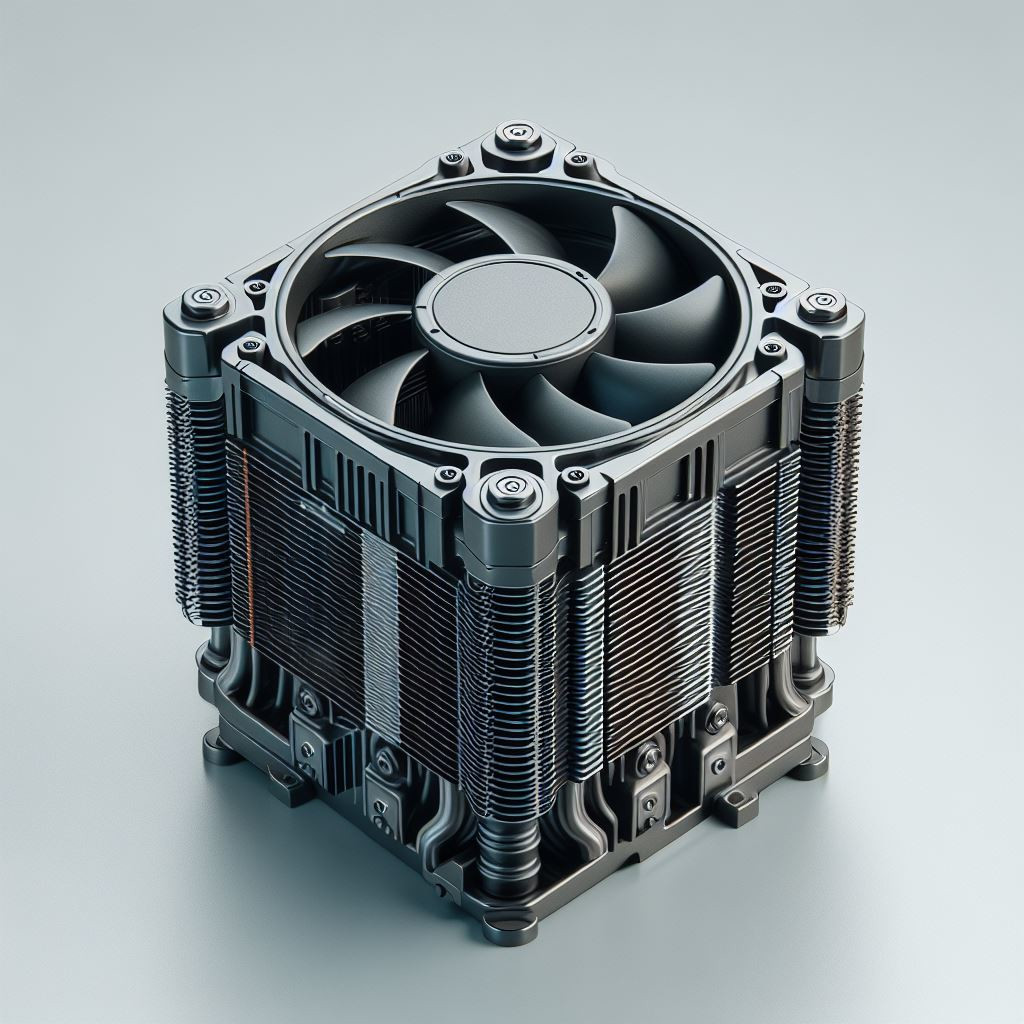
Air-cooled systems are the most common and use fans to blow air over the heat sink, which in turn dissipates heat from the CPU.
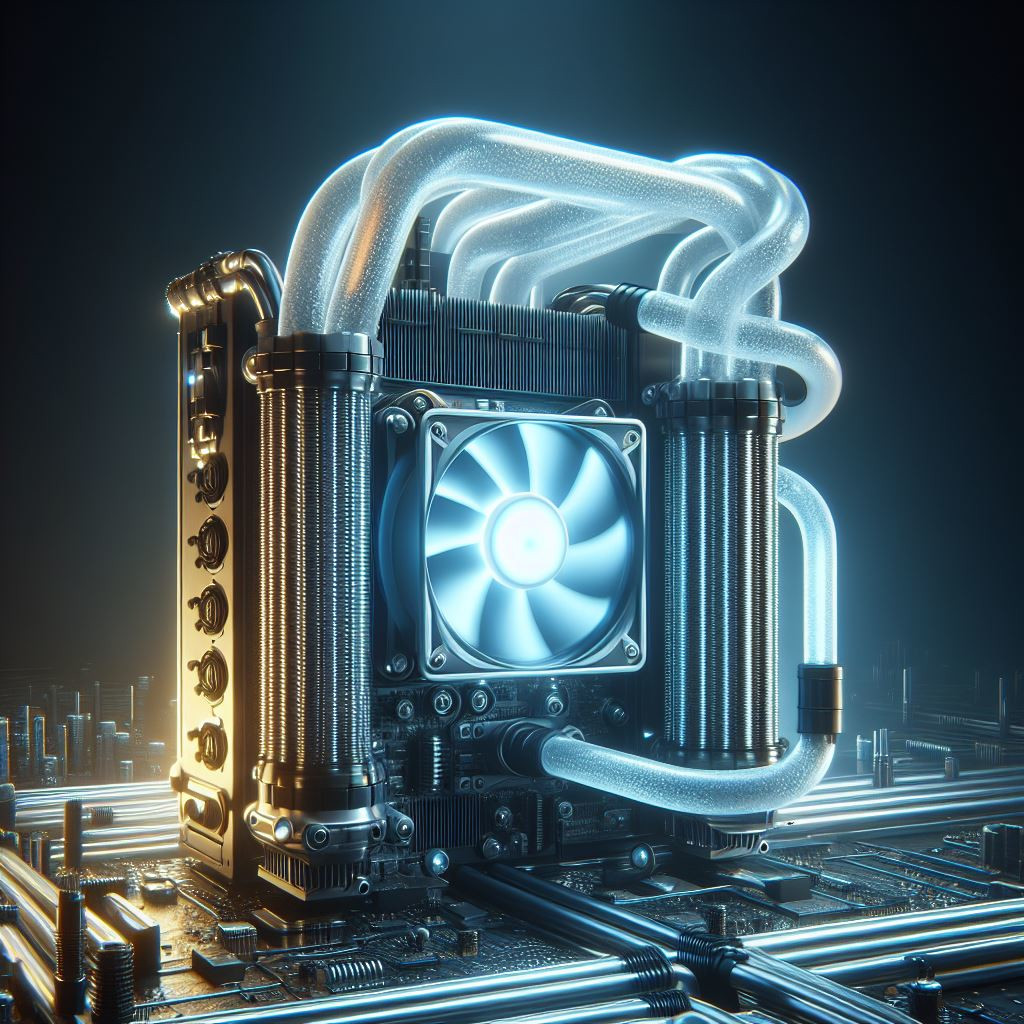
Liquid-cooled systems , on the other hand, use a pump to circulate liquid through a radiator to remove heat from the CPU and other components.
Thermoelectric coolers use the Peltier effect to cool the CPU by creating a temperature differential between two surfaces.
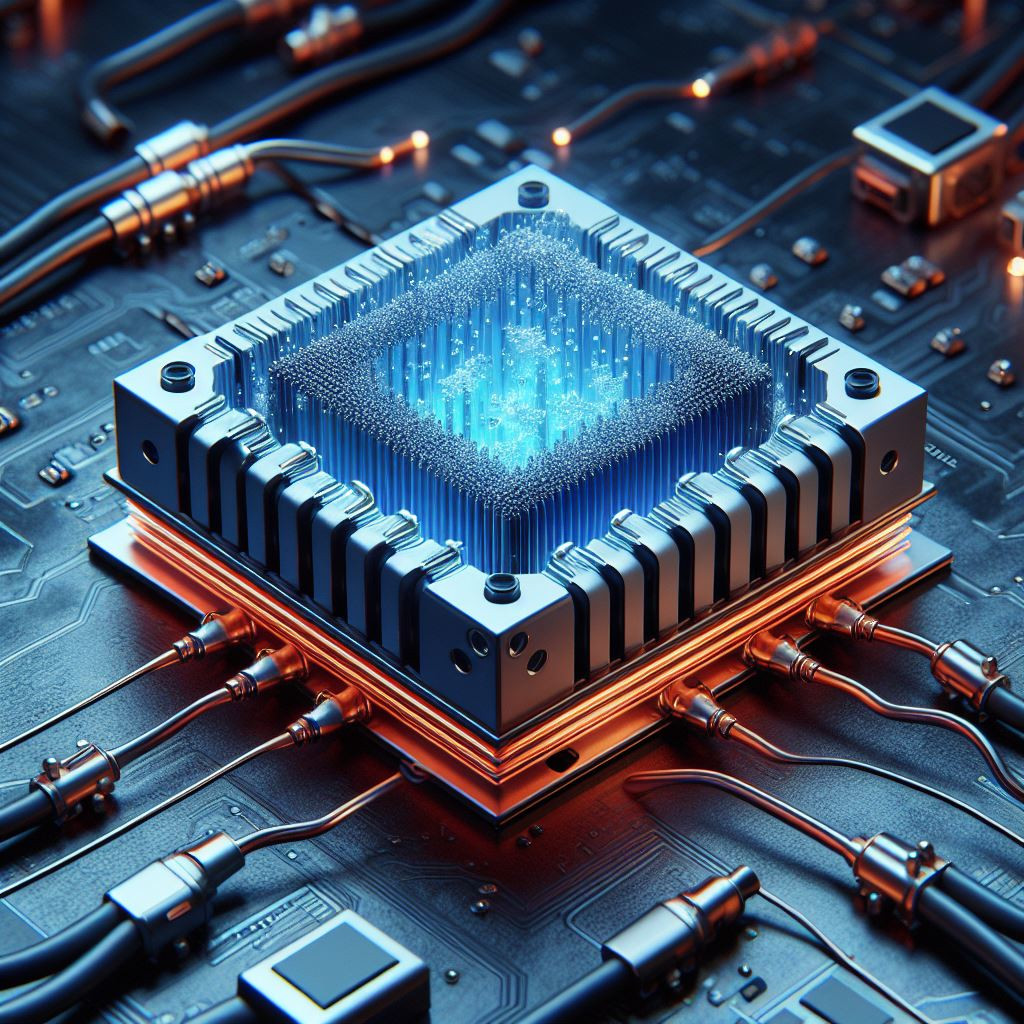
Recently, there have been advancements in solid-state cooling technology, which uses materials that can transfer heat without the need for a fan or liquid. These materials are known as thermoelectric materials and can be used to create solid-state heat sinks or coolers that can be incorporated into a computer's cooling system.
Lasers
In summary, computer coolers are essential to ensure that the CPU and other critical components of a computer are kept within safe operating temperatures. Active cooling systems, including air-cooled, liquid-cooled, and thermoelectric coolers, are more effective than passive cooling systems and can help extend the lifespan and improve the performance of a computer. Solid-state cooling technology is also an emerging technology that has the potential to improve computer cooling systems further.
Coolers:
-
Air:
Air coolers are the most common type of CPU cooler. They consist of a heat-sink with metal fins and one or more fans mounted on top or alongside the fins.
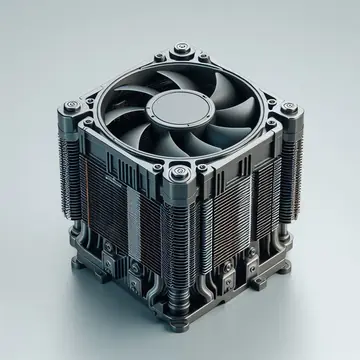
The fan(s) blow air over the heat-sink, dissipating heat from the CPU. Heat pipes, often embedded in the heat-sink, help conduct heat away from the CPU to the fins where it can be dispersed.
-
Liquid:
Liquid coolers, also known as water coolers, use a closed-loop system to transfer heat away from the CPU.
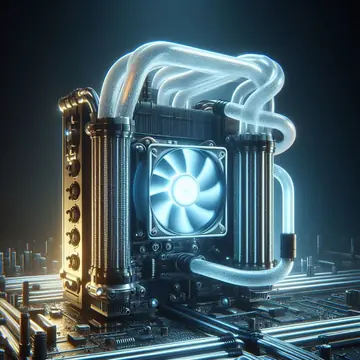
A pump circulates a coolant (usually water mixed with a coolant additive) through tubes connected to a radiator. The radiator dissipates heat into the surrounding air, and the cooled coolant is then pumped back to the CPU block to absorb more heat.
-
Solid-State:
Solid-state coolers use thermoelectric materials to transfer heat without the need for fans or liquid.
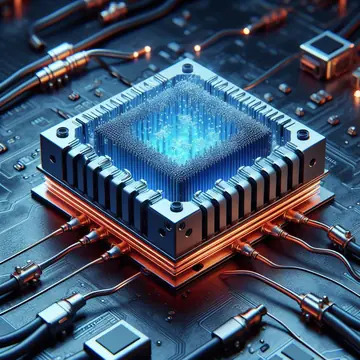
These materials create a temperature gradient when an electric current is applied, enabling heat transfer. Solid-state coolers are still emerging and hold potential for compact and efficient cooling solutions.
-
Thermoelectric Coolers (TECs):
TECs utilize the Peltier effect to cool the CPU.
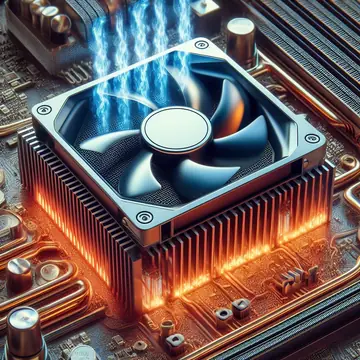
When an electrical current is applied to a thermoelectric module, it creates a temperature differential between its two surfaces. One side becomes hot while the other side becomes cold, effectively cooling the CPU. However, TECs are less common due to their high power consumption and complexity.
-
Hybrid Coolers:
Hybrid coolers combine elements of both air and liquid cooling systems.
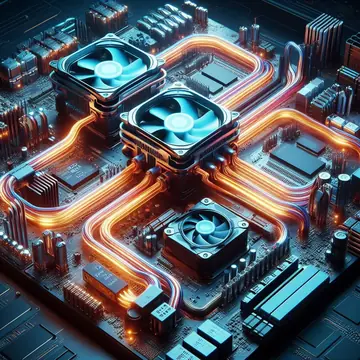
They typically feature a liquid cooling loop for the CPU with an integrated air cooler for other components such as VRMs (Voltage Regulator Modules) or RAM.
-
Phase Change Cooling:
Phase change cooling systems use refrigerants to cool the CPU.
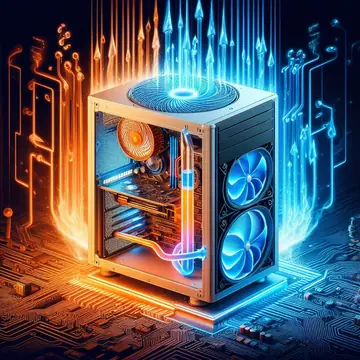
The refrigerant undergoes phase changes from liquid to gas and back, absorbing heat during evaporation and releasing it during condensation. While highly effective, phase change cooling systems are expensive and complex, making them impractical for most users.
-
When choosing a cooler, consider factors such as Cooler Size and Compatibility:
-
Cooler Height:
Ensure it fits within the case without obstructing other components.
-
Socket Compatibility:
Check if the cooler is compatible with your CPU socket type.
- Cooling Performance: Consider the TDP (Thermal Design Power) rating and cooling capacity of the cooler relative to your CPU's power consumption and heat output.
-
Maintenance and Installation:
- Follow manufacturer guidelines for installation to ensure proper contact between the cooler and CPU.
- Regularly clean dust and debris from air cooler fins and radiator fins in liquid cooling systems to maintain optimal airflow.
Conclusion:
Computer coolers play a crucial role in maintaining optimal temperatures for CPUs and other components. Understanding the different types of coolers and their operation can help users make informed decisions when selecting cooling solutions for their systems. As technology advances, new cooling methods and innovations continue to emerge, offering improved efficiency and performance for computer systems.