909-276-7214

Portable Memory - External Drives

Portable memory for computer users typically comes in the form of external hard drives or solid-state drives (SSDs). These devices are designed to be easily transported and connected to a computer via USB or other interfaces.
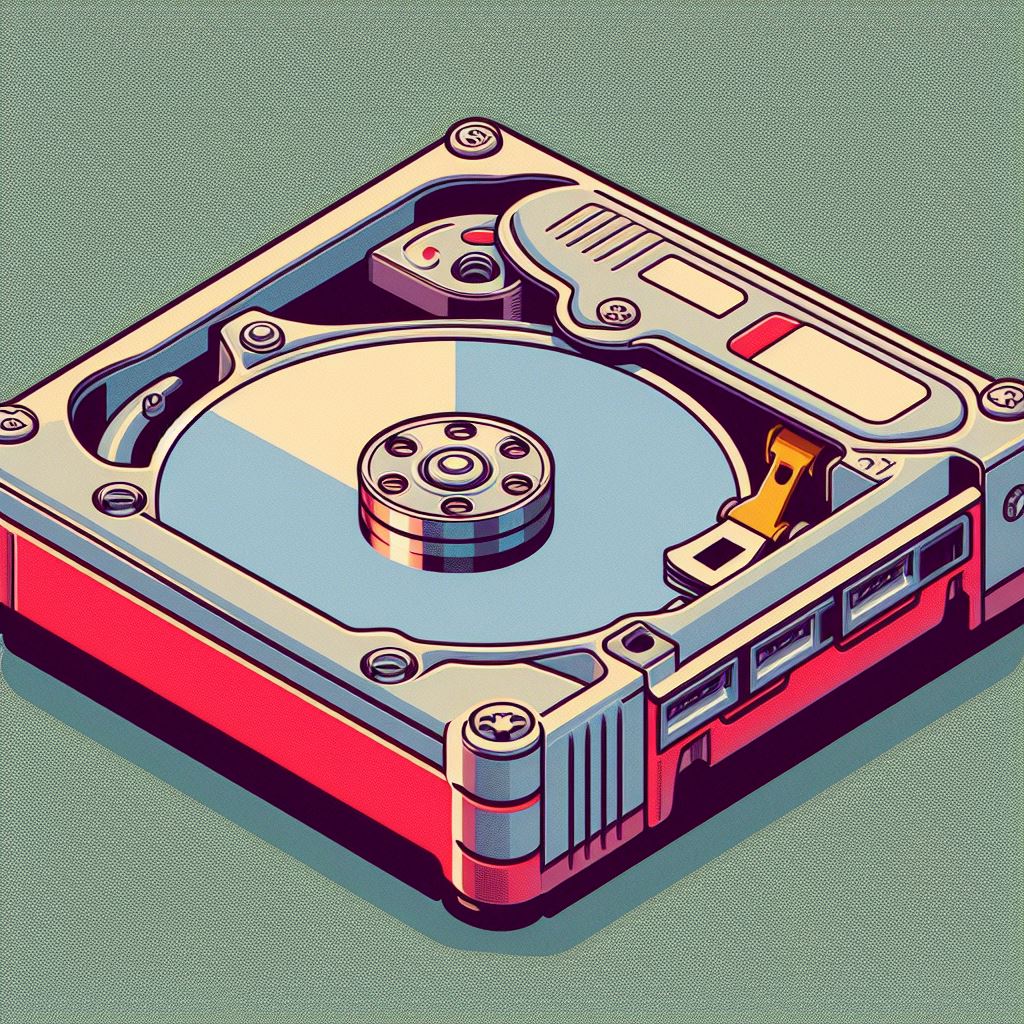
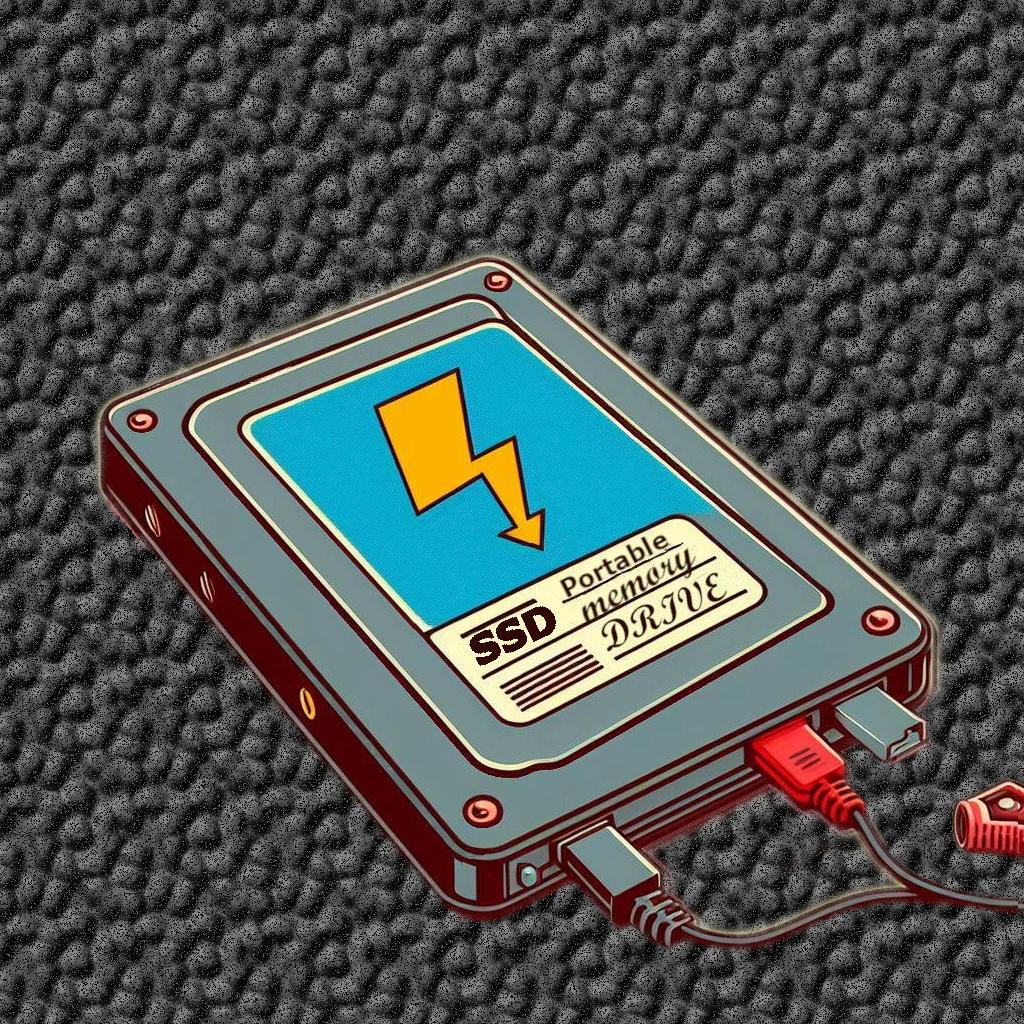
90's porable drive

With filling the drive with data and deleting files, it's important, to consider the capacity ("size") of the storage device you will need meet the intended use and requirements.Consider this: Video files can be quite large, so you may want a device with several terabytes of storage capacity.

In terms of the housing of the drive, there are a few factors to consider.
Firstly, you will want a device that is durable and can withstand being transported frequently. Some external hard drives come with shock-resistant casings, which can help protect the drive from accidental drops or bumps.
Additionally, some SSDs are designed to be more rugged than others and can be a good choice for those who are on the move frequently.

SSD

Another consideration when choosing an external hard drive or SSD is the interface it uses to connect to your computer. USB 3.0 and USB-C are popular interfaces for external hard drives and SSDs, as they offer fast transfer speeds and are widely compatible with different computers and operating systems.
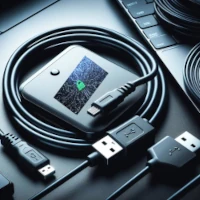
USB Powerred Memory DrivesFinally, it's worth considering whether you want a device that is powered via USB or one that requires an external power source. USB-powered devices can be more convenient to use, as you don't need to carry around a separate power supply, but they may not be suitable for all use cases, especially if you need to transfer large amounts of data quickly.
Memory Cards

Memory cards are small, removable data storage devices commonly used in digital cameras, smartphones, tablets, and other portable electronics. They are available in various formats, such as SD (Secure Digital), microSD, CompactFlash (CF), and others.

Key features of memory cards include:

  • Portability: Memory cards are compact and lightweight, making them easy to carry and transfer data between devices.
  • Memory Card
  • Capacity: Memory cards (SD) come in different storage capacities, ranging from a few gigabytes to hundreds of gigabytes, allowing users to store a large number of photos, videos, music files, and other data.
  • Reusability: Memory cards can be reused by formatting or deleting their contents, making them a cost-effective storage solution.
  • Compatibility: Different devices may require specific memory card formats, so it's important to choose the right type for your device.
  • Speed: Memory cards have varying read and write speeds, which can affect the performance of your device and the transfer speed of data.
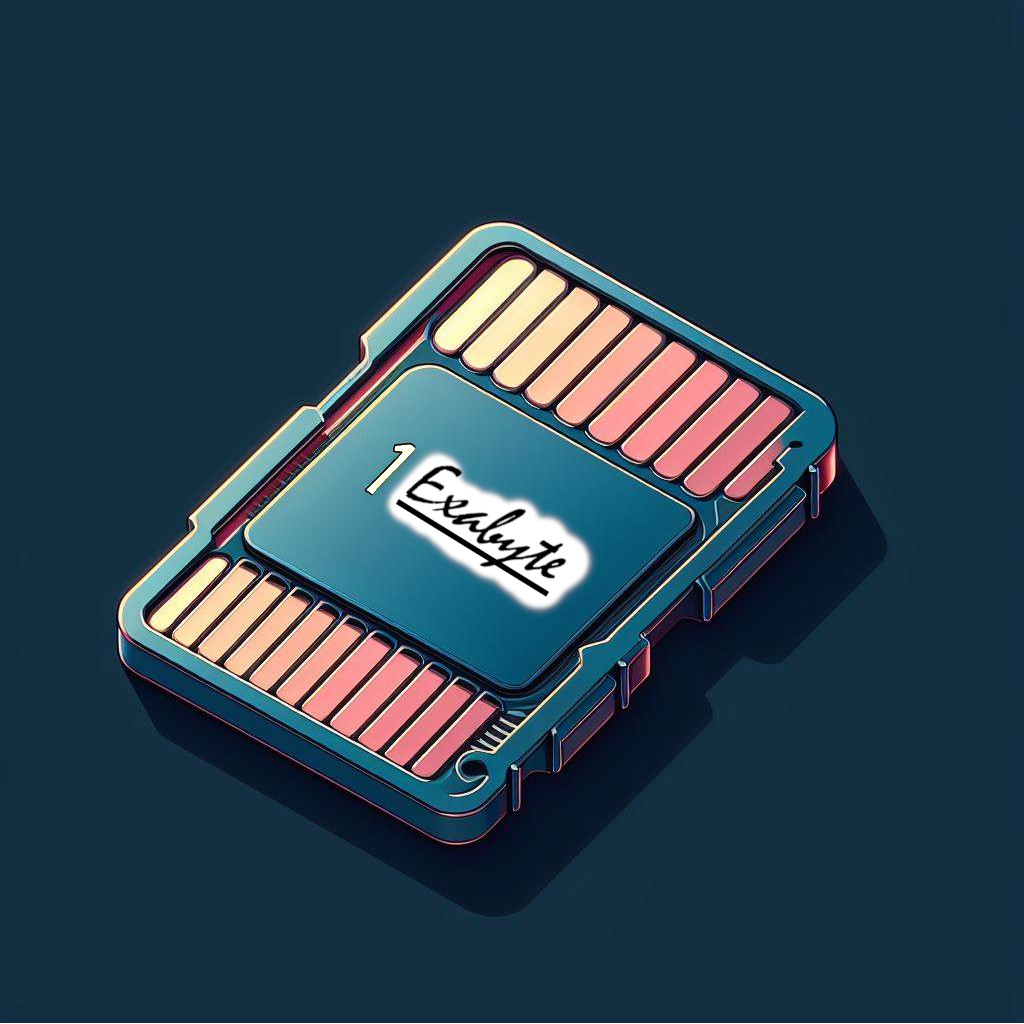
Common uses of memory cards:

  • Storing photos and videos from digital cameras and smartphones
  • Expanding the storage capacity of tablets, smartphones, and other portable devices
  • Transferring data between different devices
  • Backing up important files and data

USB Sticks

USB sticks, also known as USB flash drives or thumb drives, are small, portable storage devices that connect to a computer or other devices via a USB port. They are widely used for storing and transferring data due to their convenience and affordability.

Key features of USB sticks:
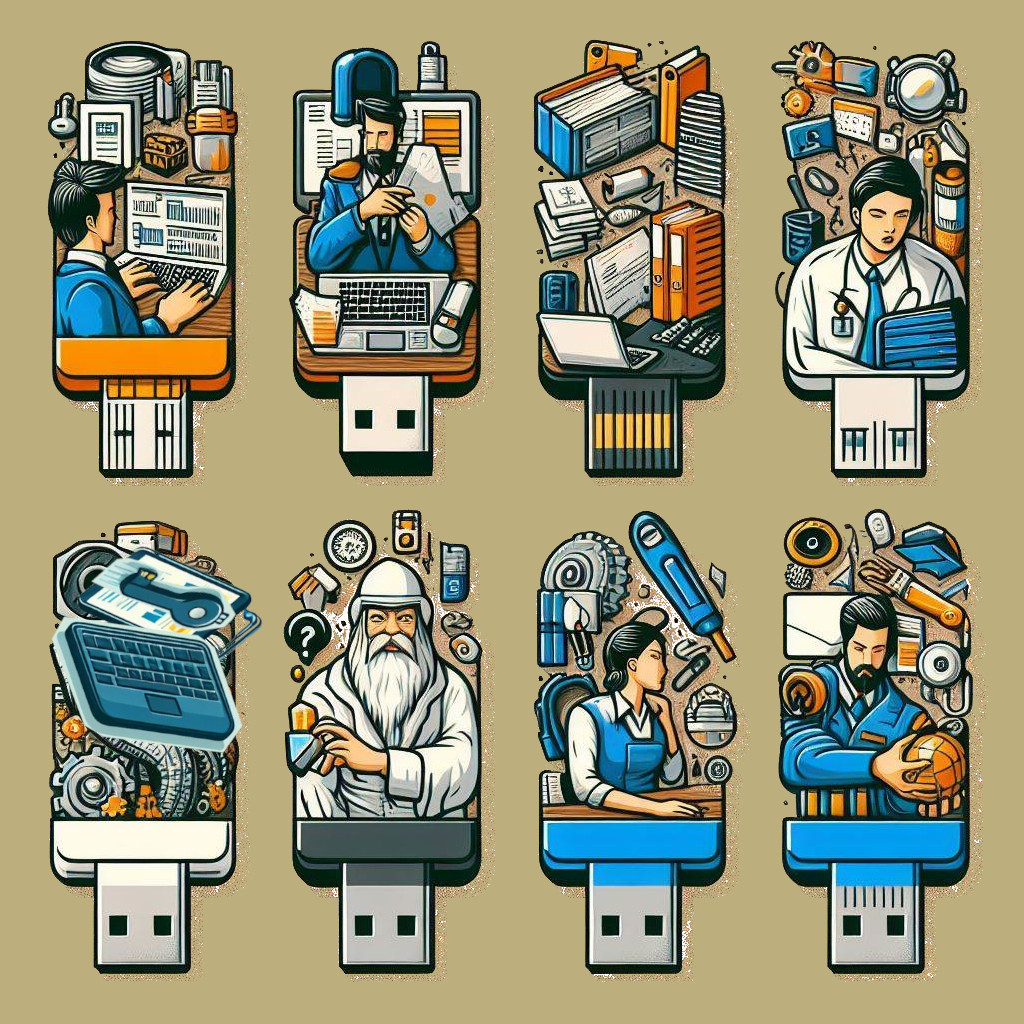
  • Portability: USB sticks are compact and can easily fit in a pocket, making them highly portable.
  • Plug-and-Play: Most USB sticks are plug-and-play, meaning they can be used with any computer or device with a USB port without the need for additional drivers or software.
  • Capacity: USB sticks are available in various storage capacities, ranging from a few gigabytes to several terabytes, allowing users to store a large amount of data.
  • Reusability: USB sticks can be reused by formatting or deleting their contents, making them a cost-effective storage solution.
  • Security features: Some USB sticks offer security features like password protection and hardware encryption to keep data safe.

Common uses of USB sticks:

  • Transferring files between computers and devices
  • Backing up important data and documents
  • Storing and carrying presentations, documents, and other files for work or school
  • Storing and transferring multimedia files like music, photos, and videos
  • Installing software or operating systems on multiple computers

Who benefits from Portable Data?

Photography - A professional photographer may use a portable drive to store and transport their high-resolution photos. They may need a device that is compact and lightweight, but also offers fast transfer speeds and ample storage capacity. A ruggedized portable drive with USB 3.0 connectivity and a capacity of several terabytes would be a good choice.

Gaming - A gamer may use a portable drive to store their game library and move it between different computers. They may need a device with fast read and write speeds to ensure smooth gameplay, as well as a large capacity to accommodate multiple games. A portable SSD with USB-C connectivity and a capacity of at least 1TB would be a good choice.

Video production - A video producer may use a portable drive to store and edit their high-resolution video footage. They may need a device with fast transfer speeds and a large capacity, as well as compatibility with video editing software. A portable SSD with Thunderbolt 3 connectivity and a capacity of several terabytes would be a good choice.

Business travel - A frequent business traveler may use a portable drive to store important documents, presentations, and other files. They may need a device that is compact and lightweight, but also offers ample storage capacity and data security features. A portable hard drive with USB 3.0 connectivity and hardware encryption would be a good choice.

Personal backup - An individual may use a portable drive to back up their personal files, such as family photos and videos, music, and documents. They may need a device with a large capacity, fast transfer speeds, and backup software that can automatically back up files on a regular basis. A portable hard drive with USB 3.0 connectivity and backup software included would be a good choice.

Students - Students may use portable drives to store their class notes, assignments, and research papers. A portable drive allows them to easily move their files between different computers on campus, and can serve as a backup for important coursework.

Freelancers - Freelancers who work remotely may use portable drives to store and transport their work files. This can include design files, code repositories, and project management documents. A portable SSD with fast transfer speeds can help ensure that they can access their files quickly and easily from anywhere.

Musicians - Musicians may use portable drives to store and transport their music files, including recordings, sheet music, and other performance materials. A portable drive with a large capacity can allow them to store multiple albums and other media files, while USB connectivity allows them to easily transfer files to and from their computer.

Educators - Educators may use portable drives to store and transport educational materials, including presentations, lecture notes, and videos. This can allow them to easily share these materials with other educators or students, and can serve as a backup for important course materials.

Health professionals - Health professionals may use portable drives to store and transport patient data, including medical records and imaging files. A portable drive with encryption and password protection can help ensure that this sensitive data is kept secure during transport.

Graphic designers - Graphic designers may use portable drives to store and transport their design files, including Photoshop documents, Illustrator files, and high-resolution images. A portable SSD with Thunderbolt connectivity can help ensure that large files can be transferred quickly and efficiently.

Video game developers - Video game developers may use portable drives to store game code, assets, and other development files. A portable drive with a large capacity and USB 3.0 connectivity can allow them to easily transfer these files between different computers, and can serve as a backup for important development work.

Construction workers - Construction workers may use portable drives to store and transport construction plans, blueprints, and other project documents. A ruggedized portable hard drive with USB-C connectivity can help ensure that these important documents are protected during transport, even in harsh outdoor environments.

Digital nomads - Digital nomads, who work remotely while traveling, may use portable drives to store and transport their work files, including video calls, documents, and images. A portable SSD with fast transfer speeds and a compact form factor can allow them to work efficiently from anywhere in the world.

Non-profit organizations - Non-profit organizations may use portable drives to store and transport sensitive data, such as donor information and financial records. A portable drive with hardware encryption and password protection can help ensure that this information is kept secure during transport, and can serve as a backup for important organizational data.

Small business owners - Small business owners may use portable drives to store and transport their business files, including financial records, customer data, and marketing materials. A portable drive with hardware encryption and backup software can help ensure that this important data is kept secure and backed up regularly.

Lawyers - Lawyers may use portable drives to store and transport legal documents, case files, and other sensitive materials. A portable drive with encryption and password protection can help ensure that this confidential information is kept secure during transport.

Journalists - Journalists may use portable drives to store and transport their research materials, including interview recordings, notes, and articles. A portable drive with a large capacity and USB 3.0 connectivity can allow them to easily transfer these files between different computers and locations.

Event planners - Event planners may use portable drives to store and transport event plans, schedules, and other materials. A portable drive with a ruggedized casing and USB-C connectivity can help ensure that these important documents are protected during transport and can be easily accessed on-site.

Medical researchers - Medical researchers may use portable drives to store and transport research data, including patient data and medical imaging files. A portable drive with high-speed transfer rates and encryption can help ensure that this sensitive data is kept secure during transport and can be easily accessed by researchers at different locations.

Photographers - Photographers may use portable drives to store and transport their high-resolution images and videos. A portable SSD with fast transfer speeds and a large capacity can allow them to store thousands of photos and videos, while USB connectivity allows them to easily transfer files to and from their computer.

Architects - Architects may use portable drives to store and transport architectural drawings, blueprints, and other design files. A portable drive with a ruggedized casing and USB-C connectivity can help ensure that these important documents are protected during transport and can be easily accessed on-site.

Scientists - Scientists may use portable drives to store and transport research data, including experimental data, results, and analysis. A portable drive with encryption and backup software can help ensure that this valuable research data is kept secure and backed up regularly.

Musicians (live performers) - Musicians who perform live may use portable drives to store and transport their performance materials, including backing tracks, sound effects, and sheet music. A portable drive with a compact form factor and fast transfer speeds can allow them to easily bring their performance materials to different locations.

Salespeople - Salespeople may use portable drives to store and transport sales materials, including presentations, product catalogs, and customer data. A portable drive with encryption and password protection can help ensure that this confidential information is kept secure during transport.