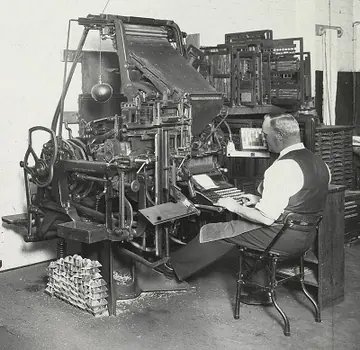
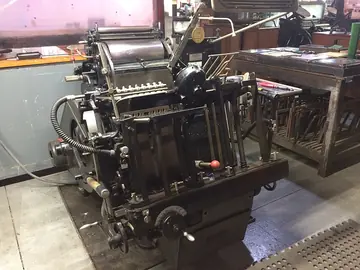
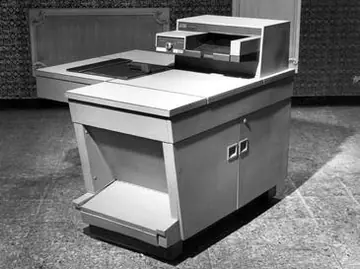
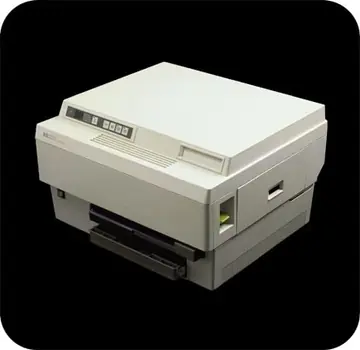
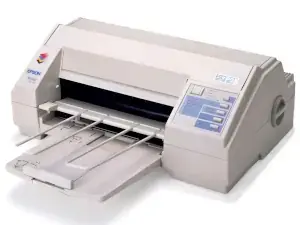
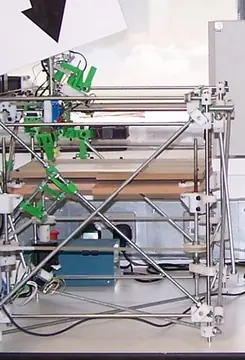
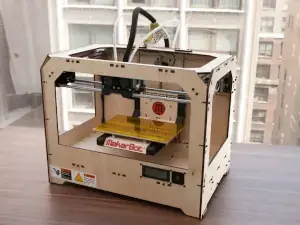
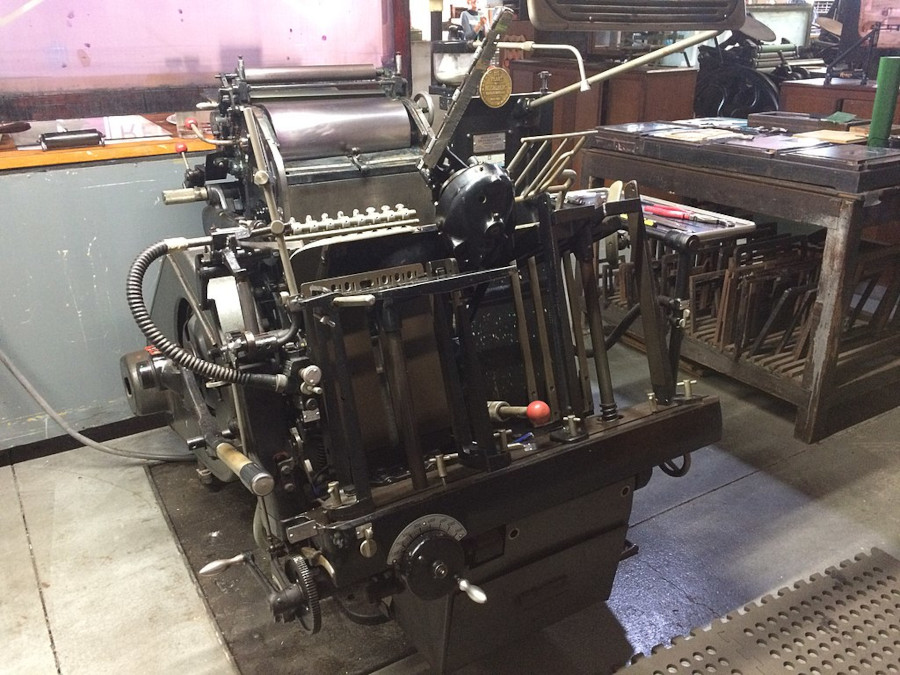
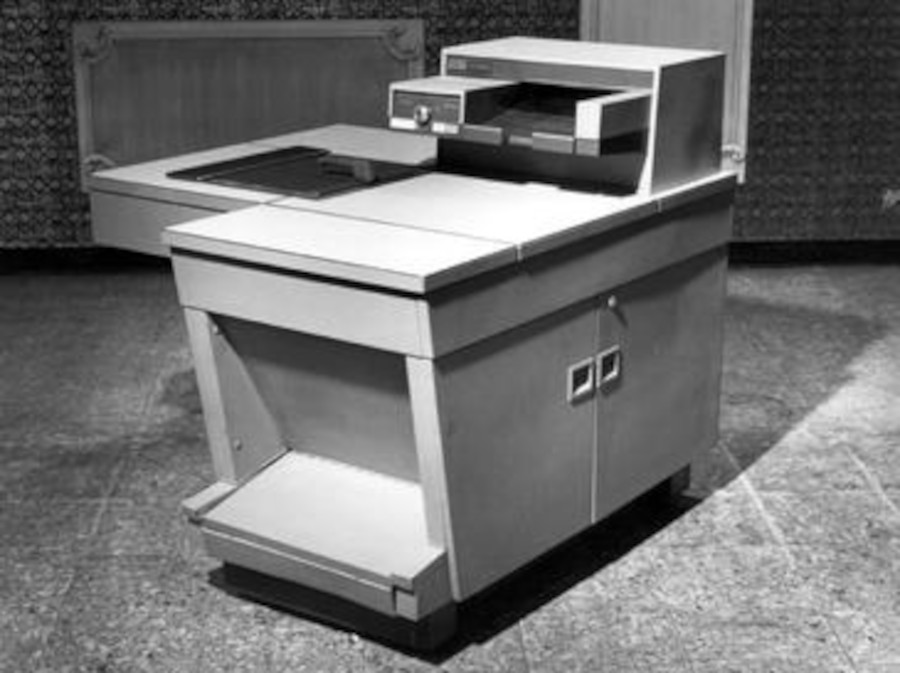
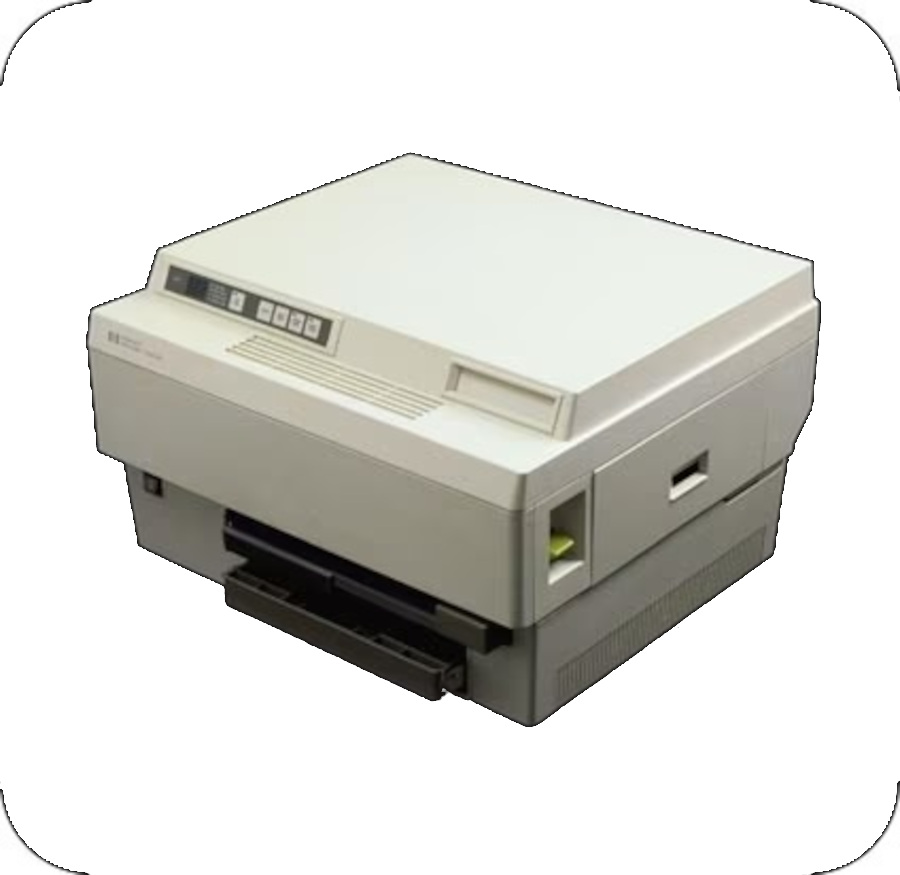
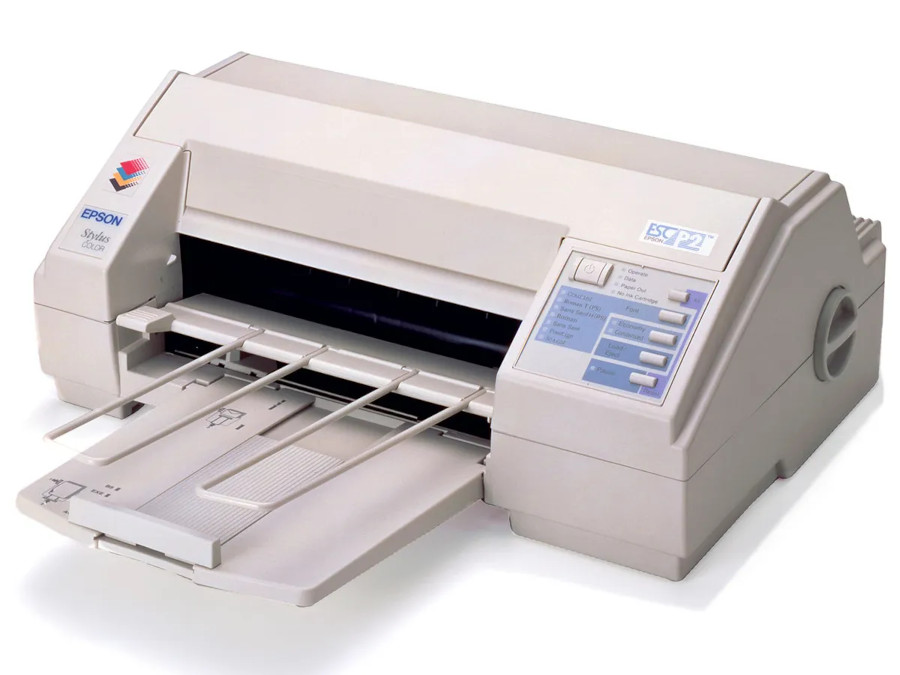
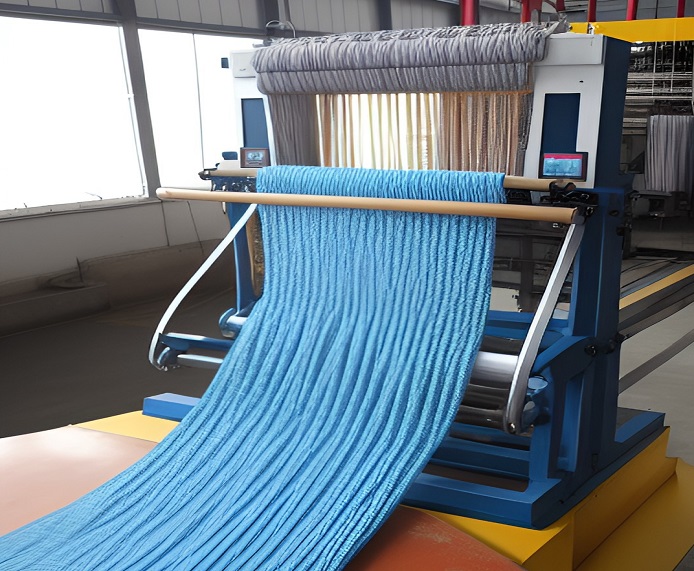
These marvels of technology have come a long way from their humble origins, evolving into multifunction, sleek devices that cater to a wide range of printing needs.
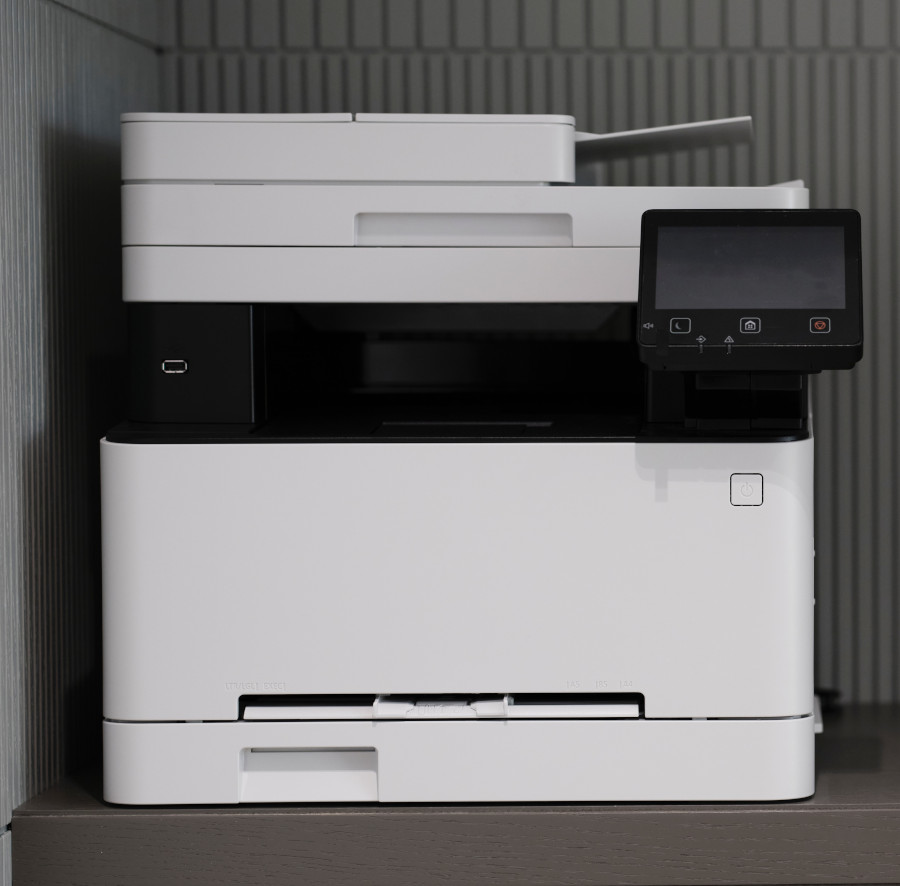
1. Multifunctionality: Modern printers are no longer limited to a single task. Many printers are multifunctional, combining printing, scanning, copying, and even faxing capabilities in a single device. This consolidation of functions saves space and offers greater convenience for users.
2. Wireless Connectivity: Say goodbye to tangled cables! Wireless connectivity has become a standard feature in modern printers. With Wi-Fi, Bluetooth, and even NFC (Near Field Communication) capabilities, you can easily print from your smartphone, tablet, laptop, or other devices without the need for direct physical connections.
3. Cloud Printing: Modern printers can tap into the power of the cloud. Cloud printing services allow you to send print jobs remotely, so you can print documents from anywhere with an internet connection. This is particularly useful for people who are always on the move.
4. Mobile Printing Apps: Printer manufacturers have developed mobile apps that make printing from smartphones and tablets a breeze. These apps often come with features like scanning, document editing, and even the ability to monitor ink levels remotely.
5. High-Quality Printing: Print resolution has seen significant improvements. High-quality inkjet and laser printers can produce sharp text, vibrant images, and even photo-quality prints. Some printers also support borderless printing for a professional finish.
6. Energy Efficiency: As environmental concerns grow, printer manufacturers have been focusing on energy efficiency. Many modern printers come with power-saving modes and automatic shut-off features, reducing energy consumption when the printer is not in use.
7. Touchscreen Interfaces: Printers have embraced user-friendly touchscreen interfaces, making it easy to navigate settings, select print options, and even preview documents before printing. Touchscreens simplify the user experience and add a touch of modern elegance to the devices.
8. Automatic Duplexing: Duplex printing, or printing on both sides of the paper, has become a common feature in modern printers. This not only helps save paper but also enhances the professional appearance of printed documents.
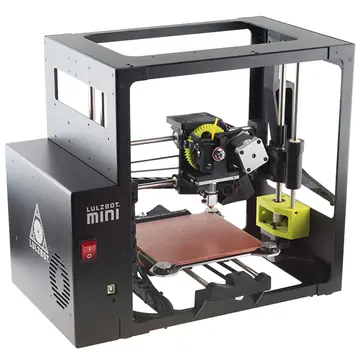
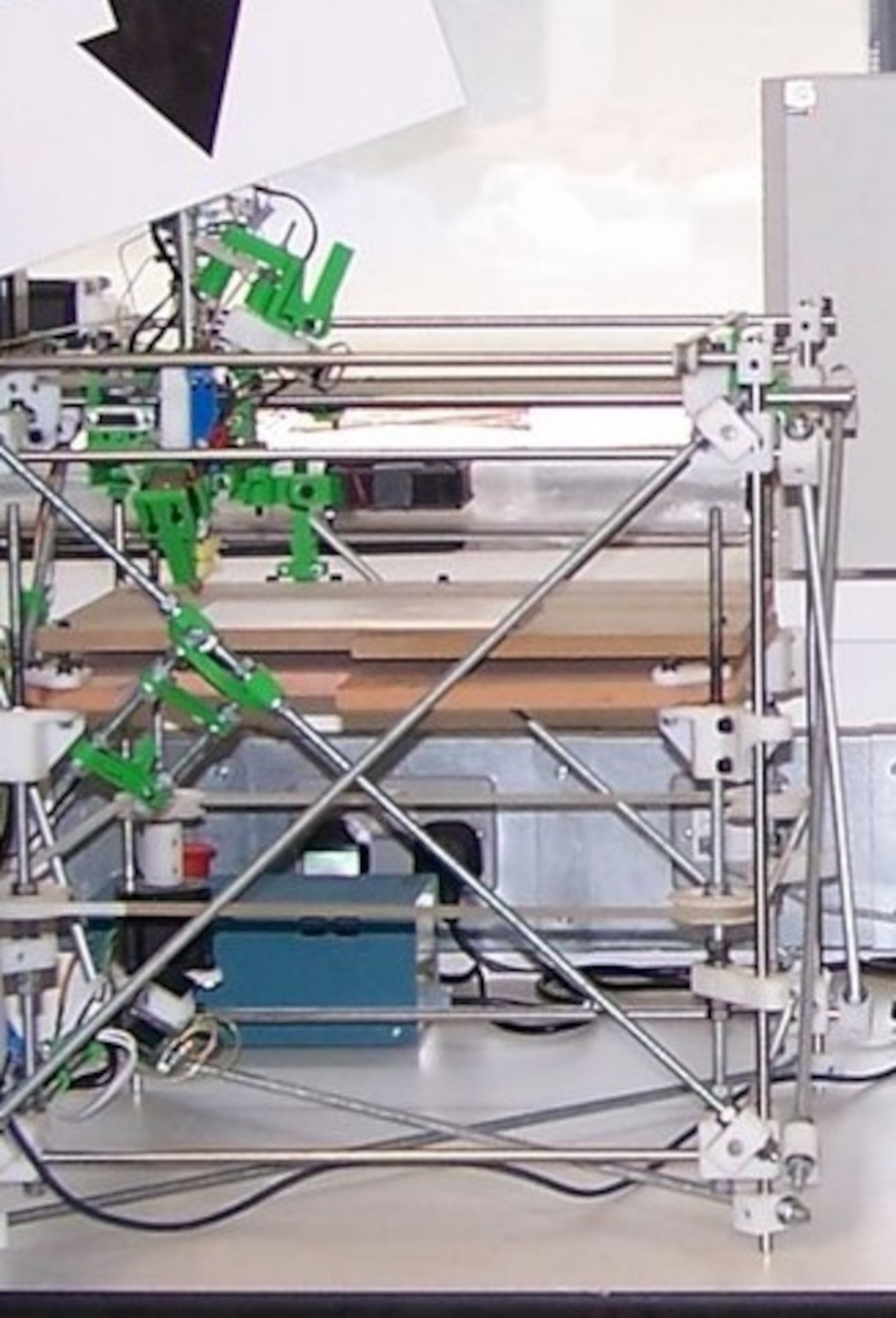
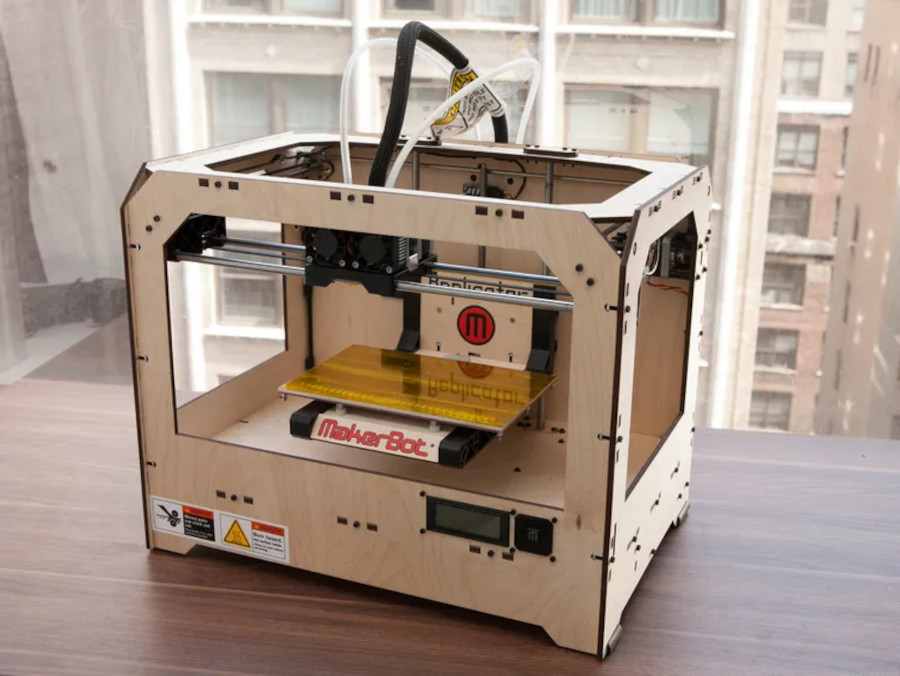
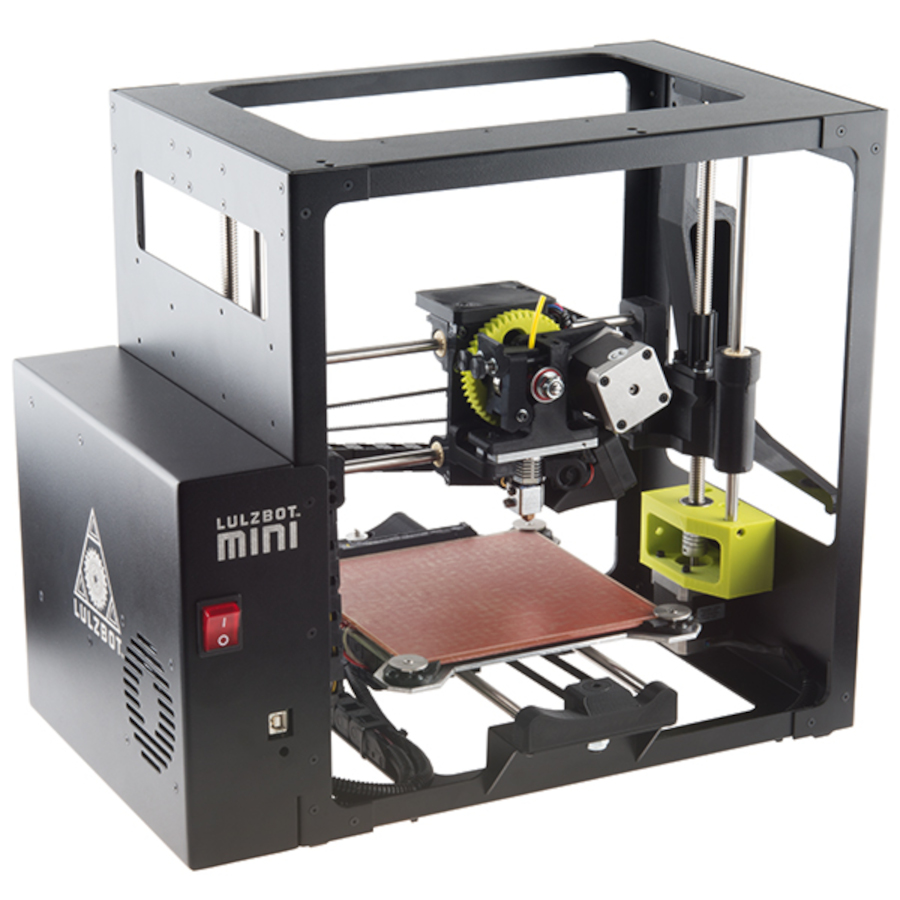
9. 3D Printing: While still a niche market, 3D printers have made a significant impact on various industries. From rapid prototyping in manufacturing to creating intricate sculptures, 3D printing has expanded the possibilities of what can be produced using printers.
10. Eco-Friendly Initiatives: Many printer manufacturers have adopted eco-friendly practices, offering recycling programs for cartridges and using sustainable materials in printer construction. Some printers also come with eco-settings that allow you to print in a more environmentally conscious manner.
11. AI and Automation: Some advanced printers now incorporate AI and automation features. They can detect the type of document being printed and adjust settings accordingly, optimize print quality, and even predict when ink or toner levels are running low.
12. Security Features: With the rise of cybersecurity concerns, modern printers are incorporating advanced security features. These may include encryption for print jobs, secure user authentication, and the ability to protect sensitive documents from unauthorized access.
In the grand tapestry of technology, modern printers stand as versatile tools that bridge the gap between the digital and physical worlds. With their impressive range of features, they continue to play a crucial role in offices, homes, schools, and various industries, serving as silent envoys that bring our digital creations to life on the tangible canvas of paper.
Let's delve into the realm of advanced printers, including 3D printers, and explore what a printer enthusiast should know when diving into these cutting-edge technologies.
Advanced Printers:
Advanced printers are tailored for users who have more specialized and demanding printing needs. These printers often come equipped with features that cater to professionals, businesses, and those who require high-quality and high-volume printing.
High-Quality Printing: Advanced printers, whether inkjet or laser, focus on delivering exceptional print quality. They offer higher resolutions, finer color accuracy, and greater attention to detail.
Speed and Efficiency: These printers are designed for high-speed printing. Laser printers, in particular, excel in fast and consistent printing, making them suitable for offices or businesses with heavy printing requirements.
Network Connectivity: Advanced printers often come with advanced networking capabilities, including Ethernet ports for wired connections and seamless integration into larger office or network setups.
Large Paper Handling: Printers designed for advanced users can often handle larger paper sizes and formats, including legal-sized documents, tabloid (11x17 inches) paper, and more.
Professional Color Accuracy:
For users who require accurate color reproduction, some advanced printers come with color management tools, allowing for precise calibration to ensure consistent color results.
Additional Paper Trays: These printers may feature multiple paper trays, allowing users to load different types of paper or sizes simultaneously for versatile printing needs.
Security Features: Advanced printers often include enhanced security features such as secure print, user authentication, and data encryption, which are crucial for businesses that handle sensitive information.
PostScript Support: Some advanced printers come with built-in PostScript support, a page description language commonly used in graphics and desktop publishing applications.
Multifunction Options: Advanced multifunction printers can include features like advanced scanning capabilities, double-sided scanning, and more extensive document management options.
Commercial and Industrial Printing: Beyond office environments, advanced printers include models designed for commercial and industrial applications, such as large-format printers for creating posters, banners, and signage.
3D Printers:
3D printers have revolutionized how objects are designed, prototyped, and manufactured. Here's what a printer enthusiast needs to know about these incredible devices:
1. Layer-by-Layer Printing: 3D printers create objects layer by layer, using materials like plastic, metal, resin, or even food items. This process is called additive manufacturing.
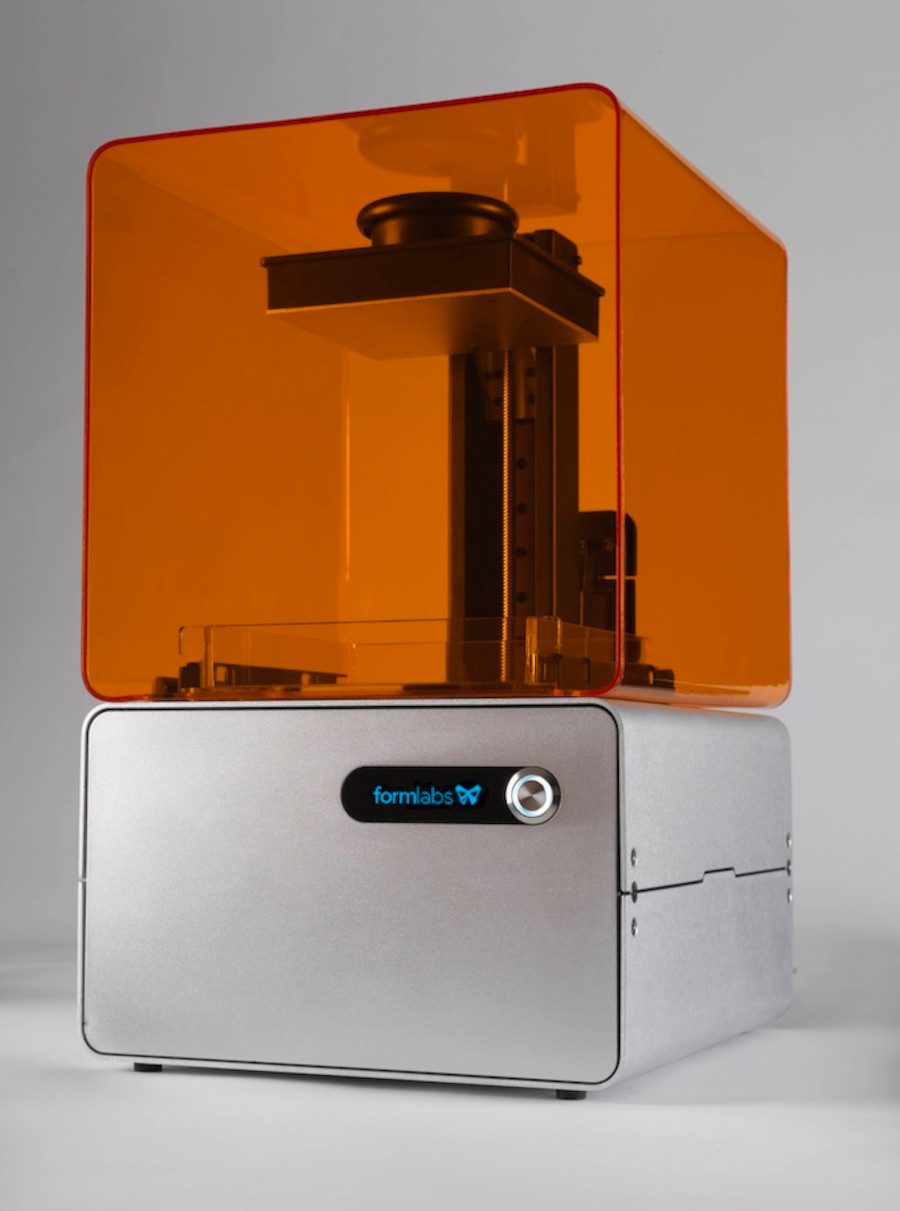
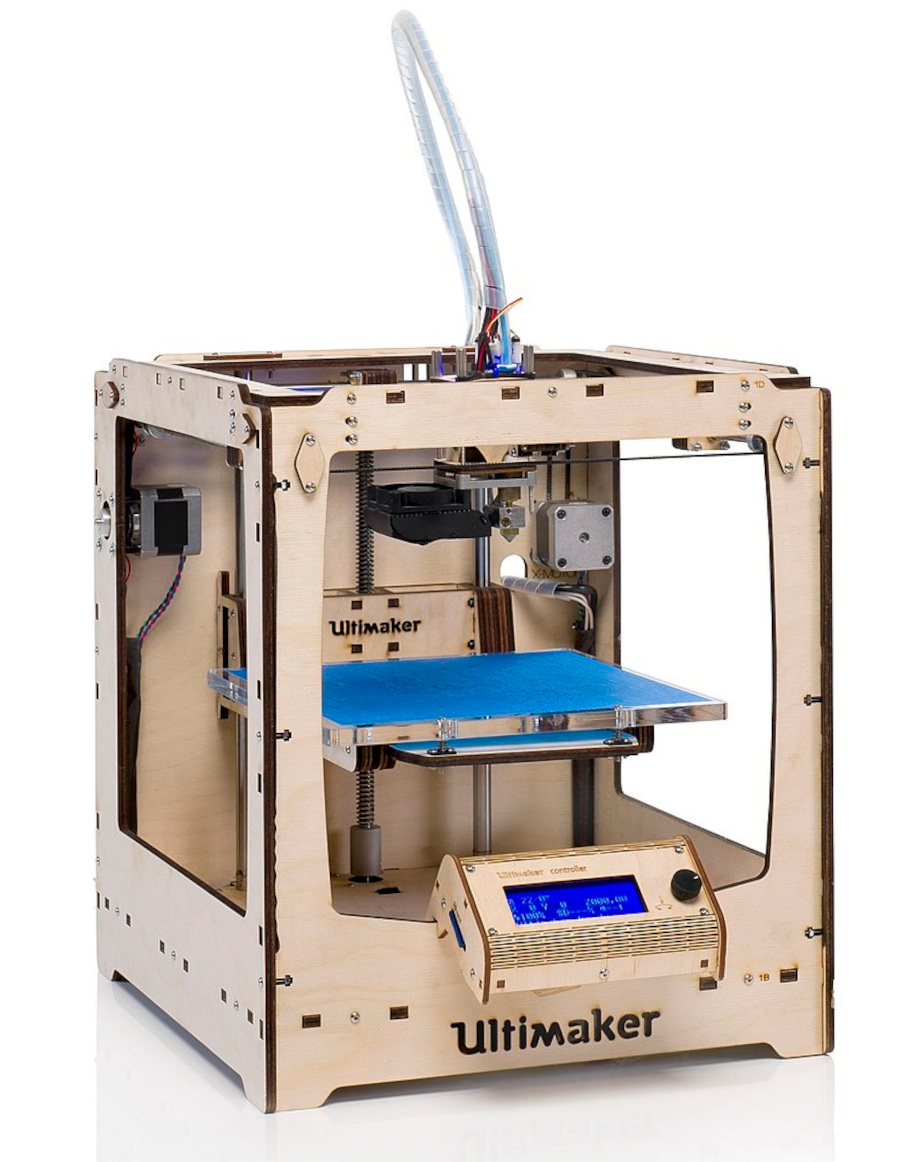
2. Types of 3D Printing: There are various types of 3D printing technologies, including Fused Deposition Modeling (FDM), Stereolithography (SLA), Selective Laser Sintering (SLS), and more, each with its unique strengths and applications.
3. Materials Variety: Different 3D printing methods use different materials, ranging from plastics and metals to ceramics and even biological materials.
4. Applications: 3D printing finds applications in various fields, including manufacturing, healthcare (e.g., medical implants), aerospace (prototyping and parts production), automotive (customized parts), fashion, art, and more.
5. Design and Software: 3D printing requires 3D design software or Computer-Aided Design (CAD) programs to create printable 3D models. These designs are then converted into instructions that the printer follows.
6. Print Quality and Resolution: Print quality varies based on the printer type and materials used. Higher-end 3D printers can achieve impressive levels of detail and accuracy.
7. Post-Processing: Many 3D prints require post-processing, which can involve cleaning, smoothing, painting, or even assembling multiple parts to create a final object.
8. Cost Considerations: The cost of 3D printers varies widely, depending on the technology, size, and features. Additionally, the cost of materials and post-processing should be factored in.
9. Learning Curve: Working with 3D printers involves a learning curve. Enthusiasts need to understand printer settings, materials compatibility, and design considerations.
10. Open-Source Community: There's a vibrant open-source 3D printing community where enthusiasts share designs, tips, and troubleshooting advice. This community-driven approach fosters innovation and collaboration.
11. Safety Precautions: Some 3D printing materials emit fumes during printing, so enthusiasts should consider working in well-ventilated areas or using printers with built-in air filtration systems.
For printer enthusiasts, advanced printers and 3D printers offer a realm of exploration and creativity. Whether you're diving into high-quality document printing or experimenting with 3D objects, the world of advanced printing technologies is boundless, offering opportunities to learn, create, and innovate.
The future of printing is a dynamic landscape that's poised for continued innovation and transformation. I can certainly outline some trends and possibilities that are likely to shape the future of printing:
1. 3D Printing Evolution: 3D printing technology is likely to become more accessible, faster, and capable of producing larger and more complex objects. New materials and methods will emerge, expanding the range of applications from healthcare and manufacturing to construction and aerospace.
2. Bioprinting and Healthcare: - Bioprinting, a subset of 3D printing, is already showing potential in creating tissues and organs for transplantation. In the future, this technology could revolutionize healthcare by providing patient-specific organ replacements and reducing organ transplant waiting lists.
3. Advanced Materials: - Printing with a wider range of materials, including conductive inks, flexible electronics, and even food ingredients, will enable the creation of functional objects beyond traditional paper or plastic.
4. Nanoprinting: - Nanoprinting involves printing at an extremely small scale, enabling applications like microelectronics, sensors, and even medical devices. This technology could impact various industries, from electronics to medicine.
5. Smart Printing and IoT Integration: : - Printers are likely to become more integrated with the Internet of Things (IoT), allowing for features like remote monitoring, automatic supply reordering, and real-time status updates.
6. AI and Print Optimization: - Artificial intelligence will play a role in optimizing print jobs, improving print quality, and reducing waste. AI algorithms could analyze documents and choose the most efficient print settings.
7. Sustainable Printing: - Environmental concerns will drive the development of more sustainable printing methods and materials. Energy-efficient printers, recycled materials, and eco-friendly ink solutions will become more prevalent.
8. Augmented Reality Printing: - The combination of printing with augmented reality (AR) technology could lead to interactive printed materials, such as books that come to life when viewed through a smartphone app.
9. Mass Customization: - With advances in digital printing, mass customization will become more feasible. Consumers could order personalized products ranging from clothing and accessories to home decor.
10. Remote Printing and Cloud Services: - Printing from remote locations and accessing cloud-based design and printing services will become even more seamless and integrated with everyday workflows.
11. Educational and Collaborative Printing: - Printers could become valuable tools for educational institutions, allowing students to create 3D models and prototypes. Collaborative printing projects could also flourish in online communities.
12. Blockchain and Document Security: : - Blockchain technology could be integrated into printing processes to enhance document security, authentication, and traceability.
The future of printing is marked by its adaptability to technological advancements and changing needs. As we move forward, printing will continue to transcend traditional boundaries and play a role in shaping industries, fostering creativity, and facilitating communication on an increasingly global scale.
1. Print Resolution and DPI: - Print resolution is measured in dots per inch (DPI) and determines the quality of prints. Higher DPI values result in sharper and more detailed prints, especially important for images and graphics.
2. Color Management: - Color accuracy and consistency are crucial in printing. Understanding color profiles, calibration, and color management tools helps ensure accurate color reproduction.
3. Print Head Technology: - Different printer types use various print head technologies. Inkjet printers use piezoelectric or thermal inkjet print heads, while laser printers use laser beams to create images on a drum.
4. Ink and Toner Varieties: - Printers use different types of ink and toner, each suited for specific purposes. Pigment inks offer durability, while dye-based inks provide vibrant colors. Toner cartridges can be standard or high-capacity.
5. Maintenance and Cleaning: - Regular maintenance and cleaning are essential to prolong the life of a printer and maintain print quality. This includes cleaning print heads, replacing cartridges, and performing firmware updates.
6. Printing Speed: - Printing speed is measured in pages per minute (PPM) and can vary significantly between different printer models and types. Consider your needs for speed when choosing a printer.
7. Page Yield: - Page yield indicates the number of pages a cartridge can print before needing replacement. It's an important factor to consider when assessing ongoing printing costs.
8. Print Languages: - Printers use languages like PCL (Printer Command Language) and PostScript to interpret and process print jobs. Understanding these languages can help troubleshoot printing issues.
9. Duplex Printing: - Duplex printing (double-sided printing) reduces paper usage. Some printers offer automatic duplexing, while others require manual flipping of pages.
10. Environmental Impact: - Printing has an environmental impact due to ink and toner consumption, as well as paper usage. Eco-friendly practices, such as using recycled paper and energy-efficient printers, can help reduce this impact.
11. Warranty and Support: - Consider the warranty period and customer support options when purchasing a printer. Reliable support can be crucial in case of technical issues.
12. Printing for Accessibility: - Printers can be used to create materials accessible to people with visual or physical impairments. Large font sizes, tactile graphics, and braille printing can enhance accessibility.
13. Patents and Innovation: - Throughout history, many printer innovations have been protected by patents. Exploring the patent history of printers can provide insights into the evolution of printing technology.
Printer Technologies Currently Used:
- Inkjet Printing: Inkjet technology is widely used for printing documents, images, and photos. It offers versatility and cost-effective color printing.
- Laser Printing: Laser printers use toner and are known for their speed, efficiency, and high-quality text printing.
- Wireless Connectivity: Most modern printers offer Wi-Fi, Bluetooth, or NFC connectivity, allowing users to print wirelessly from various devices.
- Cloud Printing: Cloud printing services allow users to send print jobs remotely, enabling easy printing from smartphones, tablets, or laptops.
- Mobile Apps: Printer manufacturers provide mobile apps that enable printing and scanning directly from mobile devices.
- Duplex Printing: Many office printers support automatic duplex printing, helping save paper and reduce costs.
- Security Features: Printers often come with security options like secure print, user authentication, and data encryption to protect sensitive information.
- 3D Printing Technologies: FDM, SLA, SLS, and other 3D printing technologies are used for creating prototypes, models, and even functional parts.
In an office environment, printer preferences can vary based on the needs of different users. Here are some popular printer models and technologies that cater to various types of users within an office setting:
Entry-Level and Occasional Printing:
- HP DeskJet series: These compact inkjet printers are suitable for users who don't print often. They offer basic printing capabilities and wireless connectivity. - Epson Expression Home series: Similar to HP's DeskJet series, Epson's compact inkjet printers are affordable options for occasional printing needs.
Regular Printing and Document Management:
- HP LaserJet Pro series: These monochrome and color laser printers are designed for regular document printing. They offer fast printing speeds, high-quality output, and networking features. - Brother HL-L2000 series: Brother's monochrome laser printers are known for their reliability and cost-effectiveness for regular printing tasks.
High-Volume and Business-Critical Printing:
- Xerox VersaLink series: These versatile laser printers cater to businesses with high-volume printing needs. They offer advanced features, security options, and customizable workflows. - Canon imageRUNNER ADVANCE series: Canon's multifunction devices are designed for businesses that heavily rely on printing, scanning, and document management. They integrate well with office workflows.
All-in-One Multifunction Printers:
- HP OfficeJet Pro series: These all-in-one inkjet printers combine printing, scanning, copying, and faxing functionalities. They are ideal for small businesses that require versatile document management. - Brother MFC series: Brother's multifunction printers are known for their reliability and user-friendly features, making them suitable for a range of office tasks.
3D Printers for Prototyping and Design:
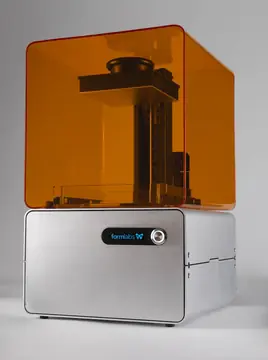
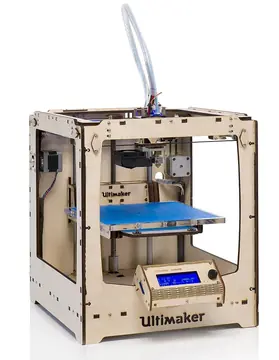
- Ultimaker S5: This FDM 3D printer offers a large build volume and high-quality prints, making it suitable for design and prototyping tasks. - Formlabs Form 3: The Form 3 uses SLA technology to deliver detailed and accurate 3D prints, catering to professionals and businesses requiring precision.
Choosing the right printer for an office environment involves assessing the printing needs of different users and finding models that align with those requirements. Technologies such as wireless connectivity, cloud integration, and advanced security features play a crucial role in modern office printing solutions.
1. Direct Thermal Printers:
- In direct thermal printing, heat is applied directly to the thermal paper, which contains a special coating that reacts to heat. As the paper passes over the print head, the heat causes the coating to darken, creating the printed image. - Direct thermal printers are often used for applications like barcode labels, receipts, shipping labels, and tickets. - They are popular in retail, logistics, healthcare, and other industries that require fast and on-demand printing.
2. Thermal Transfer Printers:
- Thermal transfer printing involves transferring ink from a ribbon onto the printing surface. The ribbon contains a wax, resin, or a combination of both, which is heated by the print head to transfer the ink onto the paper. - Thermal transfer printers offer more durability and resistance against factors like water, chemicals, and heat compared to direct thermal printing. - These printers are commonly used for labeling products, asset tagging, and printing on materials like synthetic labels, tags, and fabric.
Advantages of Thermal Printers:
1. Speed and Efficiency: Thermal printers are known for their high printing speeds, making them suitable for applications that require quick output.
2. Cost-Effectiveness: Direct thermal printing eliminates the need for ink or toner cartridges, reducing ongoing operational costs.
3. Compact Design: Thermal printers are often compact and require minimal desk or counter space, making them suitable for various environments.
4. Quiet Operation: These printers operate quietly, which can be advantageous in environments where noise levels need to be kept to a minimum.
5. Reliability: With fewer moving parts compared to traditional printers, thermal printers are generally more reliable and require less maintenance.
6. On-Demand Printing: Thermal printers are well-suited for on-demand printing needs, such as retail receipts or labels.
Considerations and Limitations:
1. Print Longevity: Direct thermal prints can fade over time due to exposure to heat, light, and other environmental factors. This makes them less suitable for documents that need to be preserved for a long time.
2. Media Compatibility: Thermal printers are best suited for thermal paper and specialized labels designed for thermal printing. They might not work well with other paper types.
3. Image Quality: While suitable for text, barcodes, and simple graphics, thermal printers might not provide the same level of image quality and color output as inkjet or laser printers.
4. Durability: Direct thermal prints are sensitive to heat and can become illegible if exposed to high temperatures or direct sunlight.
Thermal printers have found their niche in various industries due to their speed, reliability, and cost-effectiveness. They are especially well-suited for applications that require high-speed, on-demand printing of labels, receipts, and other short-term documents.
[Free Research Preview. ChatGPT August 3 Version 2023]
|
 The fascinating history of printers and their evolution from ancient times to the present day. Get ready to embark on a journey through the realms of typography, innovation, and the ever-present quest for ink-stained perfection.
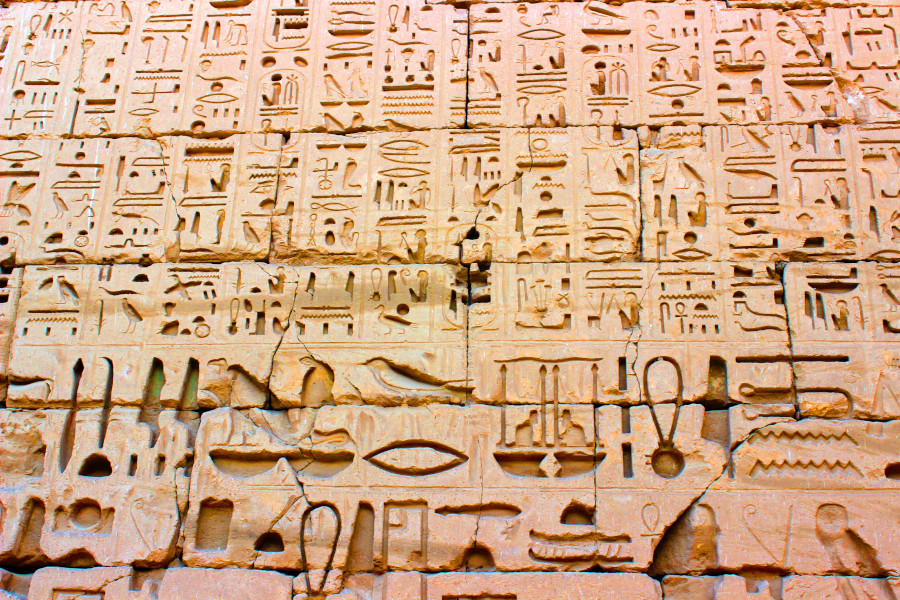
  Our tale begins long before screens and pixels entered the picture. As far back as ancient civilizations, humans felt an inexplicable yearning to immortalize their thoughts on tangible surfaces. From the ancient Egyptians with their hieroglyphics to the Chinese inventing the first printing methods involving woodblocks, mankind's obsession with inscribing knowledge ran deep.
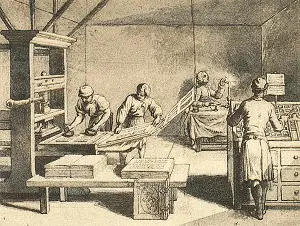
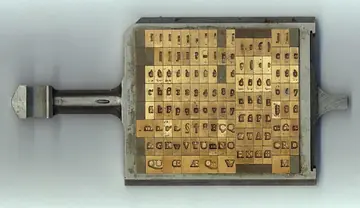
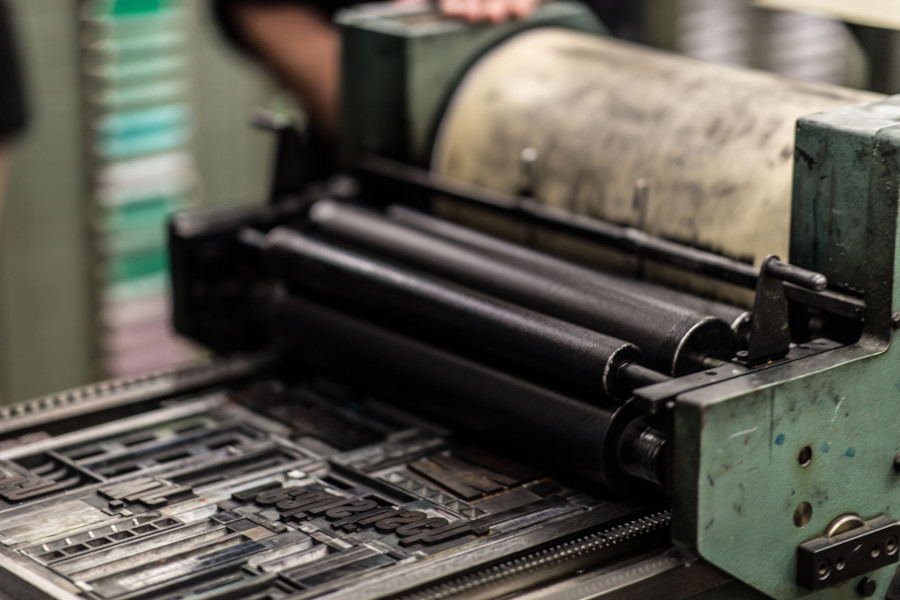
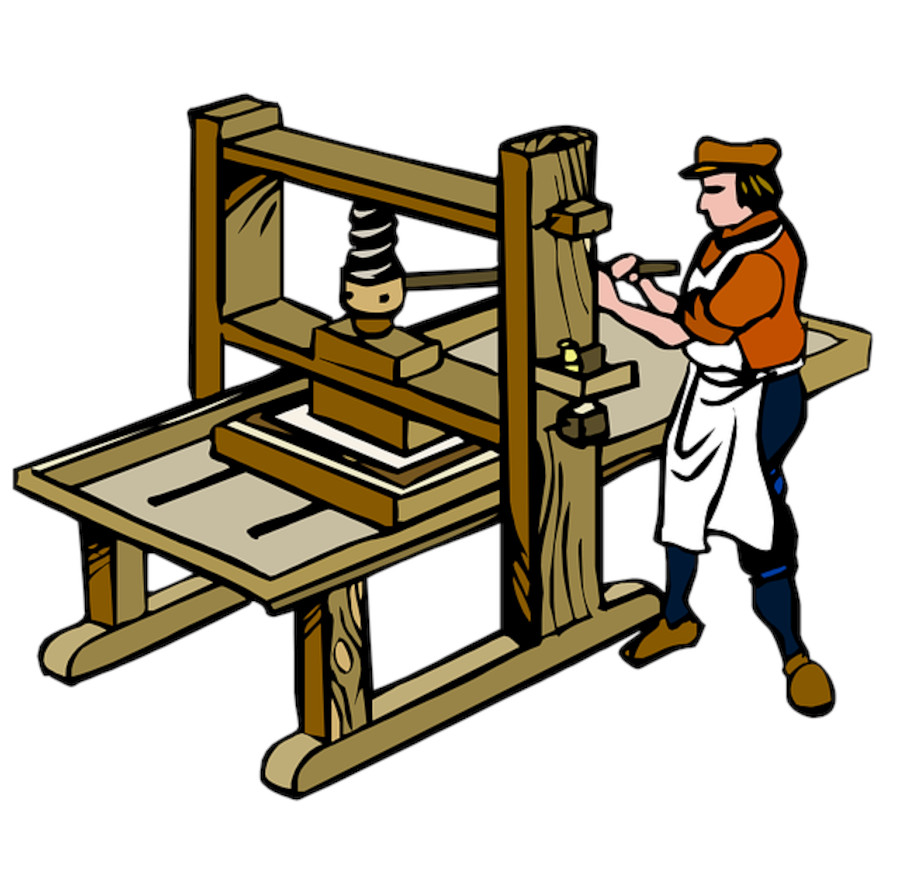
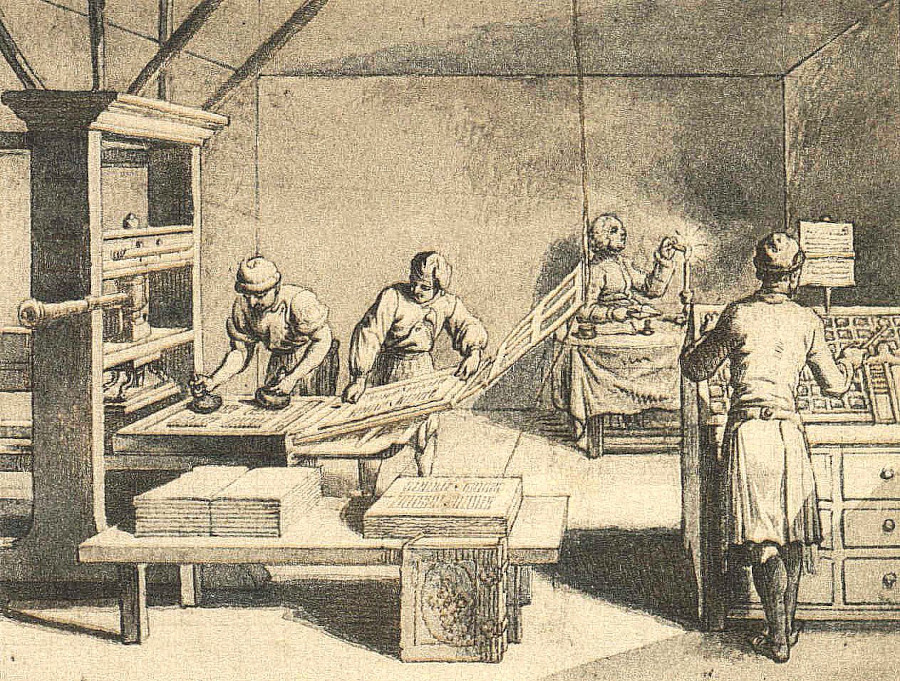
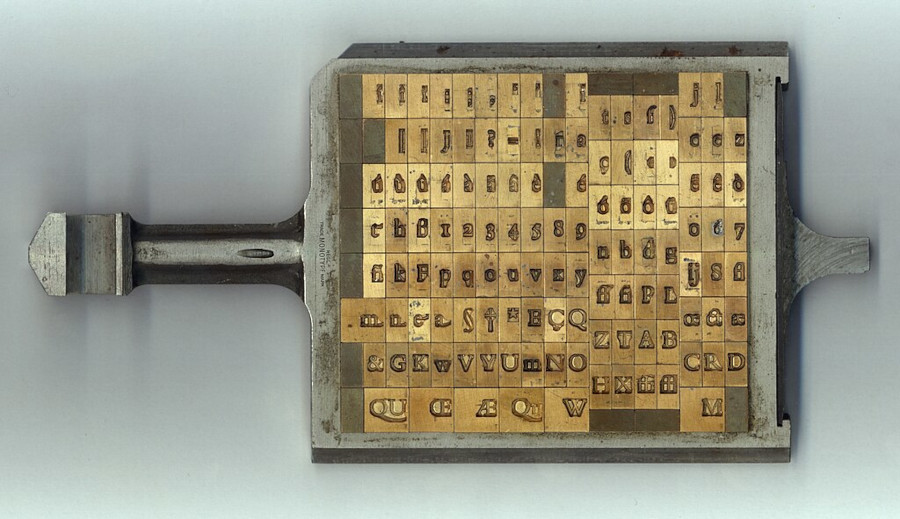
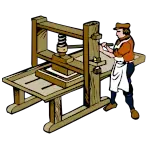 Why struggle with tedious manual transcription when one could create a magical contraption called the printing press? With a dose of ingenuity and a dash of innovation, Gutenberg's press brought about a revolution in the dissemination of knowledge. It marked the birth of movable type printing, as metal letters could be rearranged and reused, making the production of books and pamphlets exponentially faster.
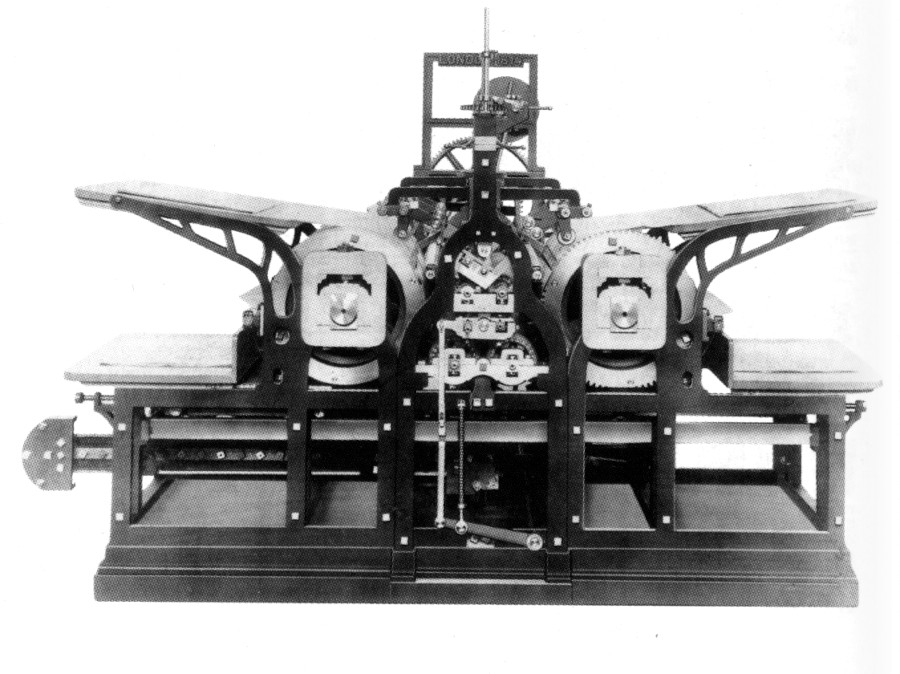
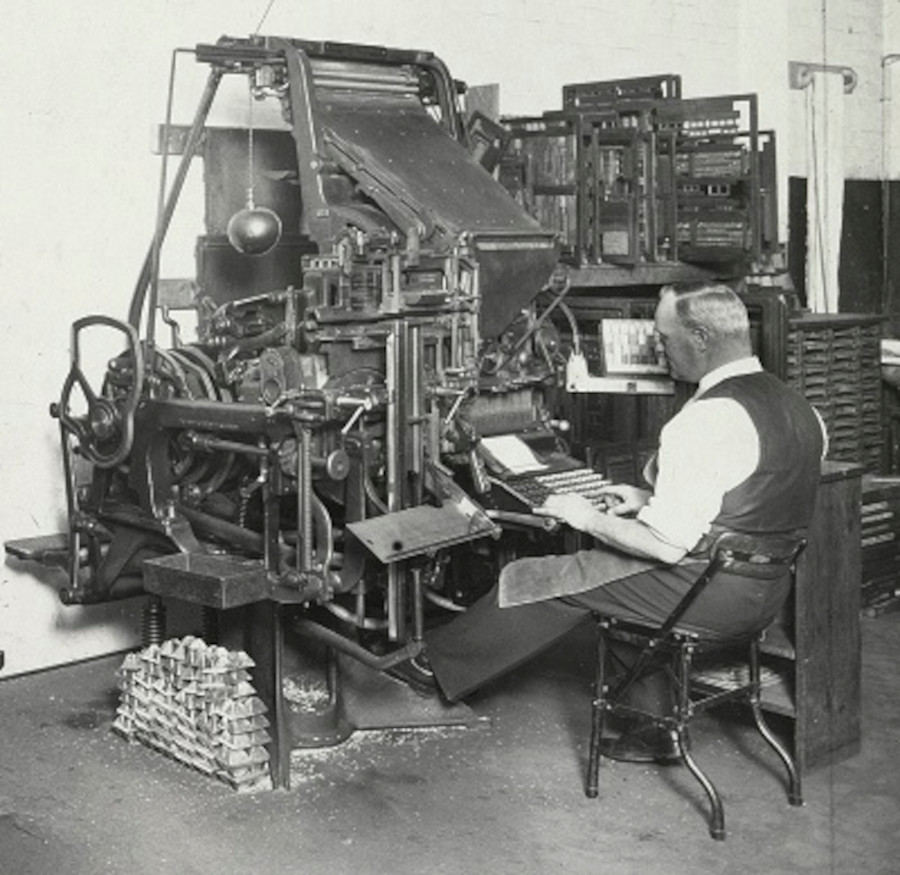
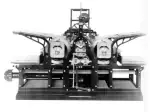 As the world embraced industrialization, so too did the printers. Steam-powered presses roared to life, churning out newspapers, magazines, and books at an astonishing pace. This age saw the birth of the rotary press, which could crank out thousands of pages per hour, feeding the insatiable hunger for information in a rapidly changing world.
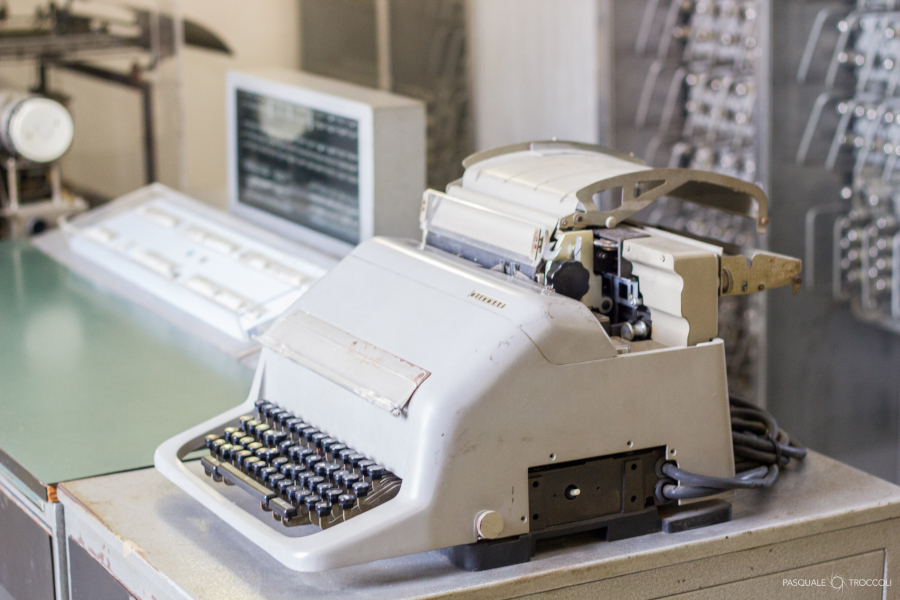
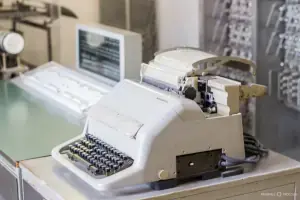 The 19th century witnessed the electrification of printers. The electric typewriter made its debut, simplifying the once laborious task of document creation. Suddenly, writers could clickity-clack away with greater speed and accuracy, ushering in an era of office efficiency and professional prose.
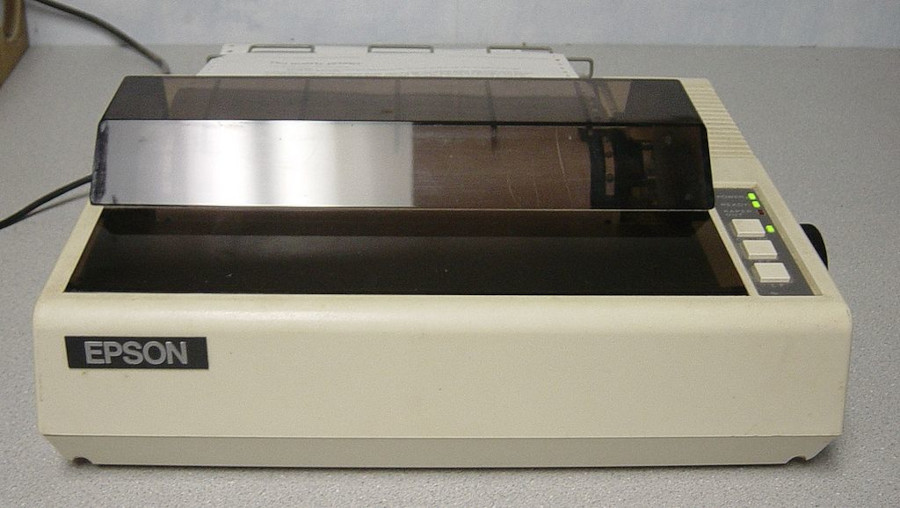
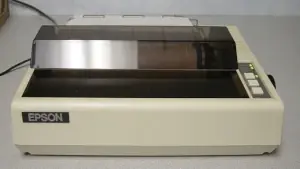 With the advent of the computer in the mid-20th century, printers evolved into their modern-day forms. Dot matrix printers danced their dot-laden ballets, creating pixelated magic line by line. Then came laser printers, where beams of light replaced ink-soaked plates. These sleek machines could churn out high-quality documents with the precision of a surgeon and the speed of a gazelle.
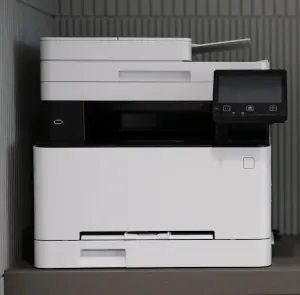
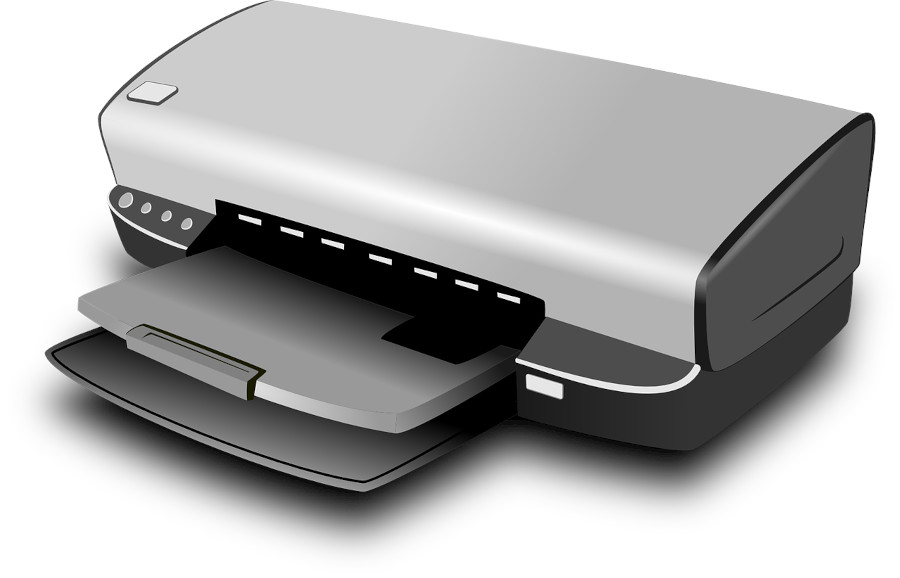
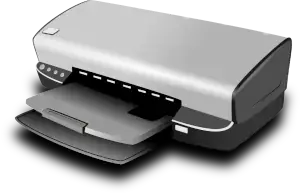 The late 20th century saw the rise of the inkjet printer, an ingenious contraption that utilized tiny nozzles to spray droplets of ink onto paper. Suddenly, home printing became a reality, and cat memes were forever memorialized in glorious color. As the world embraced wireless technology, printers bid adieu to the shackles of cables, connecting to devices with a casual nonchalance that only bits and bytes could muster.
 But the evolution didn't stop there. In the 21st century, the printer embarked on a new frontier: 3D printing. No longer confined to the realm of flat surfaces, printers could now craft three-dimensional objects, layer by layer, with materials ranging from plastic to metal to even chocolate. Architects, engineers, and artists rejoiced as imagination transcended into tangible reality.
 As environmental concerns deepened, printers also donned the mantle of eco-friendliness. Recycled paper, energy-efficient designs, and sustainable ink choices became the norm. With a renewed focus on reducing waste and carbon footprints, printers evolved once again, reflecting the zeitgeist of a changing world.
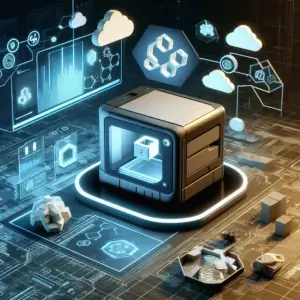 And here we stand, in the present day, with printers that can speak to our devices, print from the cloud, and even predict when they're about to run out of ink. They've come a long way from their ancient roots, becoming a critical cog in the machinery of modern communication.