Malware Cleaner
Comprehensive Threat Disinfection & System Recovery: While standard antivirus acts as a real-time shield, specialized malware cleaners delve into deep system registries and root directories to eliminate stealthy rootkits, ransomware payloads, browser hijackers, aggressive adware, and persistent trojans.
Ransomware
Spyware & Keyloggers
Trojans & RATs
Adware & Hijackers
Rootkits & Botnets
Deep Clean & Disinfection
The Evolution & History of Malware
- Creeper Worm (1971)
- One of the earliest known pieces of malware, this worm spread across the ARPANET, leaving the message "I'm the creeper, catch me if you can!"
- Elk Cloner (1982)
- This virus infected Apple II computers through floppy disks, displaying a taunting poem upon execution.
Early Days: Simple Viruses and Worms
- Brain Virus (1986)
- The first widely known virus for IBM PCs, it infected floppy disks and displayed a message about copyright protection.
- Jerusalem Virus (1987)
- This time bomb virus was designed to delete files on Fridays the 13th.
The Rise of Personal Computers and Viruses
- Morris Worm (1988)
- One of the first Internet worms, it quickly spread and caused significant disruption to networks worldwide.
- CIH/Chernobyl Virus (1998)
- A virus that could overwrite system BIOS, rendering the computer unbootable.
- Melissa Virus (1999)
- This email worm used Microsoft Word attachments to spread and could potentially crash infected computers.
- ILOVEYOU Virus (2000)
- A computer worm that spread through email with the subject "ILOVEYOU," causing widespread damage by overwriting files.
- Code Red Worm (2001)
- A worm that exploited a vulnerability in Microsoft IIS web servers, causing widespread disruption.
- Anna Kournikova Virus (2001)
- A computer worm disguised as a photo of the tennis player Anna Kournikova, which spread via email.
- Blaster Worm (2003)
- A worm that targeted Windows and caused infected machines to reboot continuously.
- Sobig.F (2003)
- One of the most widespread email worms, known for flooding inboxes with infected emails.
- Bagle Worm (2004)
- A worm that opened a backdoor on infected systems, allowing remote control.
- Mydoom Worm (2004)
- One of the fastest-spreading email worms, which also launched a denial-of-service attack against several websites.
- Sasser Worm (2004)
- A worm that exploited a vulnerability in Windows, causing infected computers to continually crash and reboot.
- Storm Worm (2007)
- A Trojan horse that spread through email and turned infected computers into bots for a botnet.
- Conficker Worm (2008)
- A notorious worm that exploited Windows vulnerabilities, infecting millions of computers worldwide.
- Zeus (2007-2010)
- A Trojan horse that primarily targeted Windows systems to steal banking information through keystroke logging and form grabbing.
- QakBot (QBot) (2007-present)
- A banking trojan that has evolved into a sophisticated malware used for data theft and ransomware delivery.
- Stuxnet (2010)
- A highly sophisticated worm that targeted industrial control systems, specifically those used in Iran’s nuclear program.
- CryptoLocker (2013-2014)
- One of the first widespread ransomware attacks, encrypting users’ files and demanding a ransom for the decryption key.
- Dridex (2014-present)
- A banking trojan that has evolved into a modular malware used for financial fraud and ransomware delivery.
- Agent Tesla (2014-present)
- A keylogger and information stealer that targets credentials and other sensitive data.
- Mirai Malware (2016)
- Malware that turned networked devices running Linux into remotely controlled bots for large-scale network attacks.
- WannaCry Ransomware (2017)
- A ransomware attack that encrypted files on infected computers and demanded ransom payments in Bitcoin.
- Petya/NotPetya (2016-2017)
- Initially a ransomware, later versions like NotPetya were designed to cause widespread disruption rather than financial gain.
- Emotet (2014-2021)
- Initially a banking trojan, it evolved into a highly modular botnet used to distribute other malware.
- TrickBot (2016-present)
- A sophisticated banking trojan that has evolved into a modular malware suite, often used in conjunction with ransomware.
- Ryuk Ransomware (2018-present)
- A ransomware strain known for targeting large organizations and demanding high ransom payments.
- BlueKeep (2019)
- A critical vulnerability in Windows Remote Desktop Services that could allow for remote code execution and has been exploited by various malware.
- SolarWinds Attack (2020)
- A sophisticated supply chain attack that compromised the software updates of SolarWinds’ Orion platform, affecting numerous organizations.
- EternalBlue (2017-present)
- An exploit developed by the NSA and leaked by the Shadow Brokers, used in various attacks including WannaCry and NotPetya.
- BotenaGo (2021)
- A new botnet malware written in Go, targeting IoT devices and routers.
- Hafnium (2021)
- A group exploiting vulnerabilities in Microsoft Exchange Server to steal data from various organizations.
- Log4Shell (2021)
- A critical vulnerability in the Apache Log4j library, widely exploited for remote code execution.
- MosaicLoader (2021)
- A malware loader that spreads through cracked software downloads, used to deliver various types of malware.
- REvil (Sodinokibi) (2019-present)
- A ransomware-as-a-service operation responsible for numerous high-profile attacks, including the Kaseya VSA.
- DarkSide Ransomware (2020-present)
- A ransomware group known for high-profile attacks, including the Colonial Pipeline incident.
- Conti Ransomware (2020-present)
- A ransomware strain known for its speed and efficiency in encrypting data, often used in double extortion schemes.
- FritzFrog (2020-present)
- A peer-to-peer botnet targeting SSH servers, known for its decentralized structure and ability to evade detection.
- BlackMatter (2021-present)
- A ransomware group that emerged after the shutdown of DarkSide, targeting large organizations.
Internet Age and Complex Malware
- Ransomware
- A type of malware that encrypts victims' files and demands a ransom for decryption.
- Spyware
- Malware designed to gather information about a user's activities without their knowledge.
- Phishing Attacks
- Attempts to trick users into revealing personal information through fraudulent emails or websites.
- Advanced Persistent Threats (APTs)
- Sophisticated attacks often carried out by nation-states or organized crime groups.
- Trojans
- Malicious software disguised as legitimate software, which can create backdoors for unauthorized access.
- Banking Trojans
- Malicious software specialized in stealing online banking credentials and intercepting financial transactions.
- Remote Access Trojans (RATs)
- Allow attackers to remotely control infected systems.
- Adware
- Software that automatically displays or downloads advertising material, often without user consent.
- Rootkits
- Tools that enable unauthorized users to gain control of a system without being detected.
- Botnets
- Networks of infected computers controlled by a central entity, often used for large-scale attacks.
- Keyloggers
- Programs that record keystrokes to steal sensitive information like passwords and credit card numbers.
Modern Malware: Ransomware, Spyware, and Beyond
Malware Fundamentals
Malware
is short for "malicious software." It's like a sneaky little thief that can sneak into your computer without you knowing.
Once inside, it can do bad things like
How can you get malware on your computer?
How can you protect your computer from malware?
The Hidden Dangers of the Digital World
Imagine your computer as a garden.
Just like a garden needs regular care and protection, so does your computer.

- Malware is like weeds They can quickly overgrow and choke your computer's performance, making it slow and sluggish.
- Viruses are like pests They can infect your files and programs, causing damage or even deleting them entirely.
- Phishing scams are like thieves They try to trick you into giving away your personal information, just like a thief might try to steal your wallet.
To keep your digital garden healthy and thriving, you need to:
Regularly update your antivirus software
This is like spraying pesticide on your garden to keep pests away.
Be careful what you download
Only download software from trusted sources, just like you wouldn't plant seeds from an unknown source.
Be mindful of phishing attempts
Don't click on suspicious links or open attachments from unknown senders.
Back up your data
Just like you might save seeds from your best plants, backing up your data ensures you can restore it if something goes wrong.
So, where does malware come from?
Emails: Be careful of emails with attachments or links, especially from people you don't know. These can contain malware.
Downloads: Avoid downloading files from websites you don't trust. Malware can be hidden in seemingly harmless downloads.
Websites: Some websites can infect your computer with malware just by visiting them.
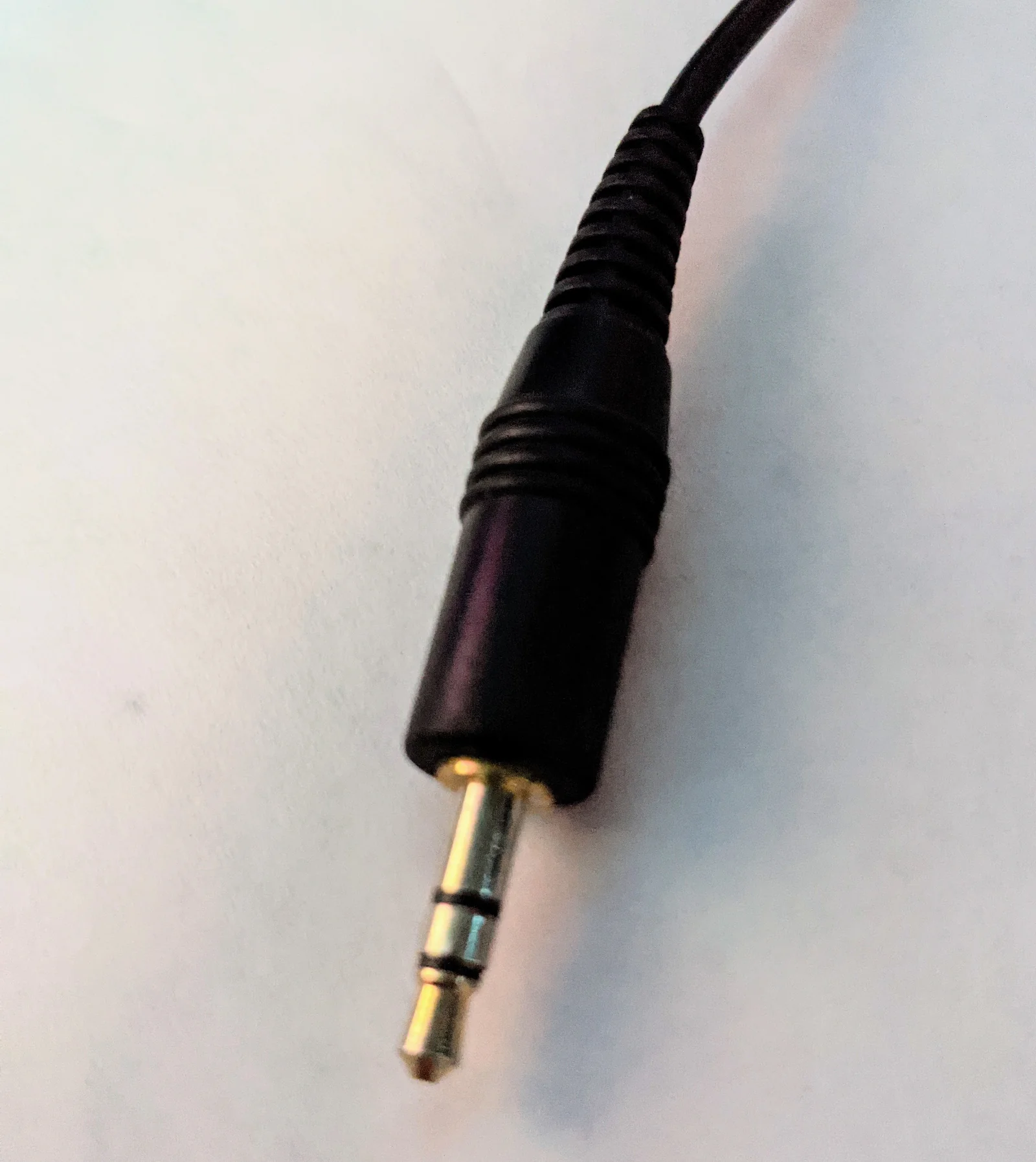
USB drives: If you plug a USB drive into your computer, be sure it's from a trusted source. It could contain malware.
Social Media: Be cautious of messages and links on social media, as they can also contain malware.
Outdated Software: Can contain vulnerabilities exploited by malware.
Phishing Attacks: Be aware of phishing attempts, which try to trick you into clicking on malicious links or providing personal information.
Mobile Devices: Malware can also infect mobile devices, so be careful about downloading apps from untrusted sources and clicking on suspicious links.
What can malware do to your computer?
-
Steal your information
- Malware can steal your personal information, like passwords, credit card numbers, and even photos.
-
Damage your files
- It can delete or corrupt your important files, like documents, photos, or videos.
-
Slow down your computer
- Malware can make your computer run slowly or crash.
-
Control your computer
- In some cases, malware can take control of your computer and use it for harmful purposes.
-
Cause financial loss
- Malware can lead to identity theft, online fraud, and other financial losses.
-
Violate your privacy
- Malware can spy on your activities and expose your personal information.
-
Disrupt your life
- Malware can cause significant disruption to your work or personal life due to ransomware attacks or DoS attacks.
-
Have legal consequences
- Engaging in malicious activities using malware can lead to legal consequences.
How can you protect yourself from malware?
The Case of the Corrupted Photos
-
Perl was a passionate photographer.
She loved capturing the beauty of the world around her, and her photo library was a treasure trove of memories. One day, she noticed that some of her most recent photos were missing. -
She searched her computer frantically, but couldn't find them anywhere.
Perl suspected malware might be to blame. She had recently clicked on a suspicious email attachment, and she remembered hearing about malware that could delete files. -
Worried that her precious photos were gone forever, she decided to take action. She downloaded a reputable malware cleaner and ran a full scan of her computer. The scan found several malicious files that had been lurking on her system. After removing the malware, Perl was able to recover most of her missing photos. Relieved and grateful, Perl learned a valuable lesson about online safety.
-
From then on, she was more cautious about clicking on suspicious links or downloading attachments from unknown sources. She also made sure to keep her antivirus software up-to-date and regularly backed up her important files.

Lesson Learned: Regular updates, specialized malware cleaning tools, and offsite backups ensure that unexpected cyber threats never permanently destroy your precious data.